Copy-paste field mappings
Copy field mappings between actions by right-clicking to transfer configurations for shared input fields, saving time when configuring similar actions.
An action's field mappings can be copied-pasted from one action to another.
When field mappings are pasted, any action field names that are the same between the two actions will be copied from the source action to the destination action.
This can save time and make it easier to configure similar actions that share many of the same mapped fields.
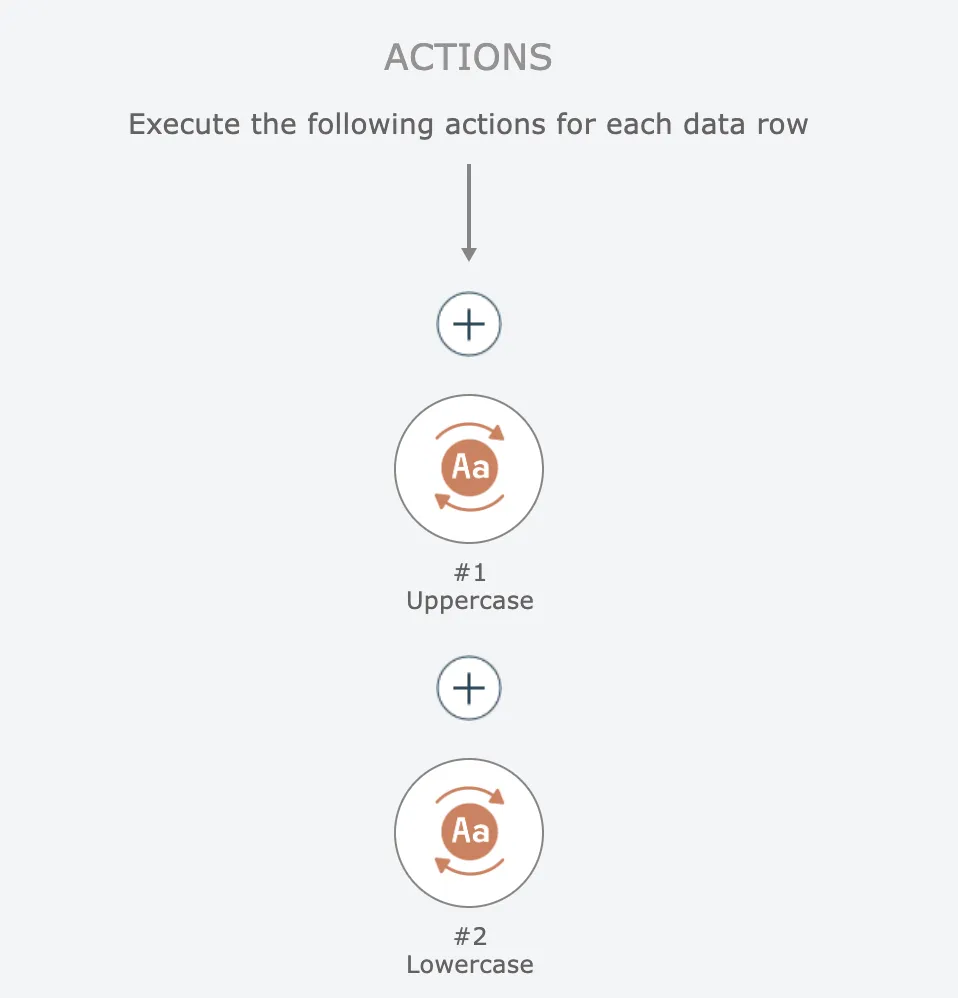
To demonstrate this, consider the simplest example of two actions with just one input field that is the same:
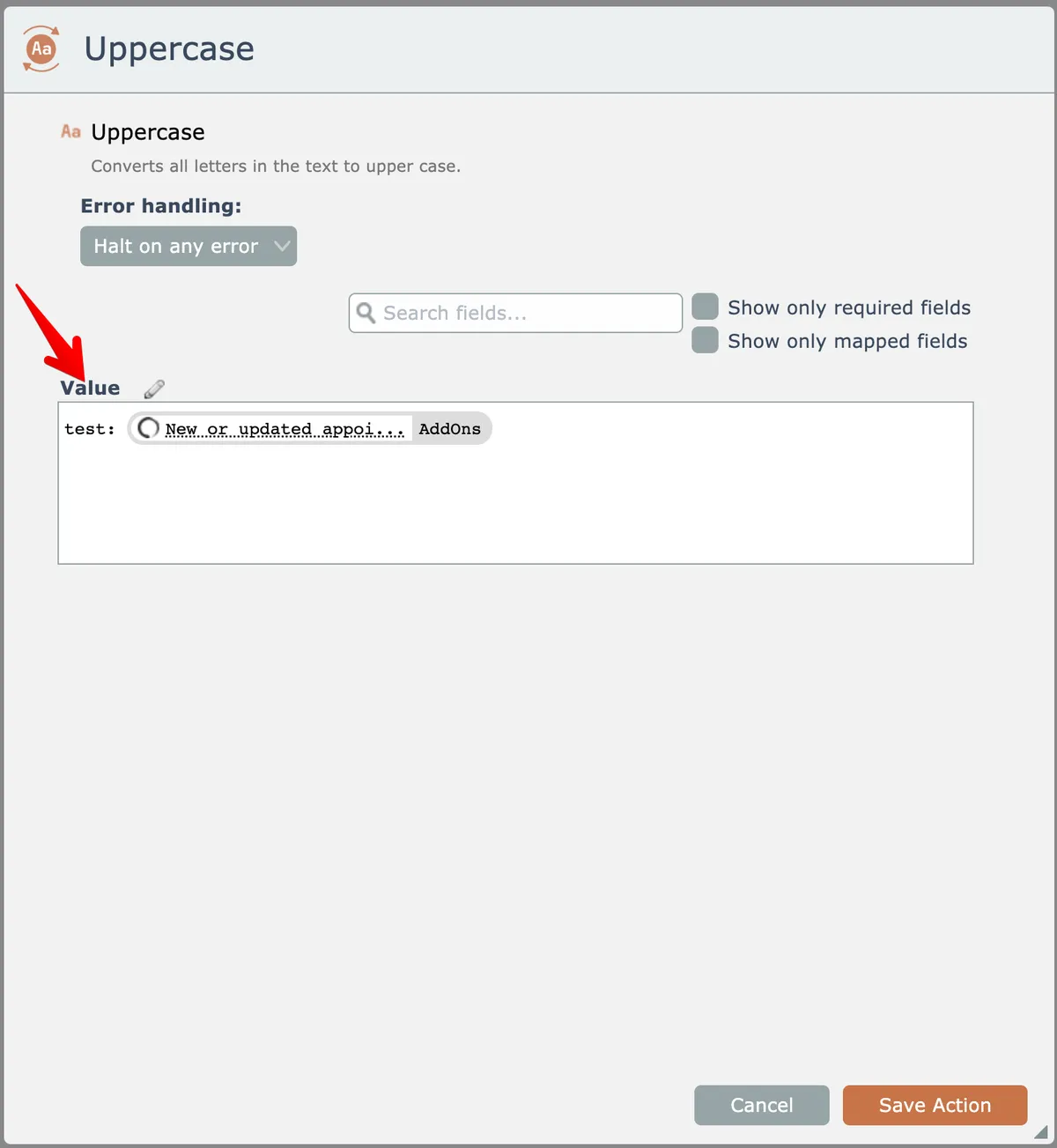
The first action, "uppercase", has its input "value" field mapped like this:
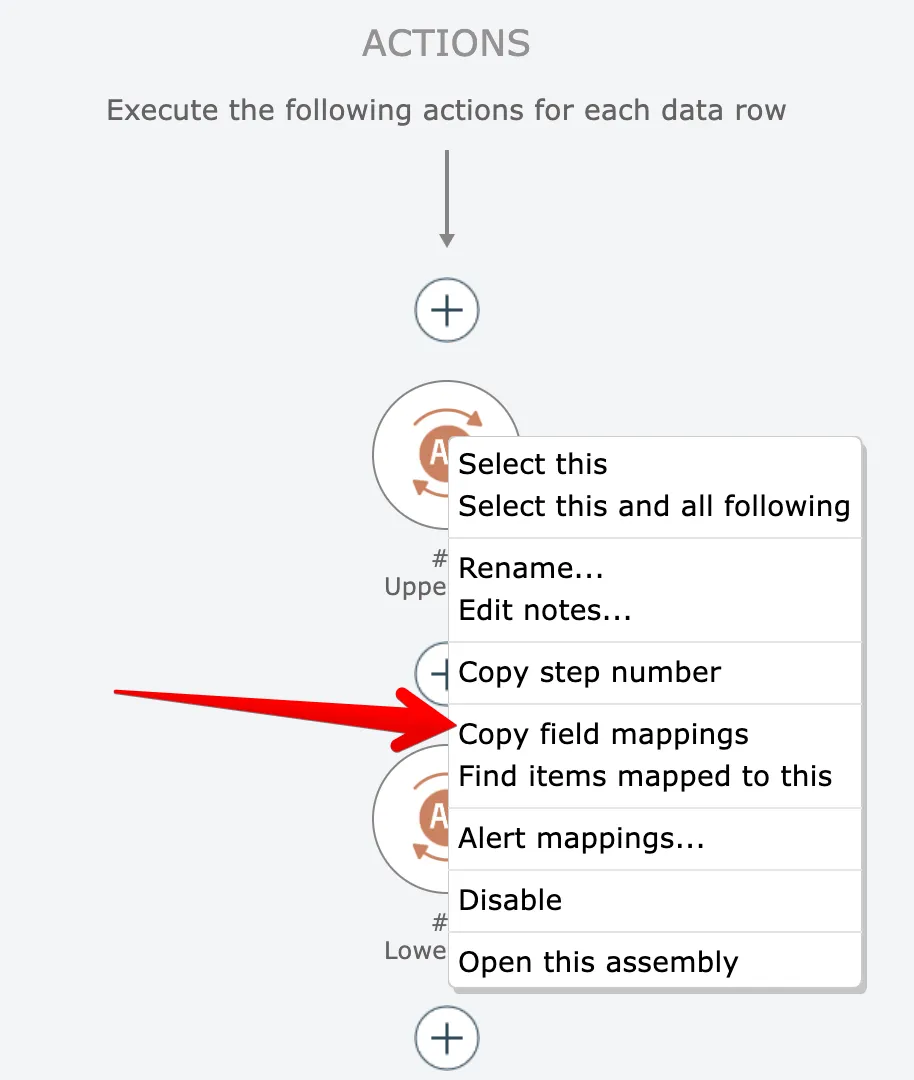
To copy this field mapping to the second "lowercase" action, first right-click the first "uppercase" action and choose the "copy field mappings" option:
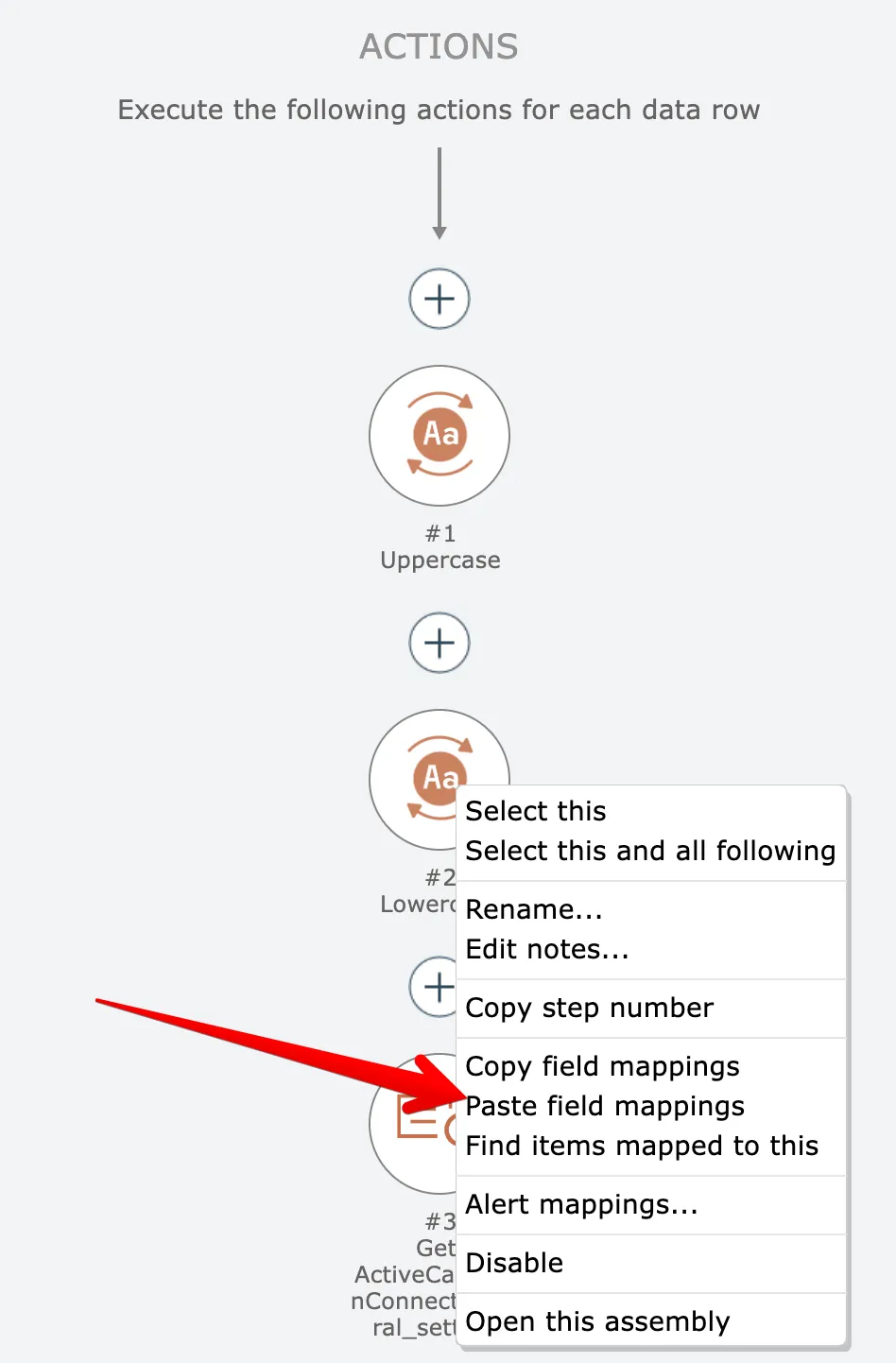
Then right-click on the second "lowercase" action and choose the "paste field mappings" option:
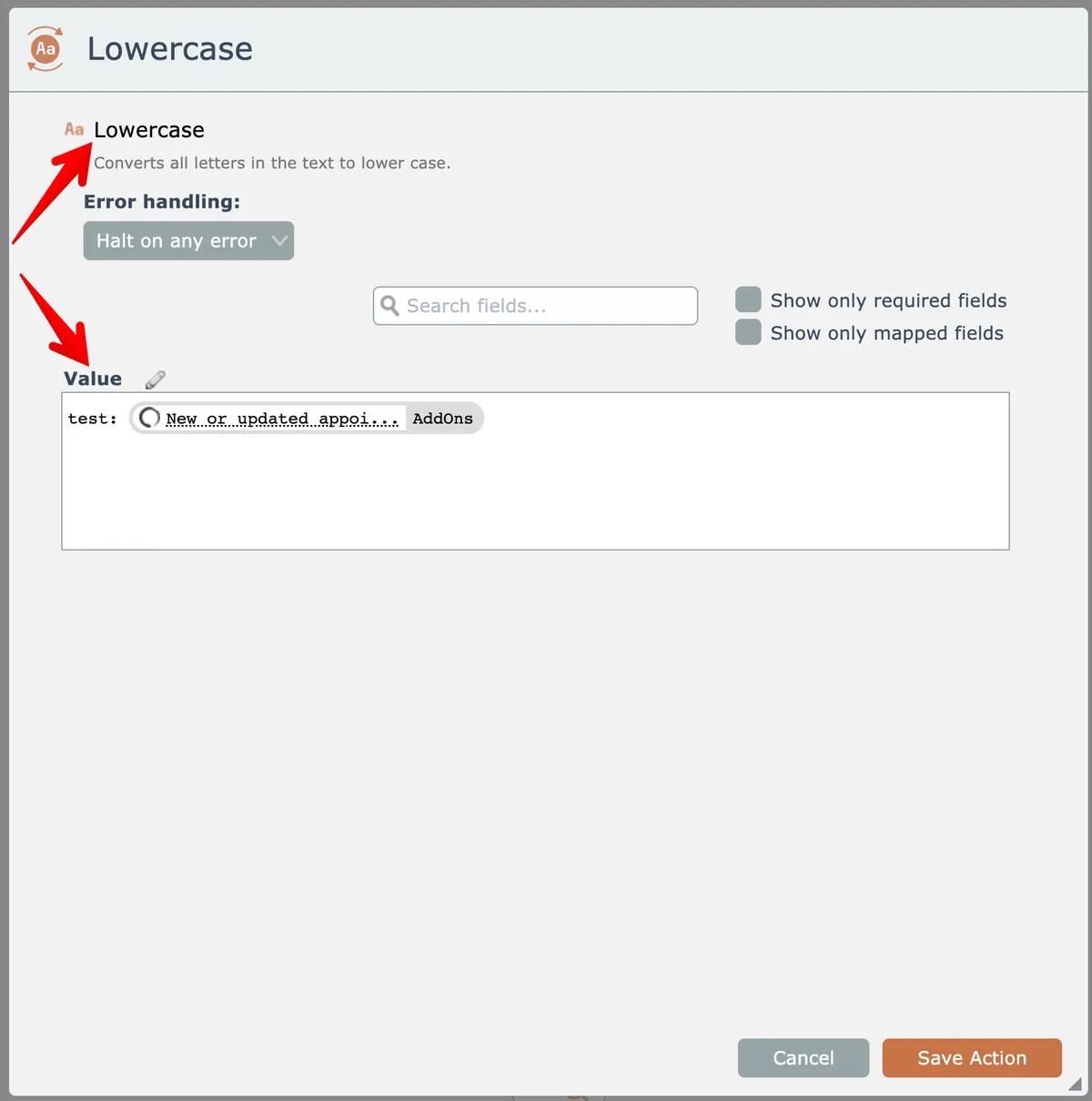
Now the "lowercase" action has the same field mapping for the "value" input field: