
GuidePlatform UI (Fallback)v1
Refreshing action fields
How to refresh dynamic action fields when the connected system updates its available input or output fields.
Some actions dynamically determine their input and/or output fields.
For example, a CRM action to add a new contact may have custom fields for contacts.
Actions with dynamic fields will display a "Refresh Fields" button:
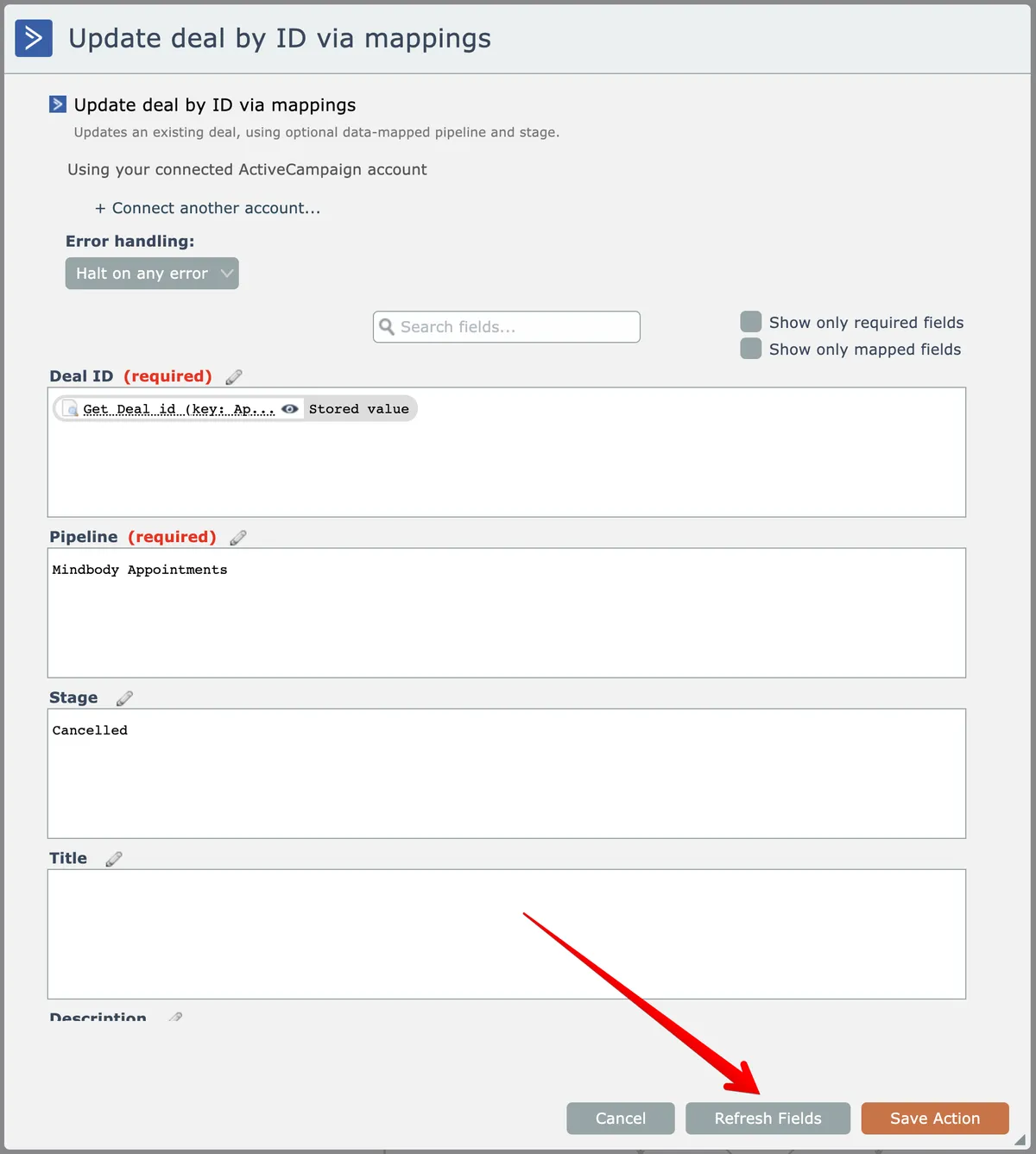
For example, if an automation is initially built and that CRM system was later updated to add a new custom field for contacts, you can click this button so the action will display an input for that newly added custom field.
Related docs
Last updated May 4, 2026