
GuidePlatform UI (Fallback)v1
Refreshing trigger fields
Reloading dynamic output fields from your connected systems when new custom fields are added to triggers.
Some triggers dynamically determine their output fields.
For example, a CRM trigger for new contacts may have custom fields for contacts.
Triggers with dynamic fields will display a "Refresh Fields" button:
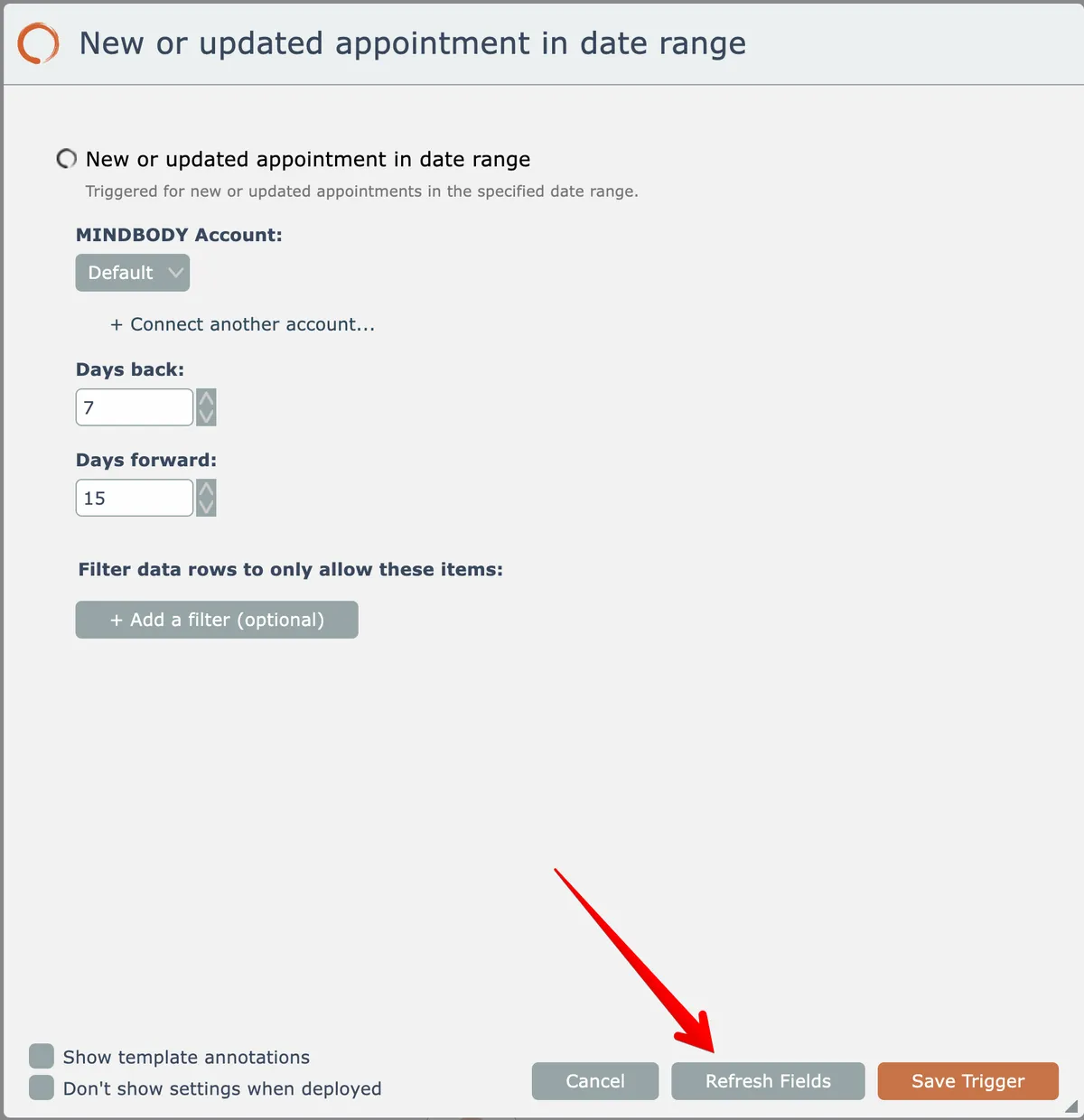
For example, if an automation is initially built and that CRM system was later updated to add a new custom field for contacts, you can click this button so the trigger will begin to emit the newly added custom field so it can then be mapped to actions.
Related docs
Last updated May 4, 2026