
GuidePlatform UI (Fallback)v1
Testing actions
Run individual actions with test data in the automation editor to verify outputs and troubleshoot errors before deploying your workflow.
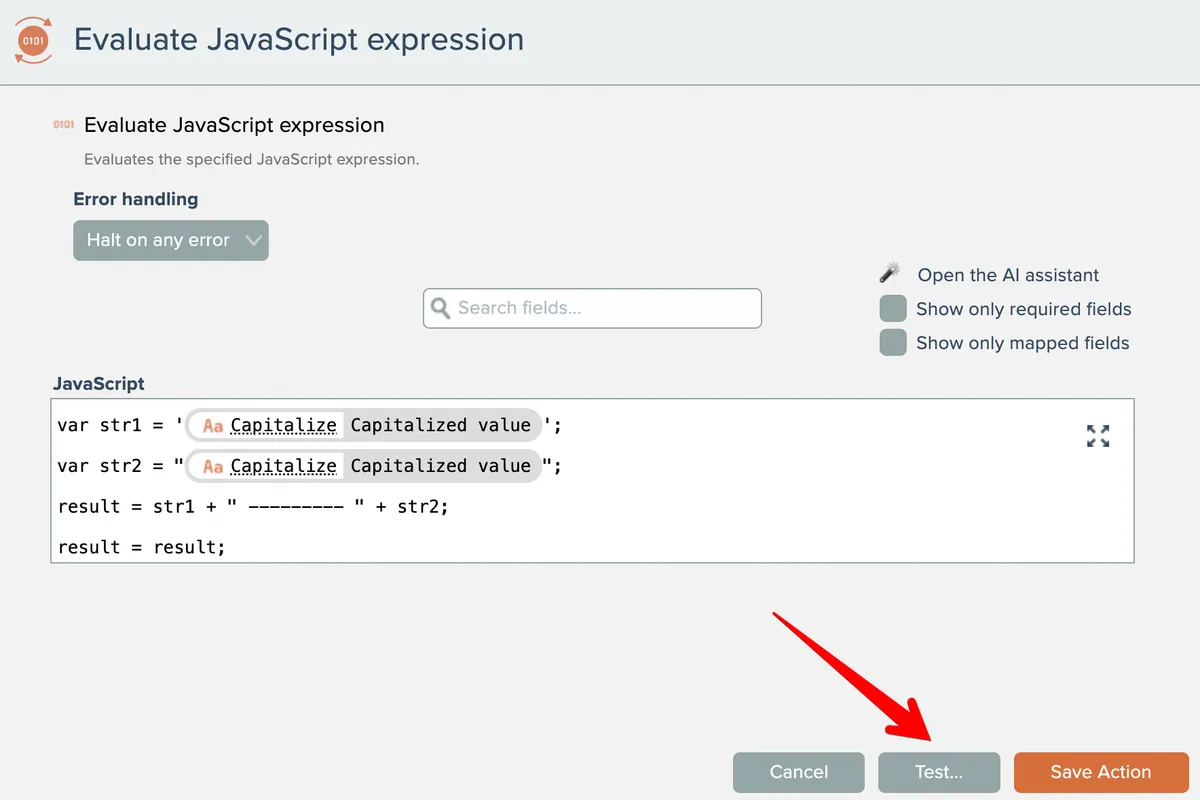
Actions can be individually tested in the automation editor via the Test button in their settings:
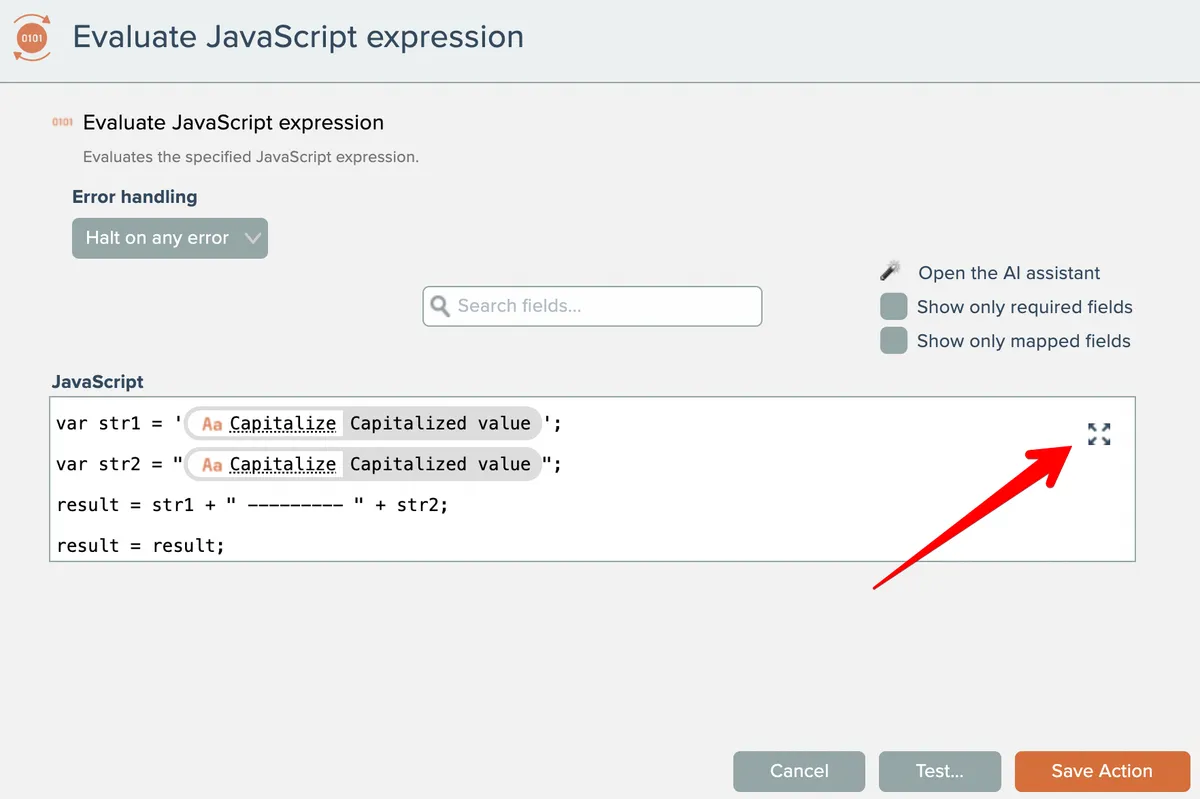
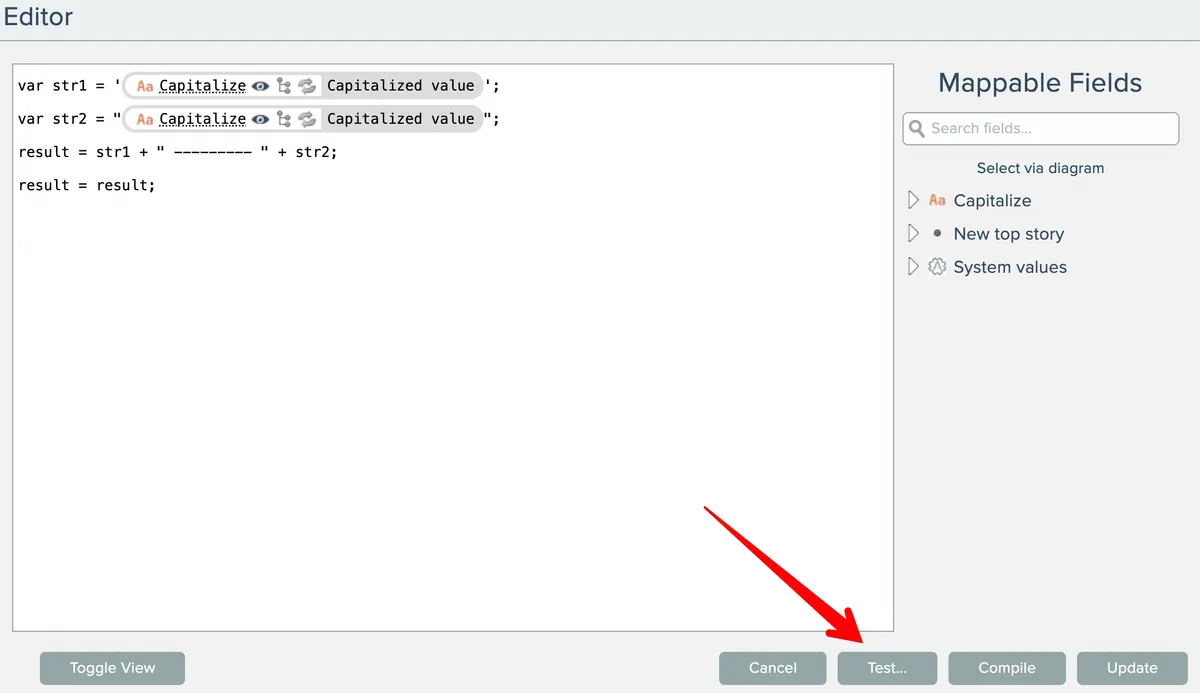
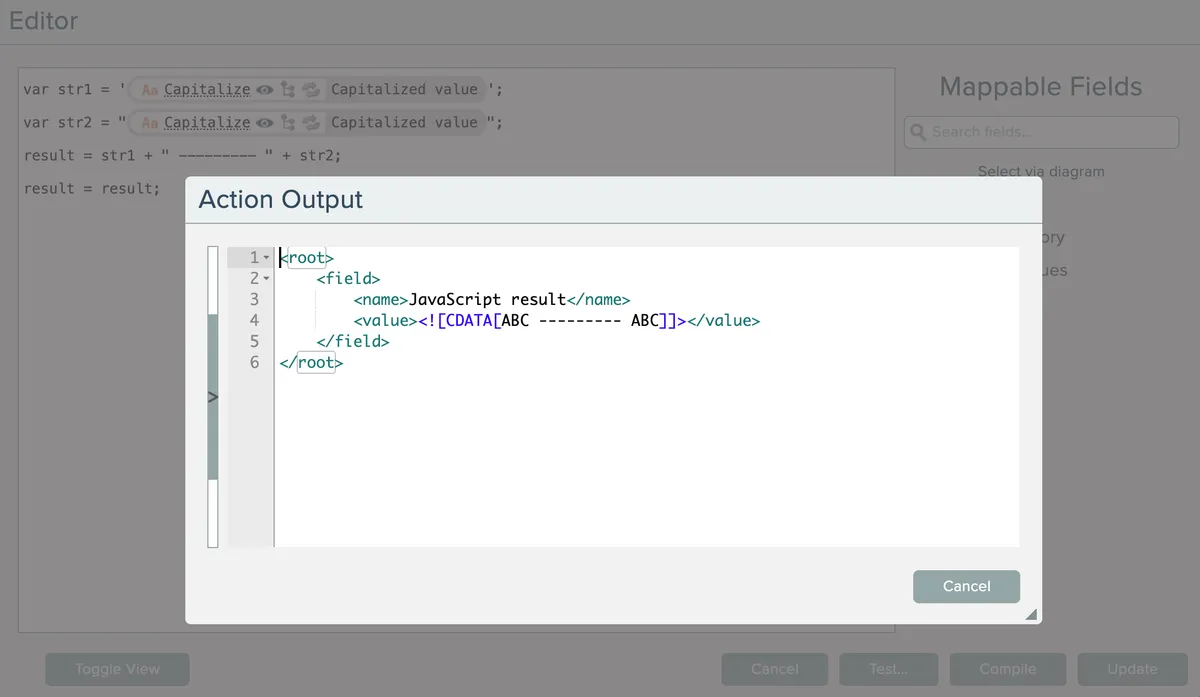
They can also be tested from the full-screen field mapping editor:
If the field has any mapped fields, a dialog will appear that allows test data to be entered for each mapped field:
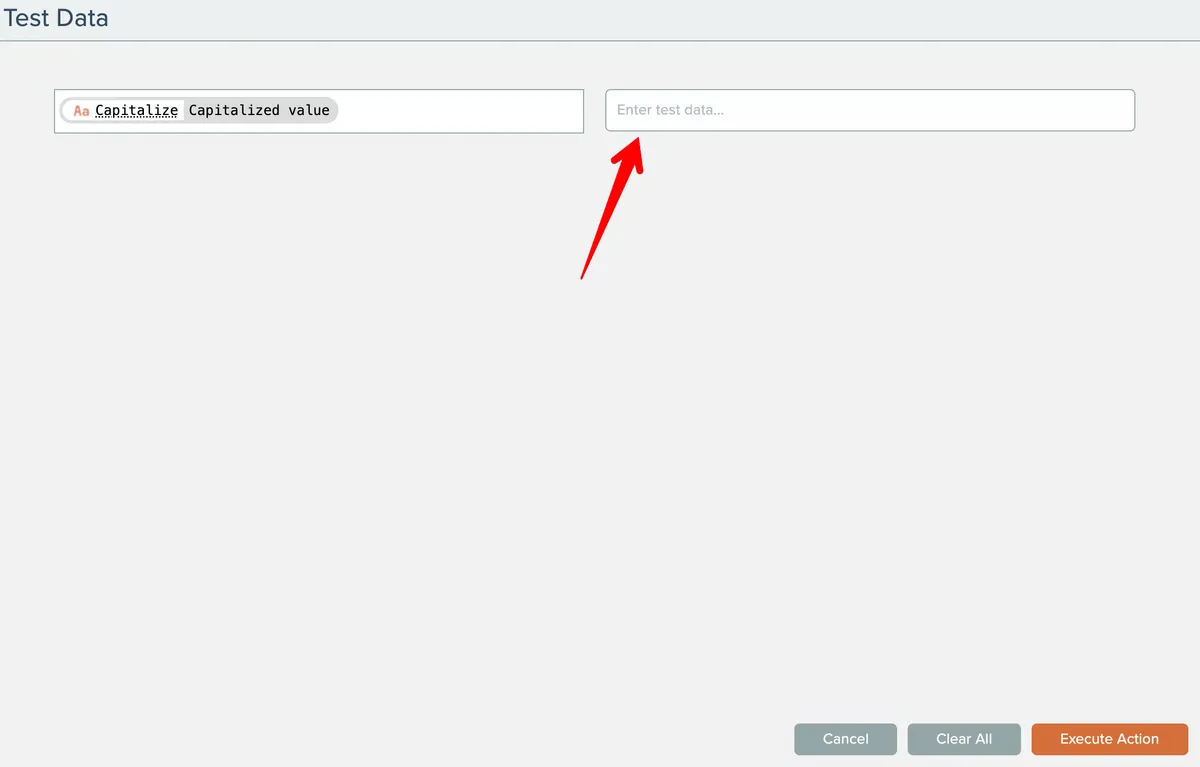
The test data will be retained after the action has been executed.
To permanently retain the entered test data, the action must be executed and the automation must be saved.
The action's output, or any errors, will be displayed after the action is executed:
Related docs
Last updated May 4, 2026