
Skip to content
APIANTdocs
GuidePlatformv1

Sign out

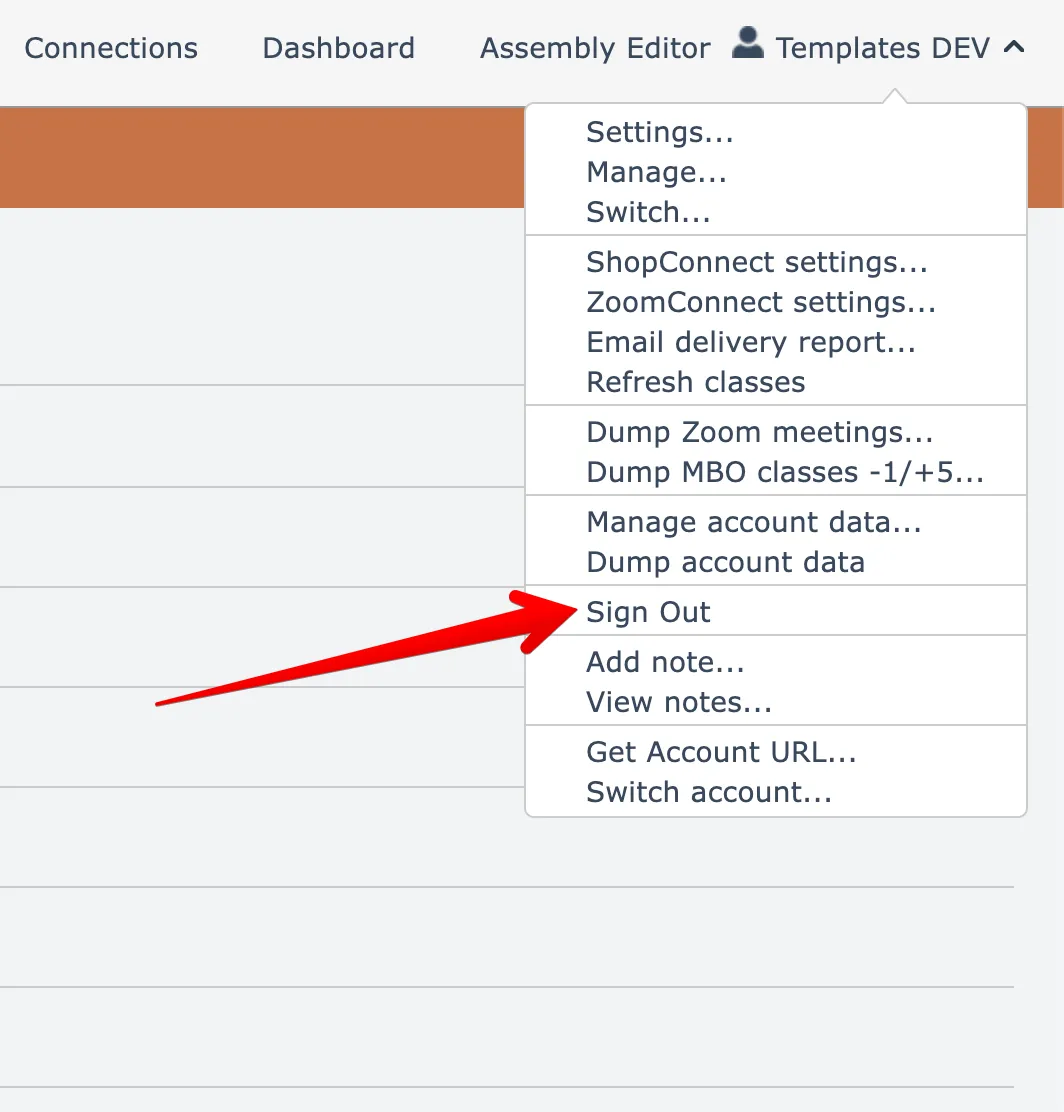
Learn how to log out of your account with ease by following these step-by-step instructions. Simply select the Sign Out option from the account name menu in the top right corner of your screen to ensure the security of your personal information.

#automation#account#getting-started

To sign out of your account, choose the Sign Out menu option found under your account name menu at the top right:
Related docs

CalendarConnect: Calendly → Mindbody
#account
CRMConnect: DonorPerfect → ActiveCampaign
#automation
Automation Editor
#automation
AppConnect
#automation#account
APIANT Inline
#automation
Last updated April 6, 2026