
GuidePlatform UI (Fallback)v1
Obtain an item's UUID
Assemblies and modules each have a unique identifier that you can retrieve by right-clicking an item in the catalog and selecting Get UUID to copy it to your clipboard.
Each assembly and module has its own UUID, which is a universally unique identifier.
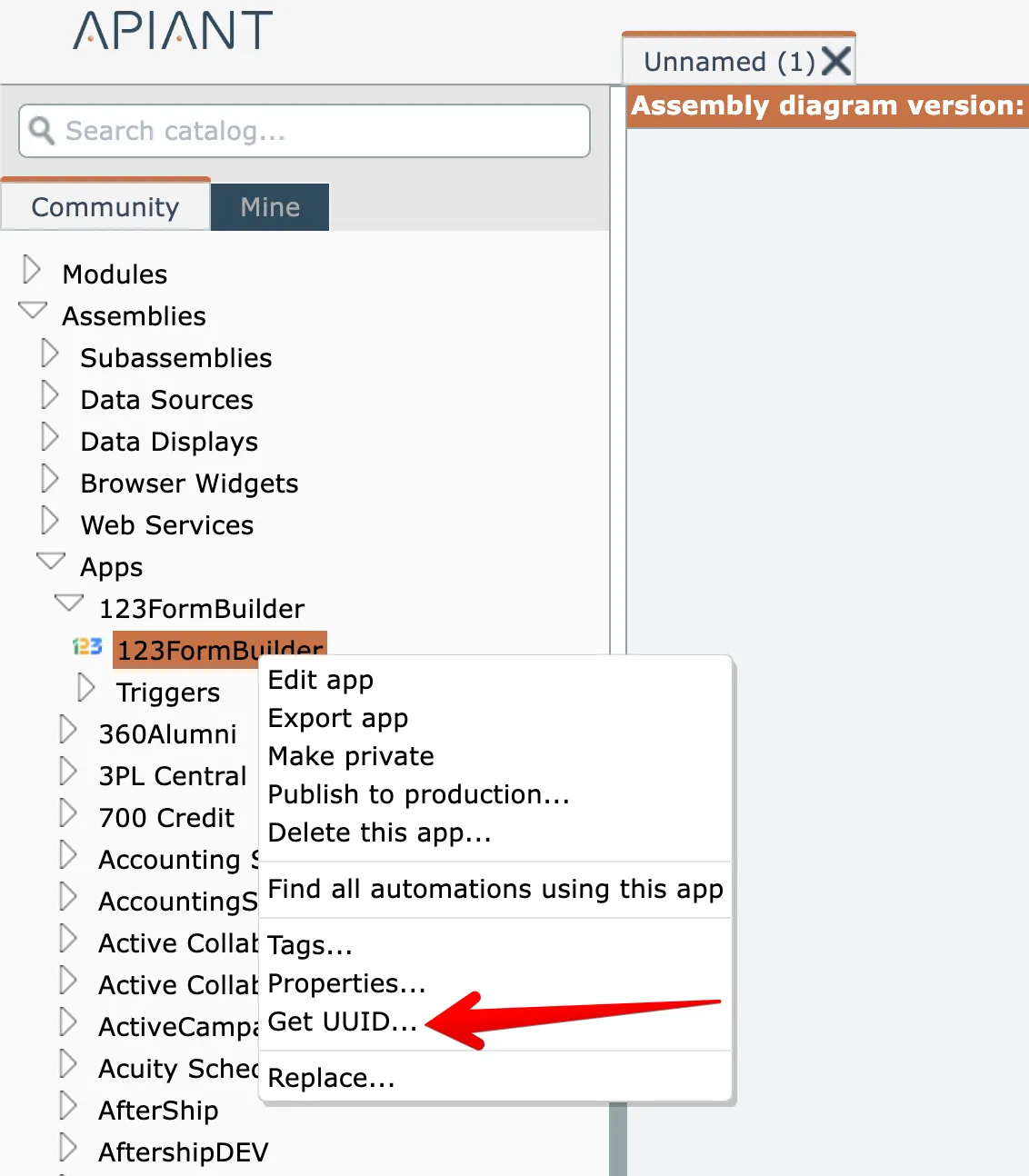
To obtain an item's UUID, right-click on it in the catalog and choose the Get UUID option:
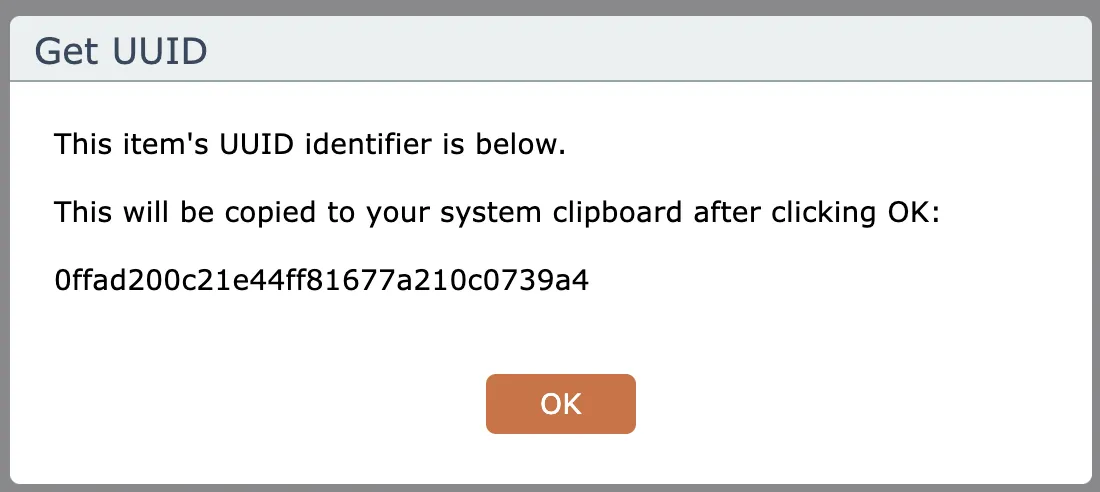
Clicking OK will copy the UUID to your computer's clipboard:
Related docs
Last updated May 4, 2026