
GuidePlatform UI (Fallback)v1
Deleting content
Procedures for removing owned content from the catalog, including how to handle items that are referenced by other content elements.
Unreferenced content you own can be deleted from the catalog by right-clicking on it and choosing the Delete option:
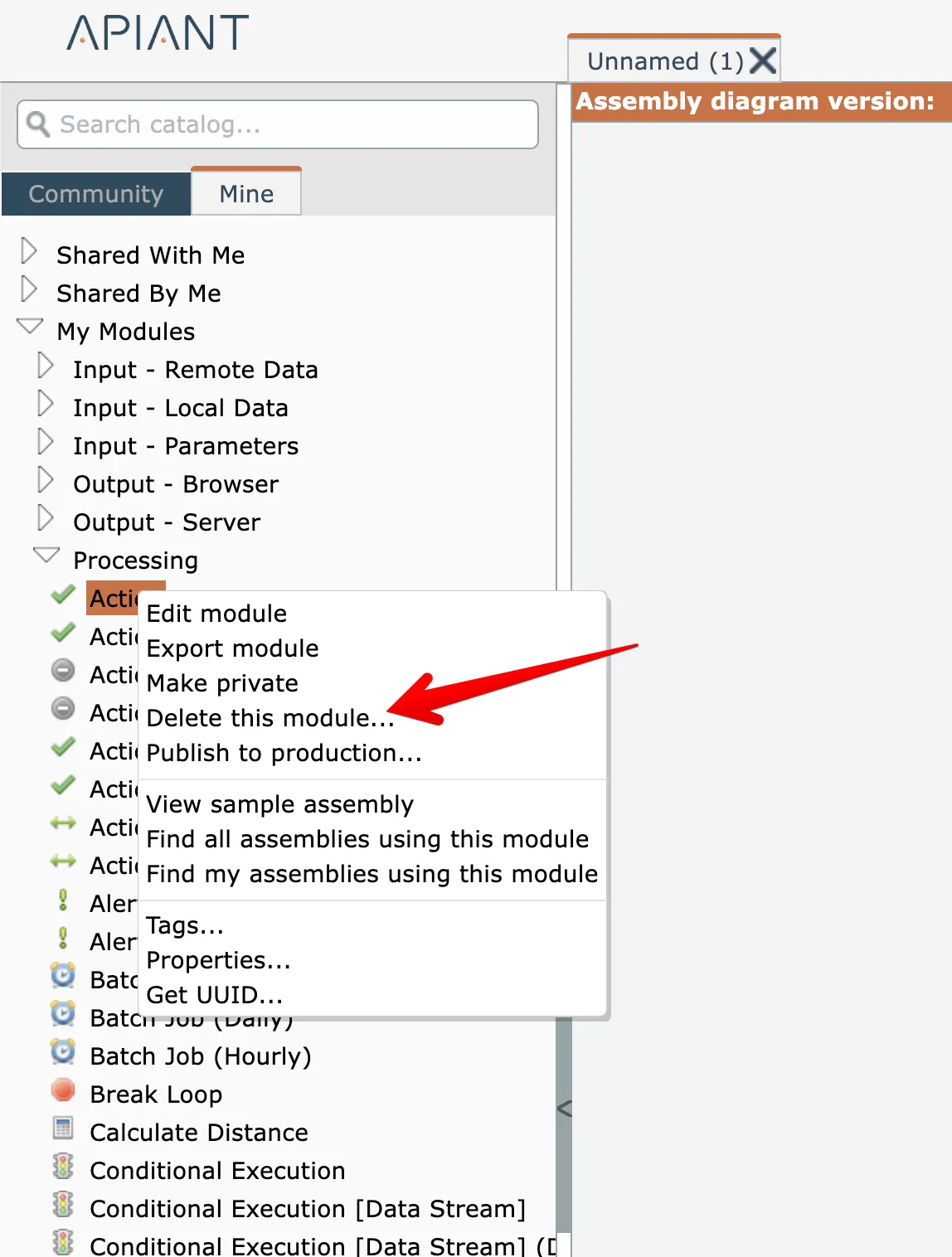
After confirming the delete, if the item is unreferenced it will be deleted and removed from the catalog.
If the item is referenced, an error message will appear:

To determine an item's references, see View item references
Related docs
Last updated May 4, 2026