
GuidePlatform UI (Fallback)v1
Sharing private content
Enable other accounts to access your private catalog items by granting read or write permissions through the sharing interface.
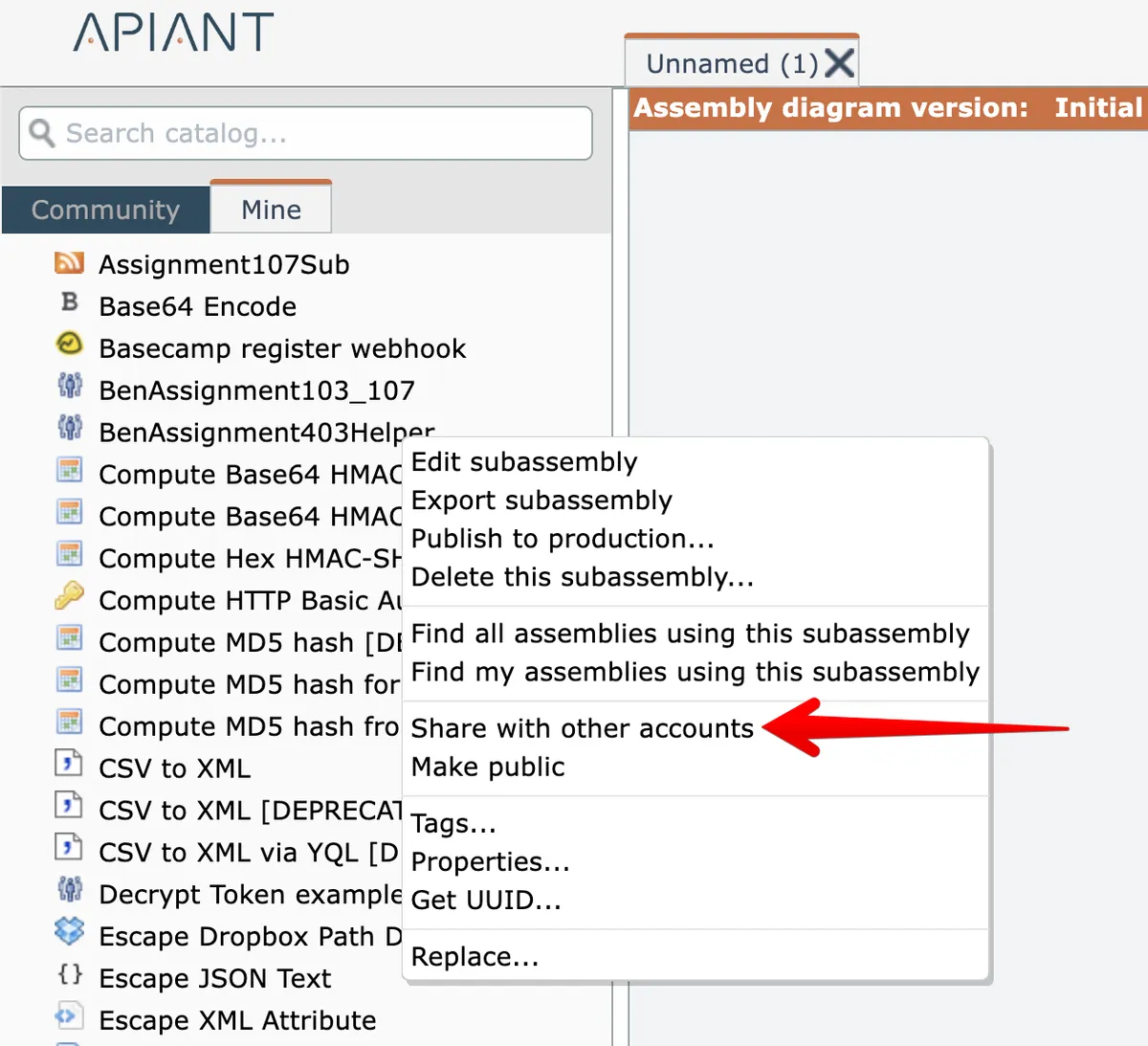
Private content you own in the "Mine" catalog can be shared with other accounts by right-clicking on it and choosing the Share option:
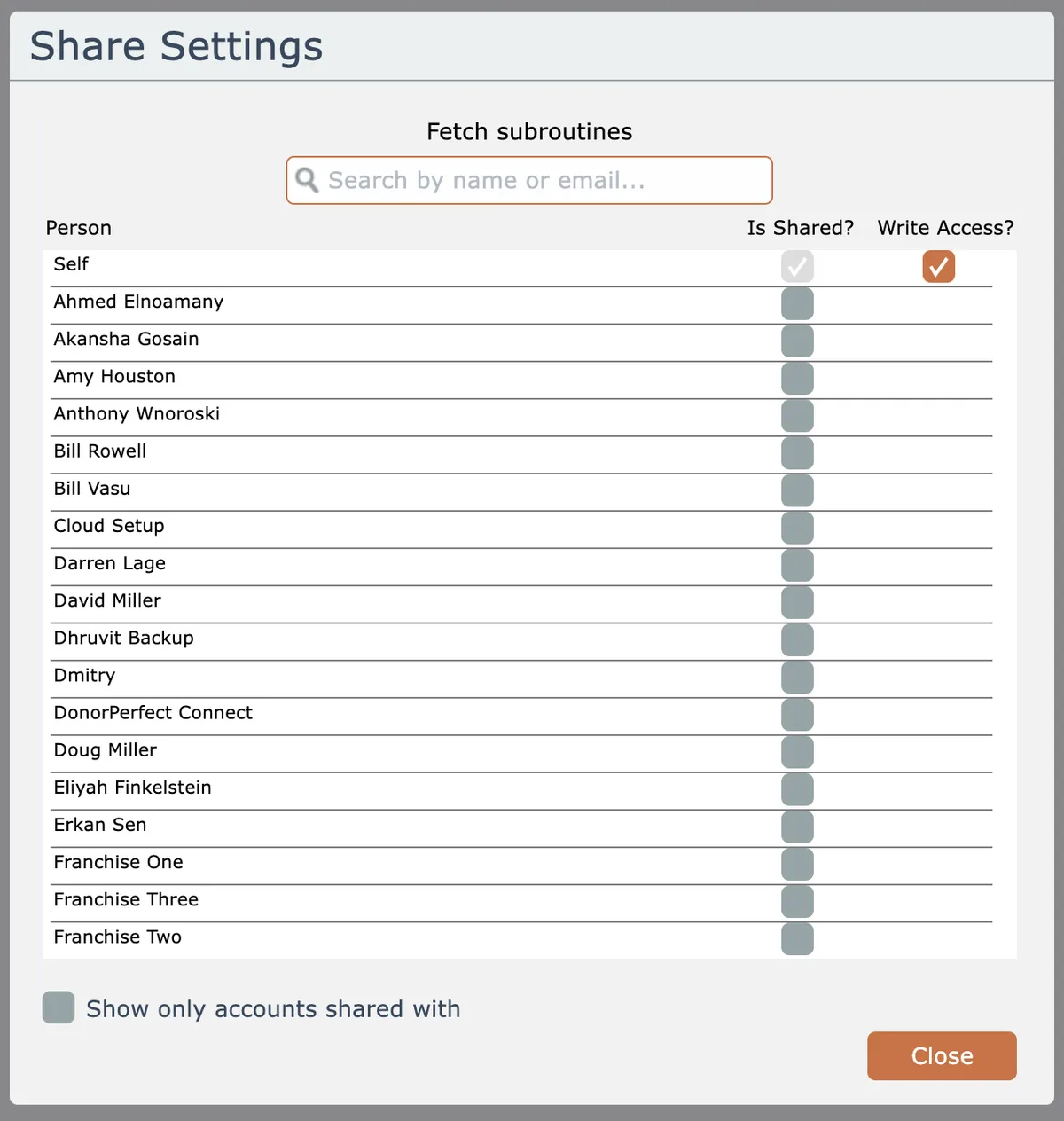
Check the "is shared" checkbox for accounts the item is to be shared with. Optionally check the "write access" box if the shared account is allowed to make changes to the item:
Related docs
Last updated May 4, 2026