
Keep edits for later
Save assembly edits as an autosave copy to resume work later without creating a new finished version of the assembly.
If you have made edits to a previously saved assembly and are not ready to save those edits as a new finished version, you can choose to keep the current edits for later so you can make further changes at a later time before saving a new version.
Choose the Keep for Later option under the File menu at the top right:
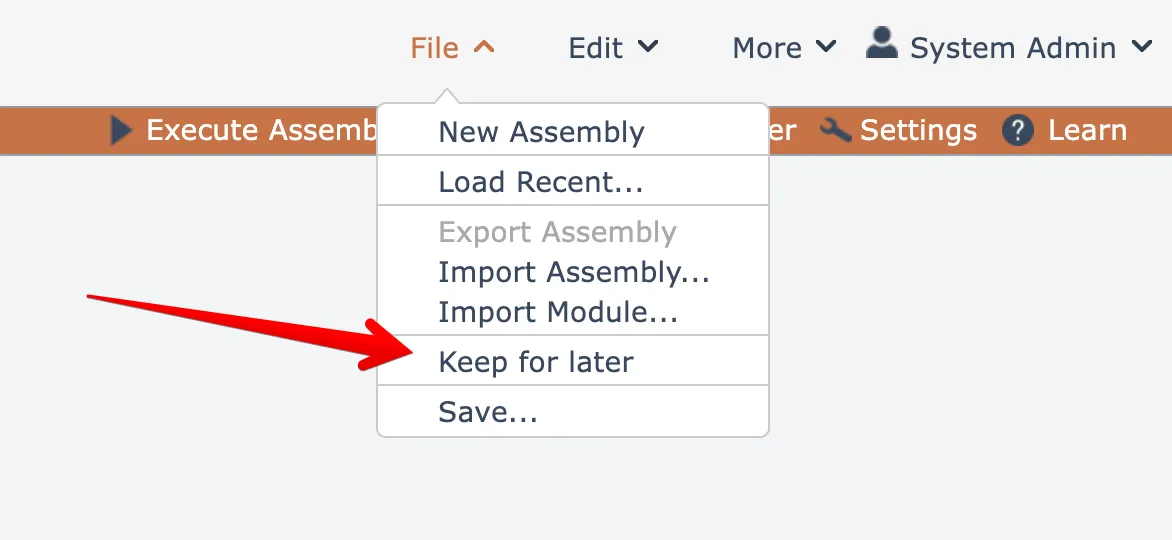
The menu option will only be enabled for previously saved assemblies that have been modified.
The edits will be saved as an autosave copy. The next time the assembly is edited, the system will prompt to ask if you want to load the autosaved version:
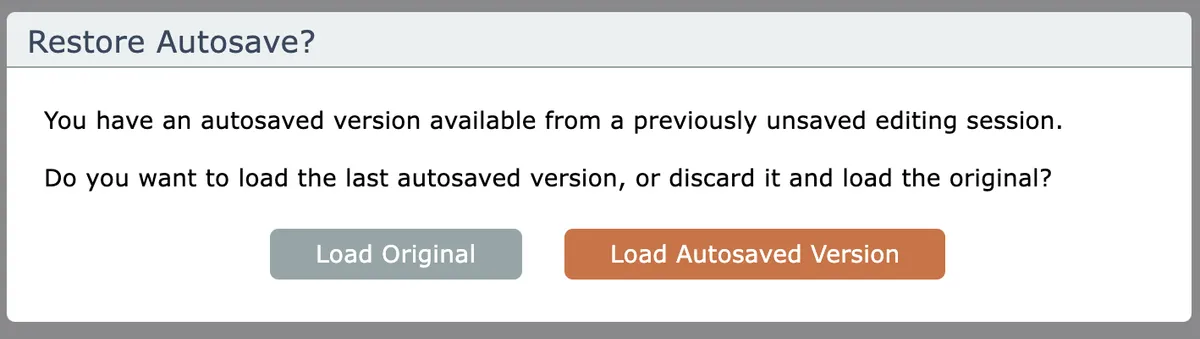
Clicking the default button will load the saved edits.
If you have made extensive edits, it is best to save large amounts of work in progress as a new version.