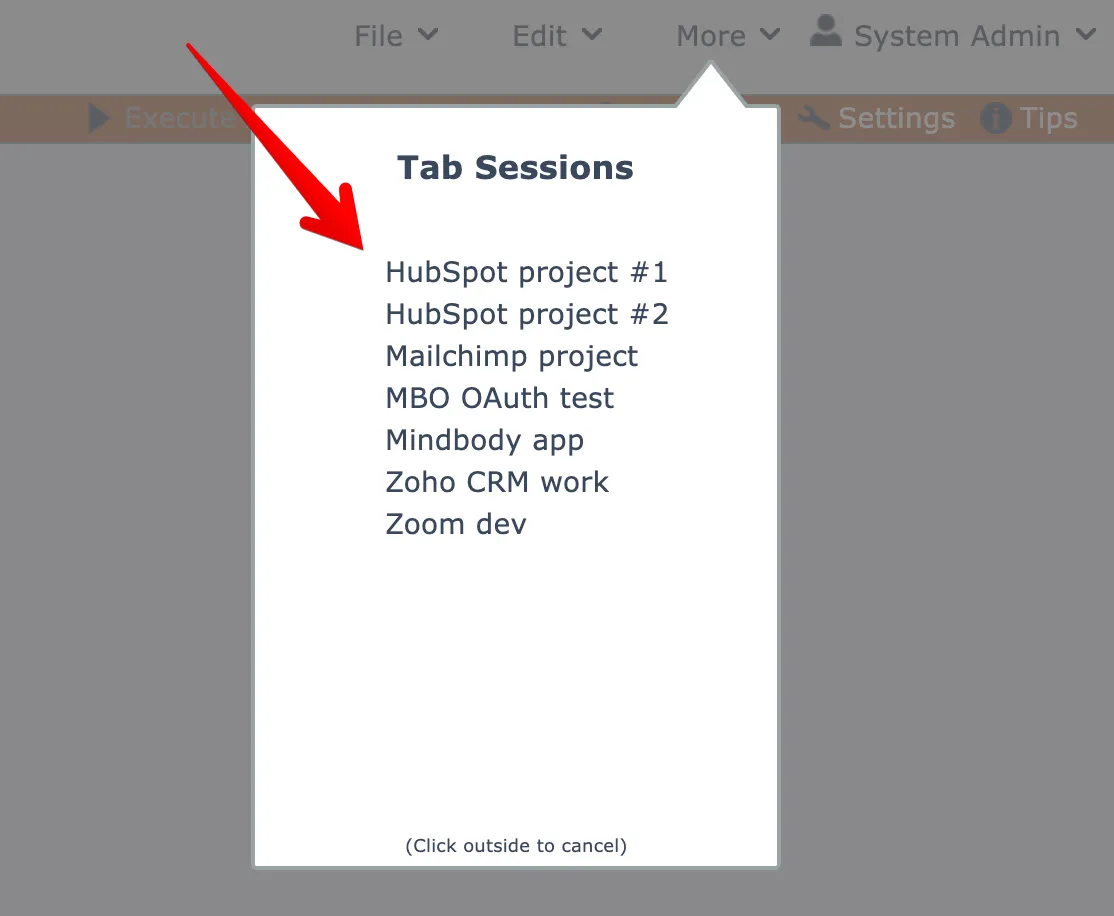
Tab sessions
Save and restore named groups of assembly diagram tabs to quickly switch between different working contexts in the assembly editor.
Multiple assembly diagrams can be opened at once in the assembly editor.
FYI you can drag-drop assembly tabs into different positions if needed!
The assembly editor includes tab session management, to help you stay organized.
A session of opened tabs can be saved by name so you can quickly open those tabs again at a later time.
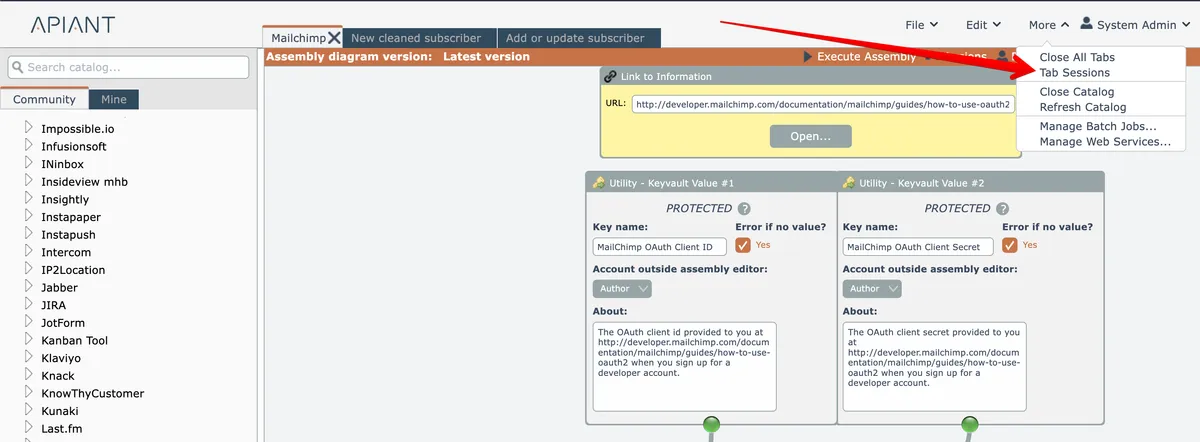
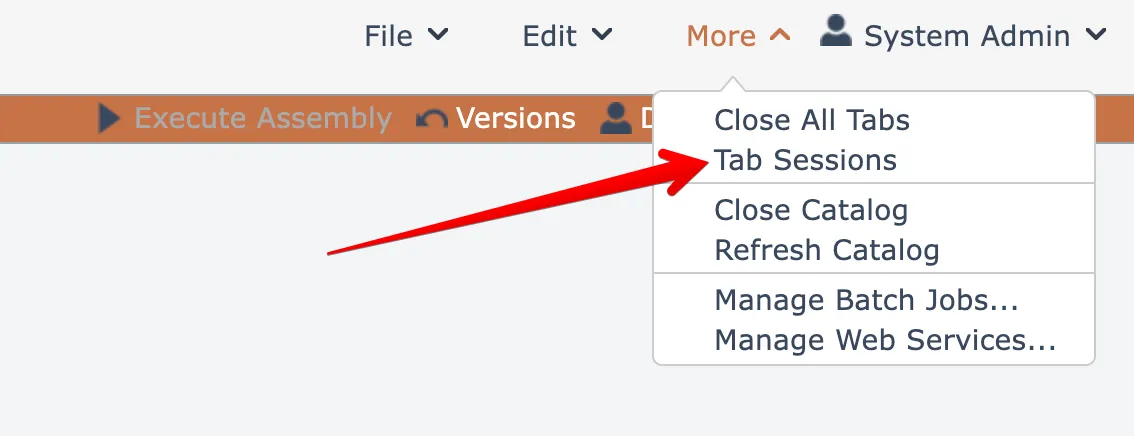
To save the currently opened group of tabs, choose the Tab Sessions option under the More menu at the top right:
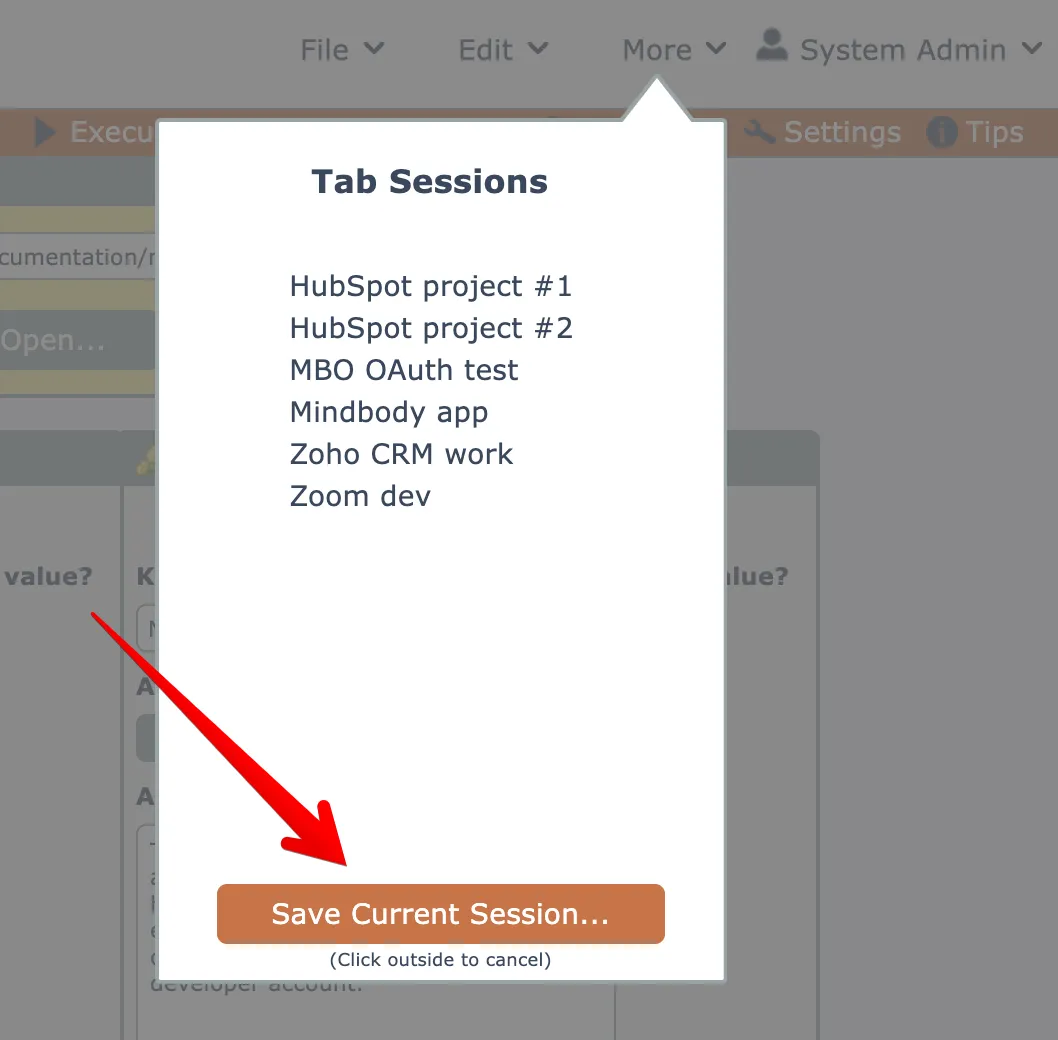
Click the Save button to create a new tab session of your currently opened assembly tabs:
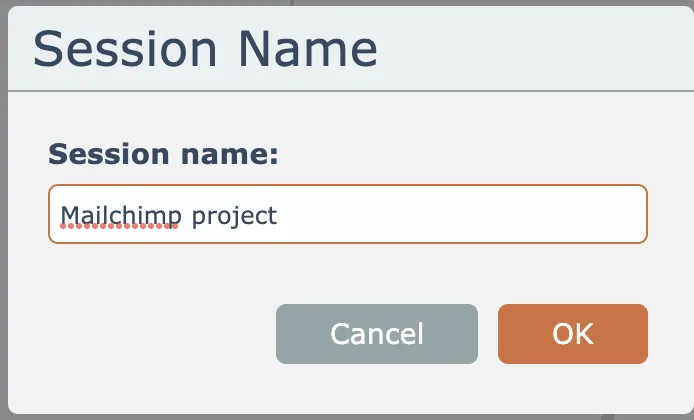
Give your tab session a name and click OK to save it:
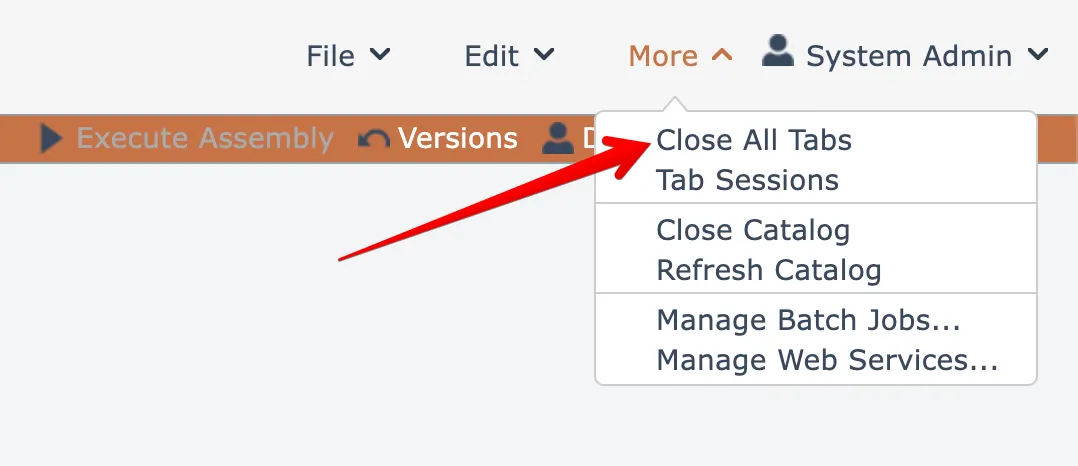
Normally you will want to close all opened tabs before opening a different tab session by choosing the Close All option under the More menu at the top right:
Then you open a saved tab session from the Tab Sessions option under the More menu:
Click a named session to open that group of assembly diagrams: