
Autosaved automations
Automatic saving of automation edits to the database with recovery options if browser sessions close unexpectedly before manual save.
As automations are edited, the editor will periodically save the edits to the system's database. The editor will show a message at the top of the screen each time it autosaves your edits:
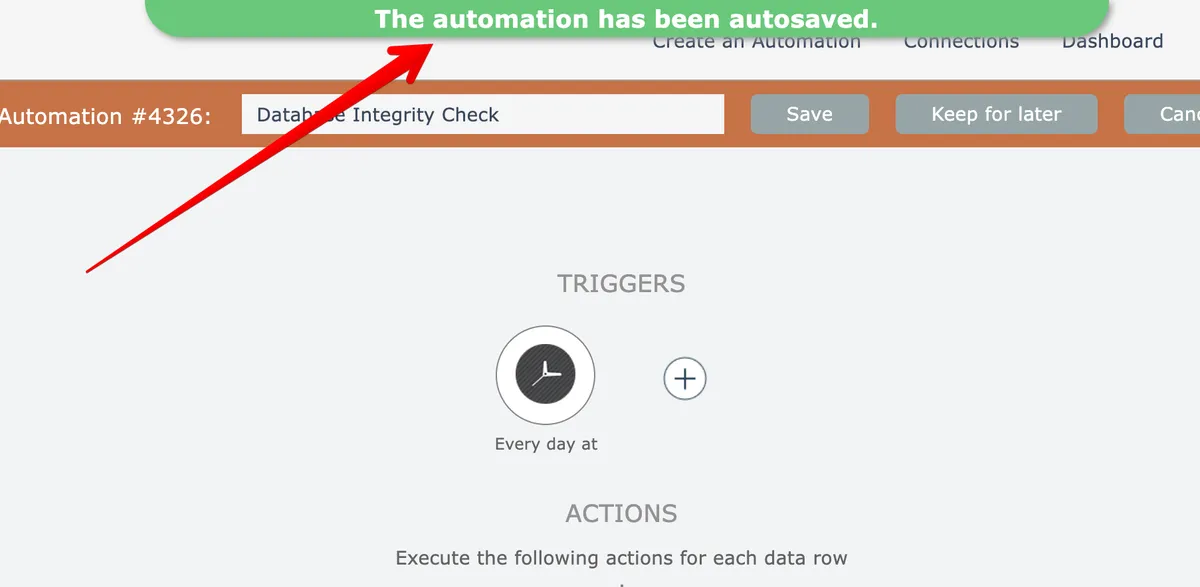
If the browser session is closed before the edits are saved, the next time the automation is edited the system will prompt to ask if you want to load the autosaved version:
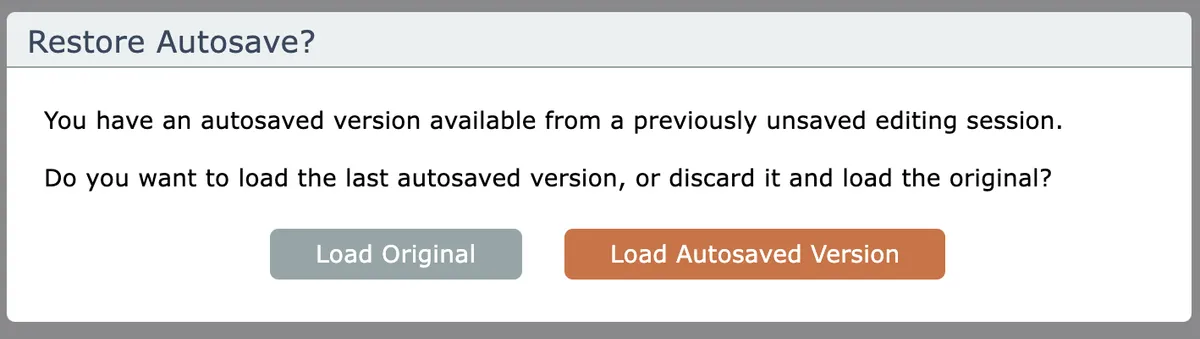
Clicking the default button will load the most recently saved edits.
Autosave functionality is not to be used as a crutch. It is intended for disaster recovery when something goes wrong with your computer, browser, or internet connection to the server.
It is always best to save large amounts of work periodically as new versions!