
GuideAPI Appsv1
ShopConnect Settings
Configure ShopConnect account settings including preferences and integrations through the account menu, with live-saving changes and contextual help for each option.
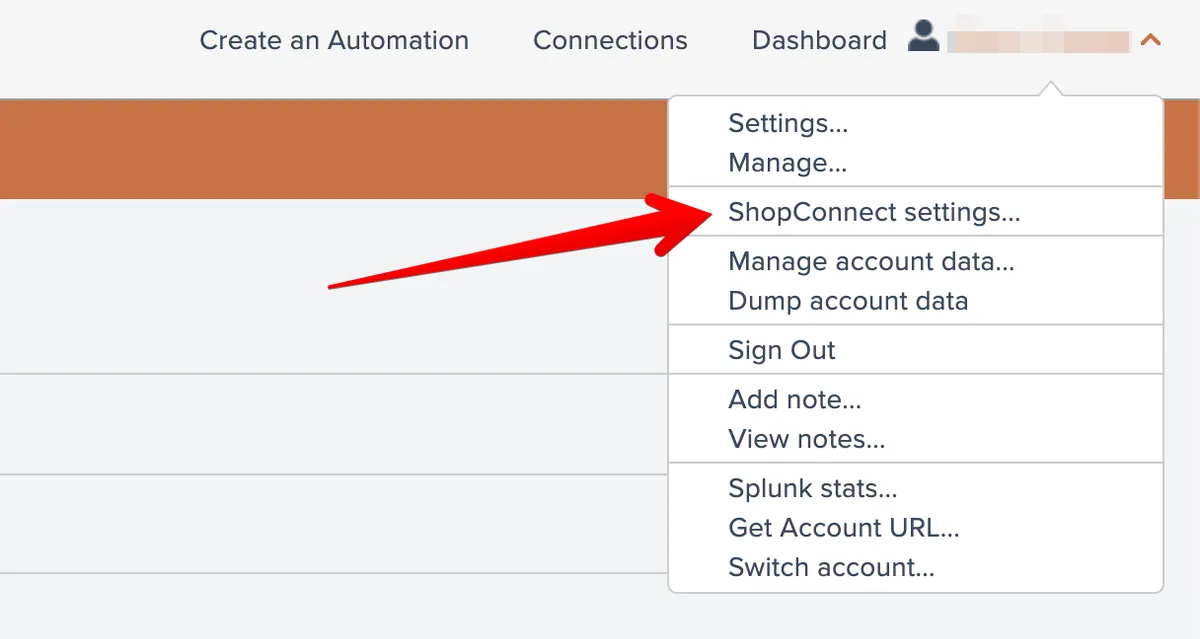
You can review your ShopConnect settings by selecting this menu option under your account menu at the top right:
You can choose to view a category of settings from the dropdown list at the top:
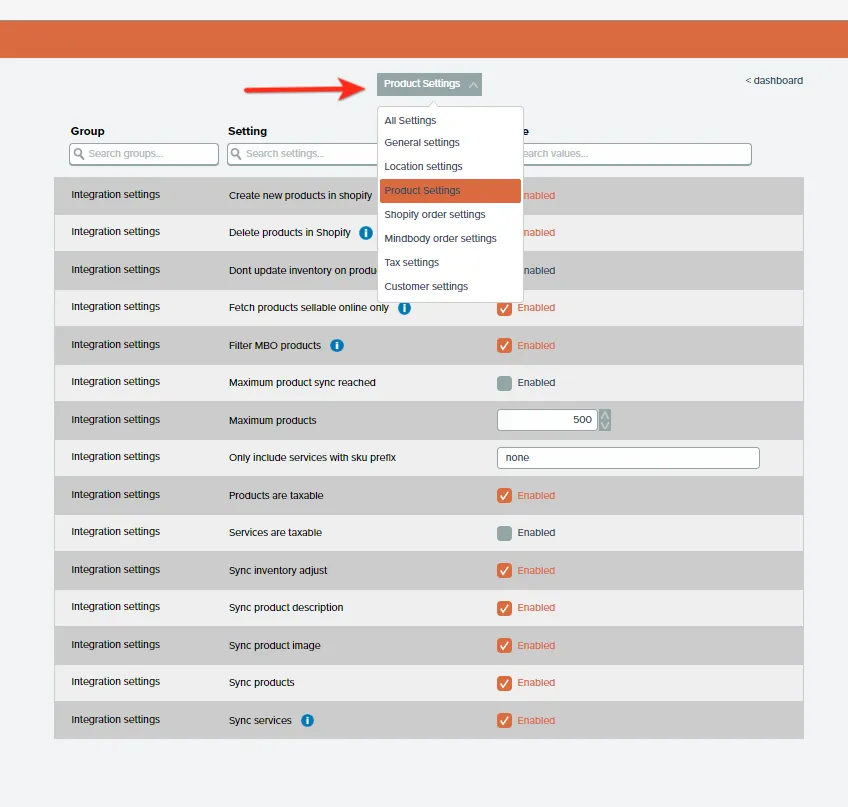
Be careful while viewing the settings. This area is a LIVE area. Meaning if you click or change the data it is an instant save. If you make a mistake then just change it back and it will resave automatically for you.
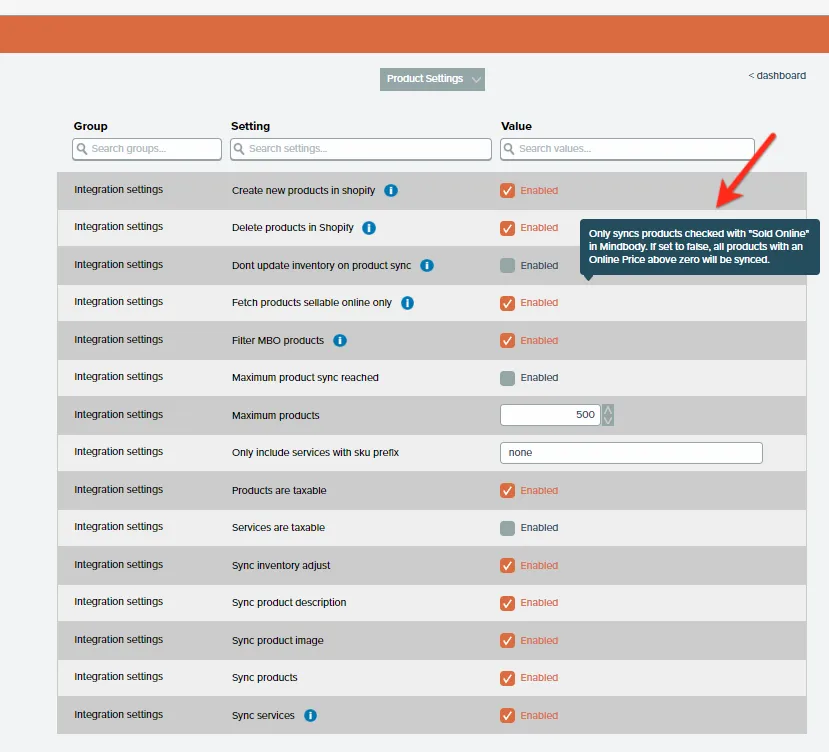
Each setting has help information that appears when the row is moused over:
If you are unsure about a setting feel free to Contact APIANT support
Related docs
Last updated April 27, 2026