
ChangelogPlatform UI (Fallback)v1
Versioning
Track automation changes across versions with automatic recording of each save. View version history, compare versions to identify differences, and restore previous automation states as needed.
Each time an automation is saved, a version is recorded along with a change description.
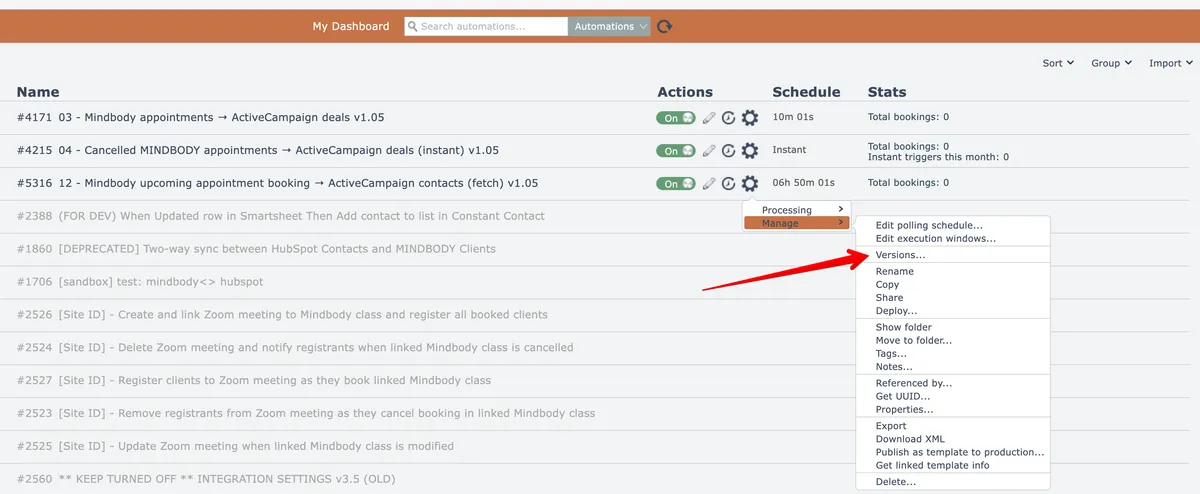
An automation's version history can be viewed from its gear menu option here:
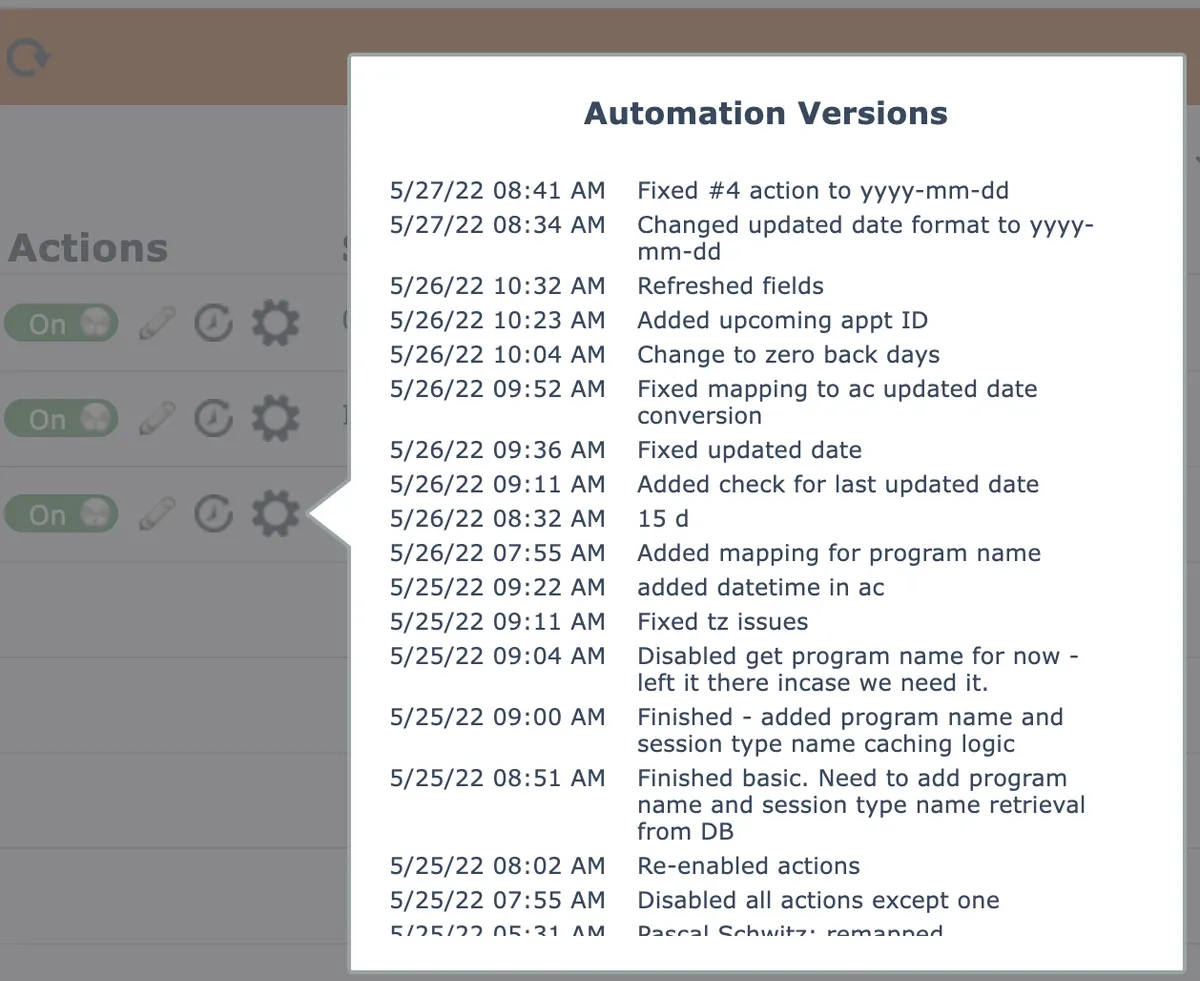
Upon clicking a version from the list, the system will ask if you want to open that version, or to compare that version with the latest version:
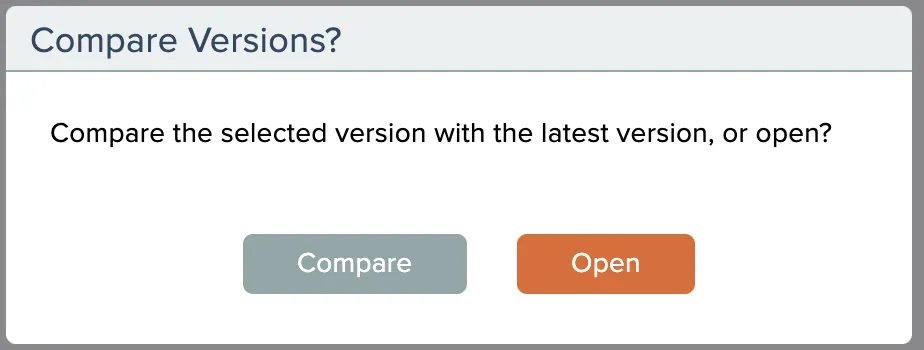
See the section Comparing Versions if you want to compare automation versions.
Related docs
Last updated May 4, 2026