
GuidePlatform UI (Fallback)v1
Export an automation
Download an automation and all its dependencies as a portable file for transferring between systems or sharing with other users.
To export an automation as a downloadable file, accounts having the "Export" permission can choose this menu option:
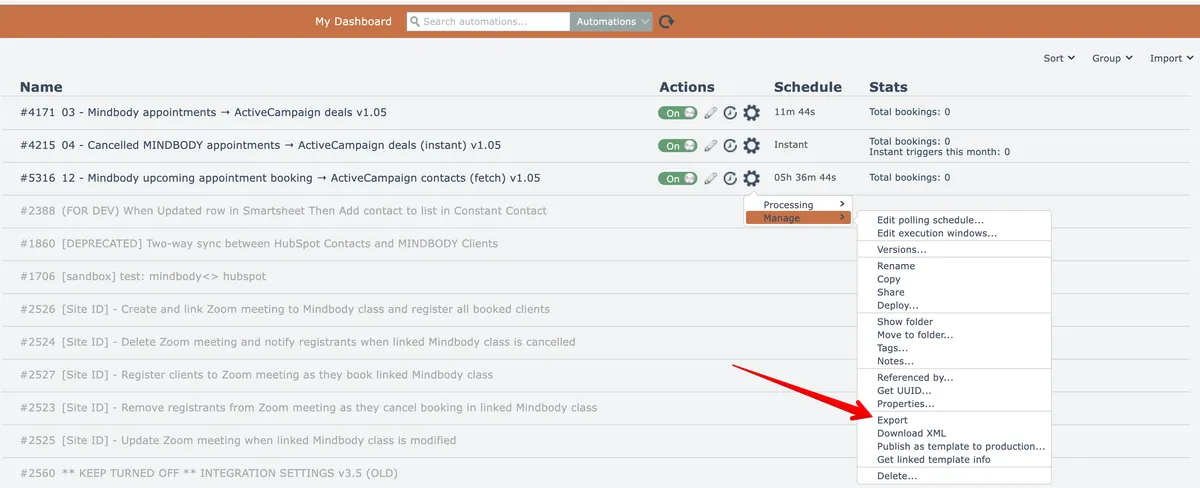
Your browser will download a file containing the automation and all of its referenced apps, triggers, actions, assemblies, and modules. This file can later be imported into a system. See Importing an automation
Do not use automation exports as an archive mechanism!
New system releases may not support old versions of exported files.
Related docs
Last updated May 4, 2026