
Date Time
The Date Time system utility provides triggers to schedule when automations execute and actions to pause or snooze automation processing.
Triggers
The Date Time system utility app provides triggers for controlling when an automation executes:
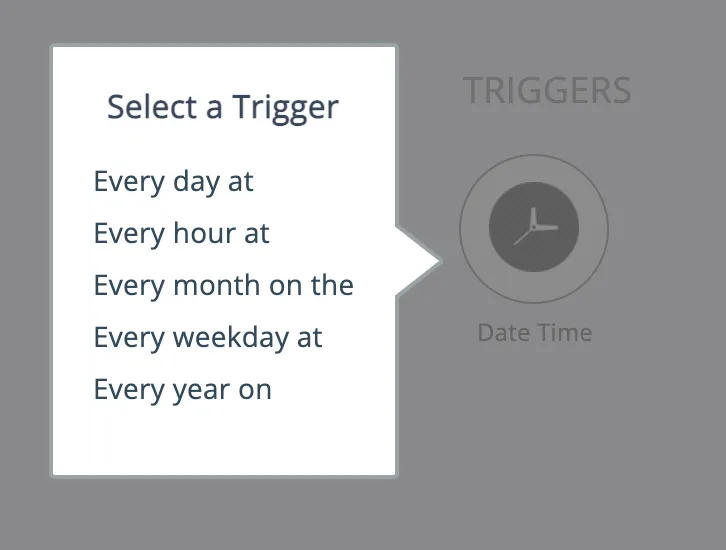
An automation can have no other triggers, in which case the automation performs its actions at the configured time.
More commonly, one or more other polling triggers are used in conjunction with a Date Time trigger, as a way to control the scheduling of the polling trigger(s).
Actions
The Date Time actions can be used to pause an automation's processing, or to snooze an automation:
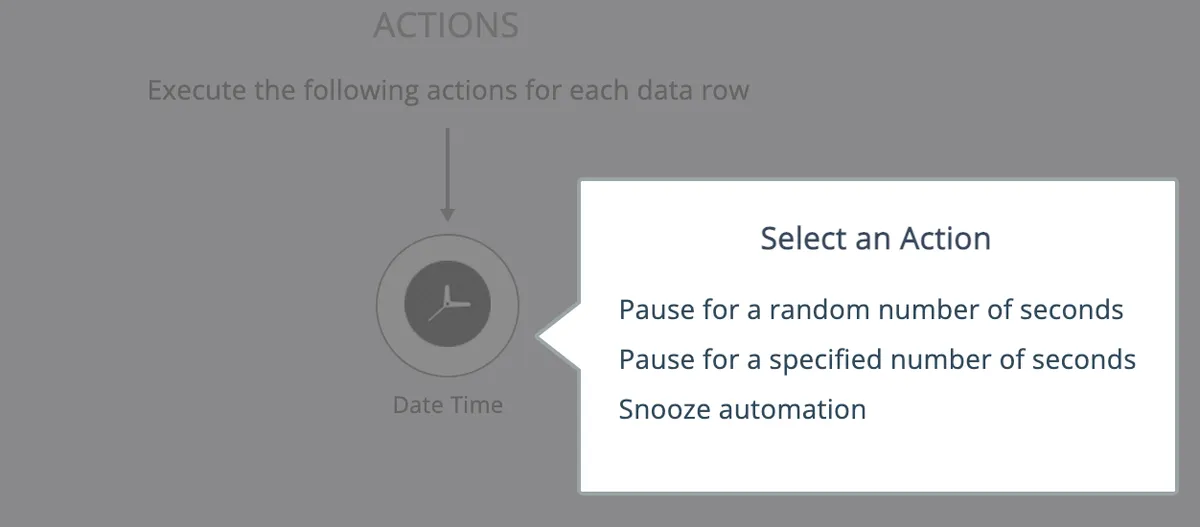
See Snoozing automations for more information about snoozing automations and the differences between pausing and snoozing.
To transform date time values from one format to another, see the Transform Date Time app in Data Transforms