
System Utilities
Built-in trigger and action capabilities available natively within the system without requiring external integrations.
System utilities provide built-in trigger and action functionality native to the system.
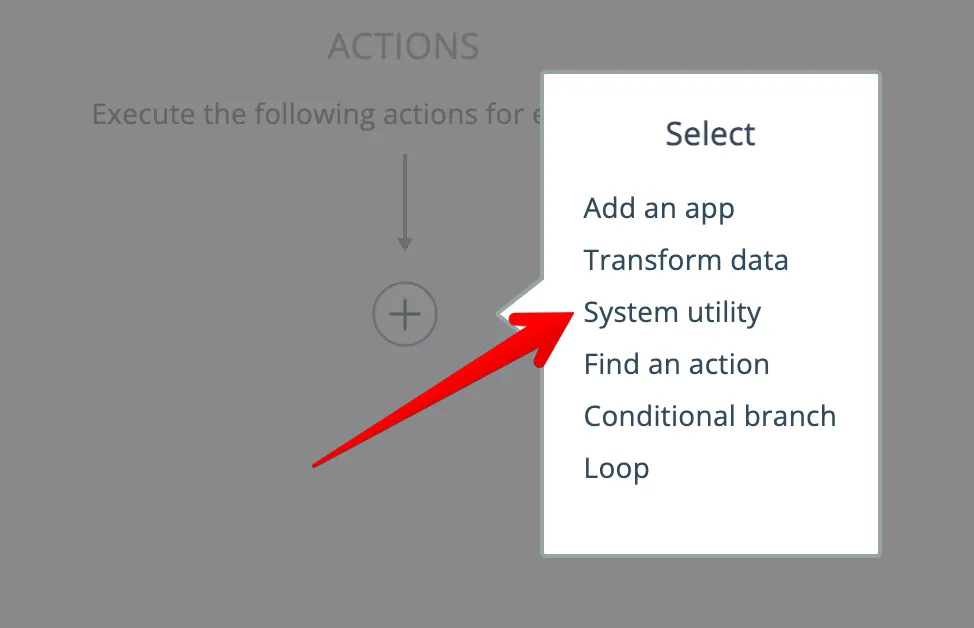
Click the "plus" icon and choose the System Utility category, either as a trigger or an action:
Then choose a system app:
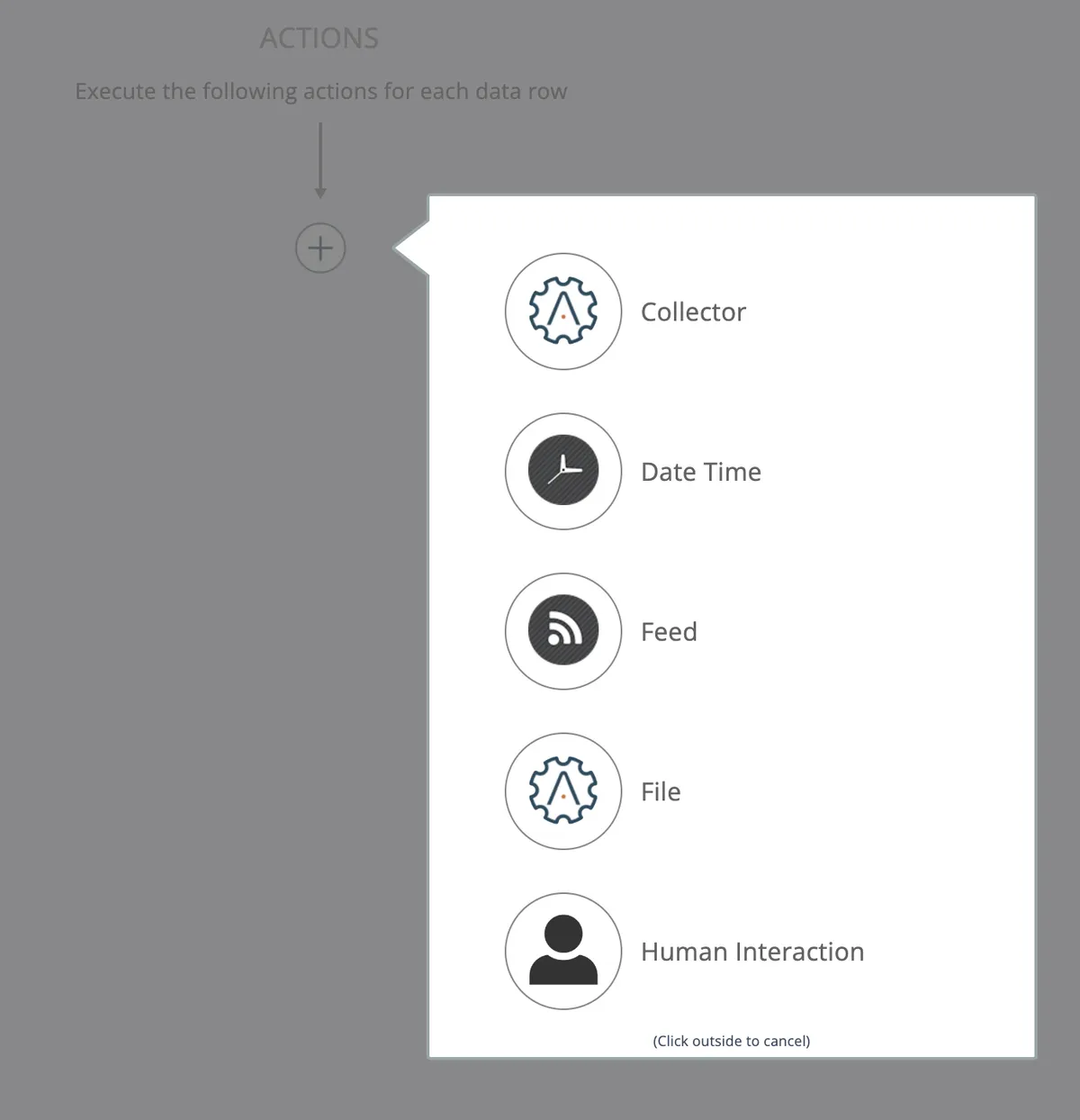
Be sure to scroll the list down to view all available system services!
In this section
Collector
Aggregates items into named buckets for later retrieval and processing. Stores collected data in the system database until explicitly dumped, enabling batch operations like sending daily email digests.
Date Time
The Date Time system utility provides triggers to schedule when automations execute and actions to pause or snooze automation processing.
Feed
Monitor RSS, Atom, and RDF news feeds with triggers, or create custom feeds using automation to aggregate and filter content.
File
Creates temporary files on the server with specified text content and generates accessible URLs for use in other workflow actions.
HTTP
HTTP app provides triggers to fetch data from URLs and actions to make REST API calls using common HTTP verbs like GET, POST, PUT, and DELETE.
Human interaction
Human Interaction enables triggers for form submissions and actions to create forms, await responses, and manage moderation queues within automations.
Lookup tables
Database storage utility that enables creating, managing, and querying lookup tables for storing reference data like countries, regions, and custom information in the system.
Convert text into a PDF file easily using the PDF system utility app. Generate a temporary PDF file on the server and obtain a URL for easy access. Perfect for creating PDFs to send as email attachments. Try it now!
System
System utility app providing triggers for workflow testing, stub operations, and actions to control automations and retrieve system information about apps and automation status.
Web Service
Synchronous trigger that receives input data from external systems via HTTP and returns output data back to the caller after processing the automation logic.
Webhook
Webhook triggers receive incoming data payloads in JSON or XML format from external systems, automatically queuing automation execution when events occur without polling.