
Snoozing automations
Pauses automation execution for a specified duration, allowing workflows like marketing drip campaigns to resume processing at a scheduled time without server overhead.
The system provides an action for snoozing an automation for any period of time. This can be useful for functionality like marketing drip campaigns, where emails are sent days or weeks apart.
"Snooze" functionality is different from "pause" functionality.
While an automation is snoozed, it is not being executed on the server. It is dormant until the configured time to wake up, then the system executes the automation where it left off.
A paused automation is still being executed on the server while it is paused (and may time out depending on any time out limits).
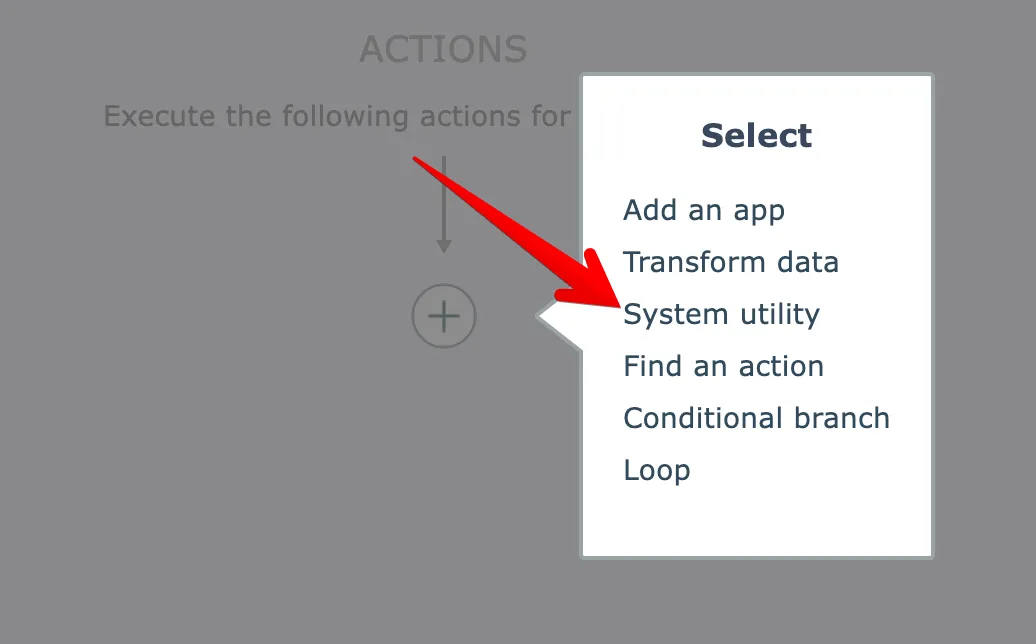
The snooze action is found under the System Utility category:
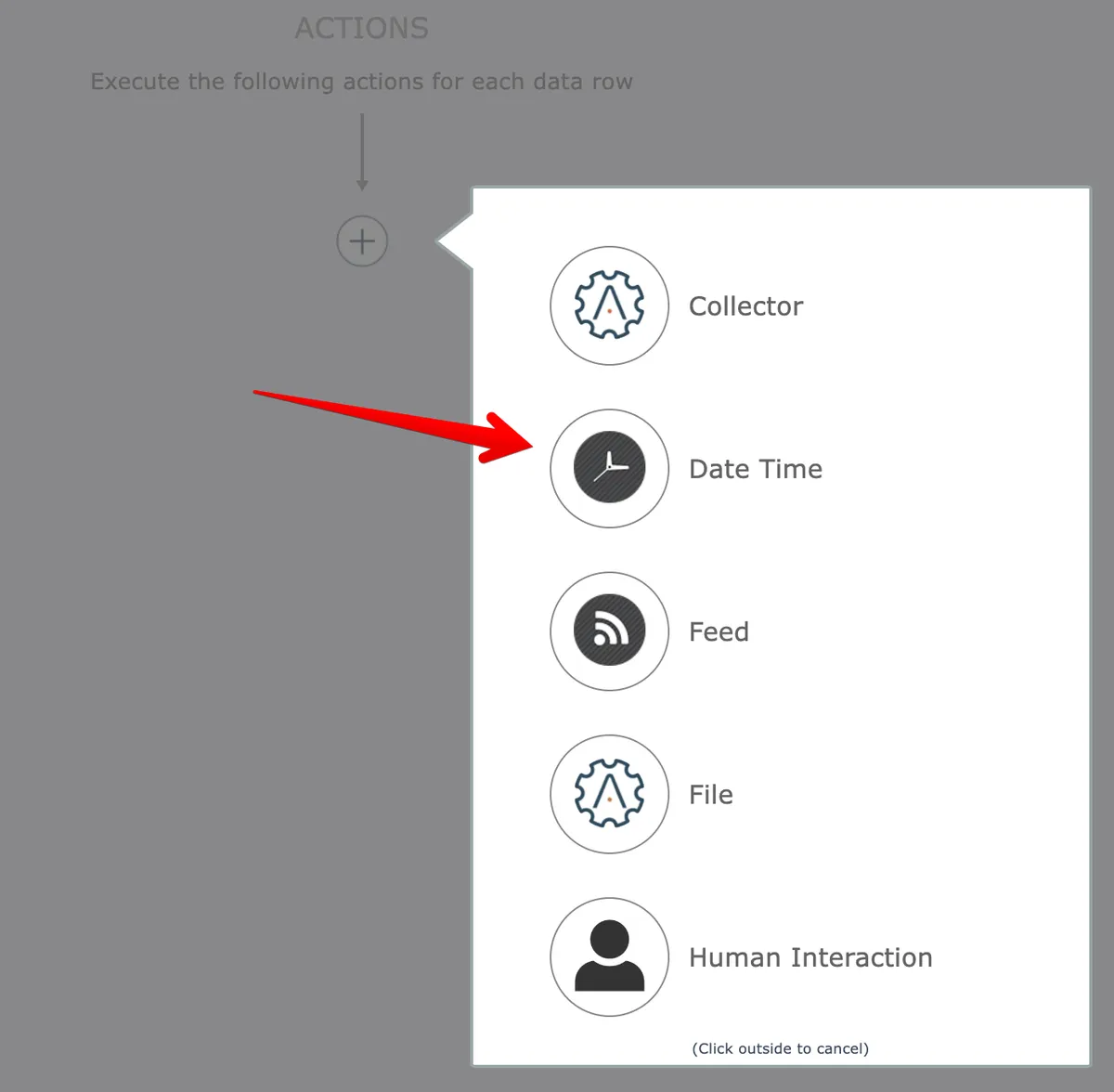
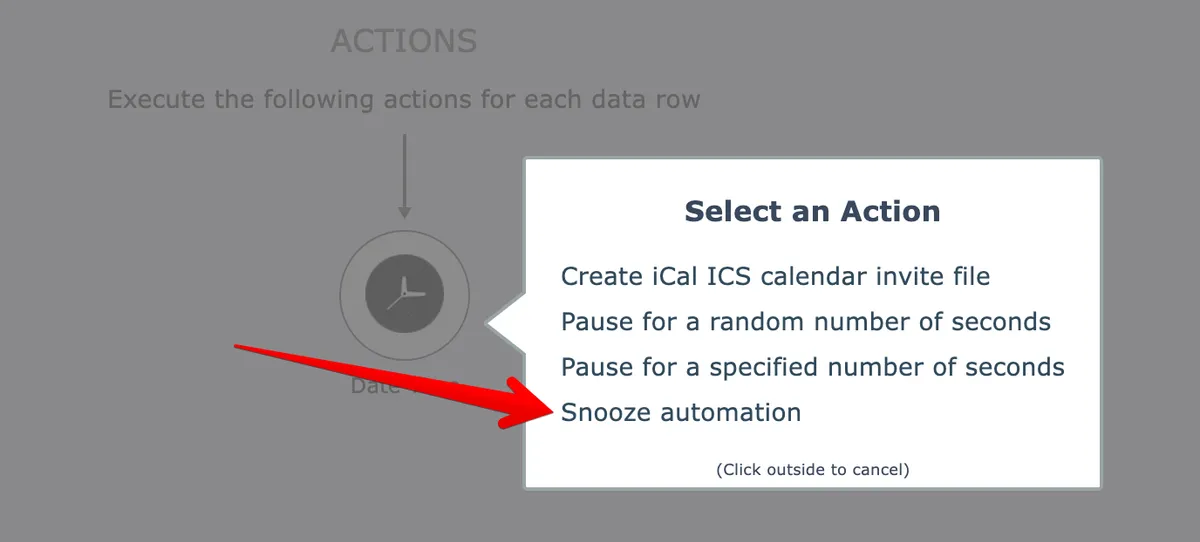
In the Date Time app:
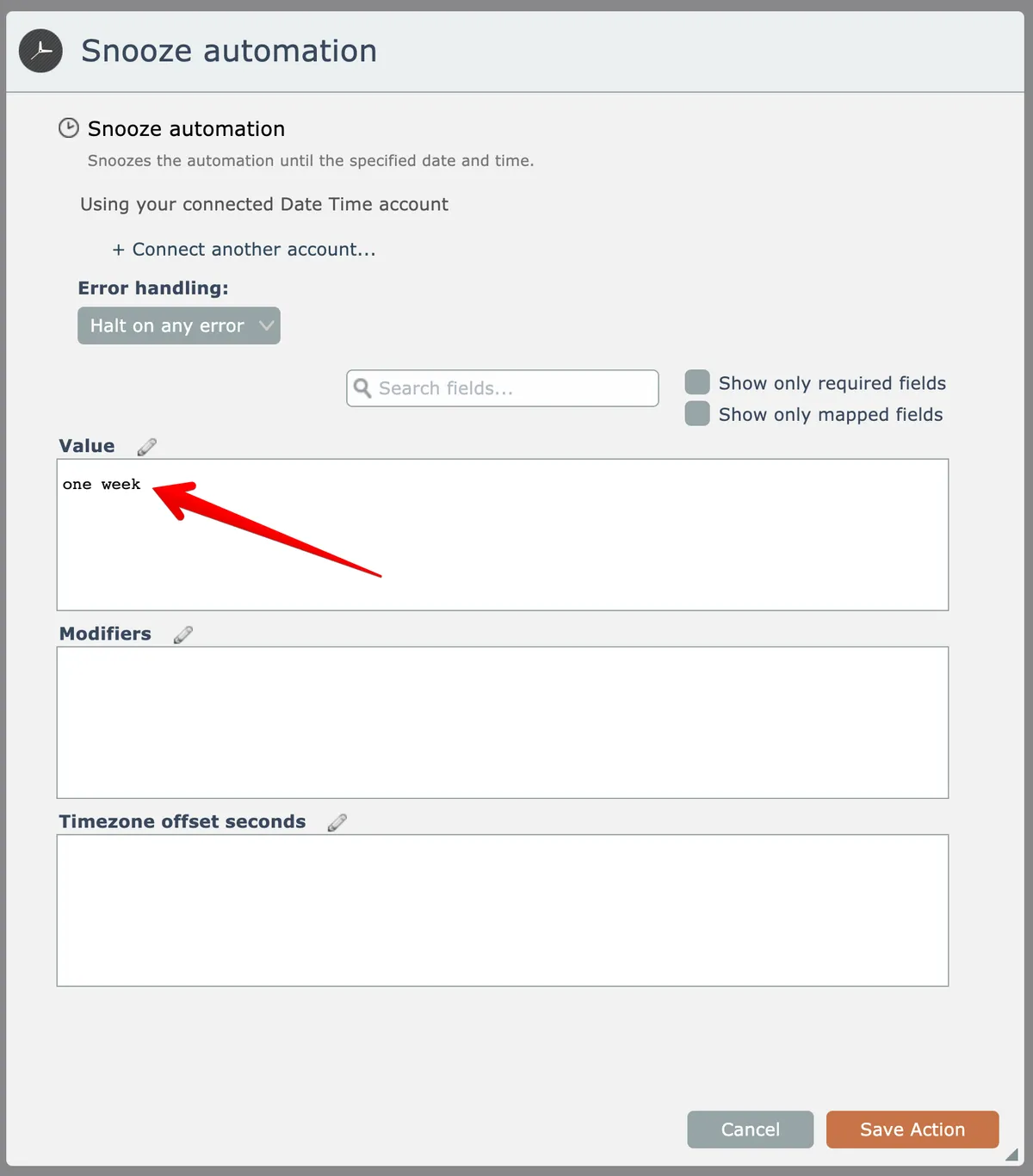
Natural language is supported for the snooze duration value:
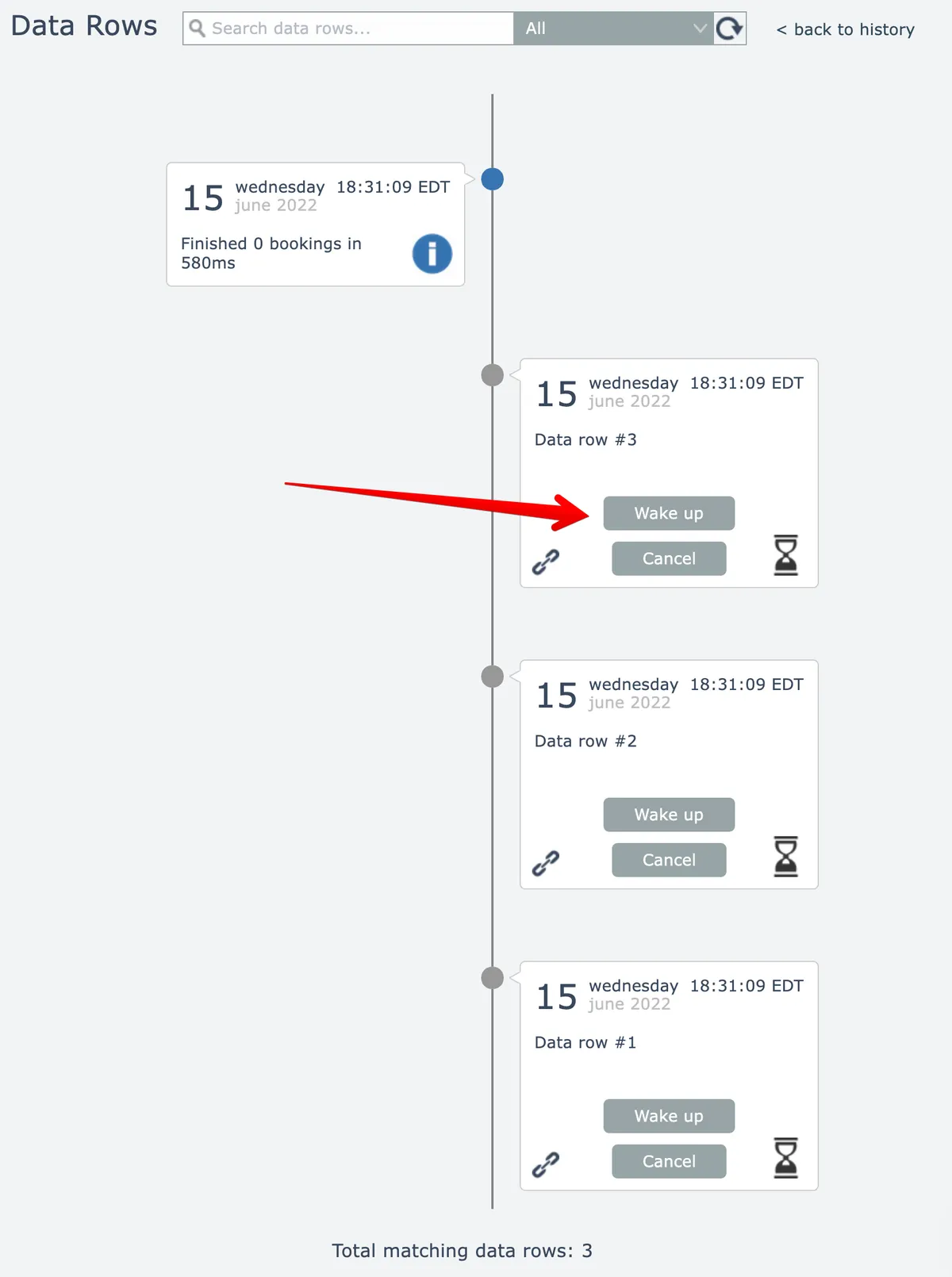
While snoozed, individual data rows can be manually woken up early or cancelled via buttons in the automation's history:
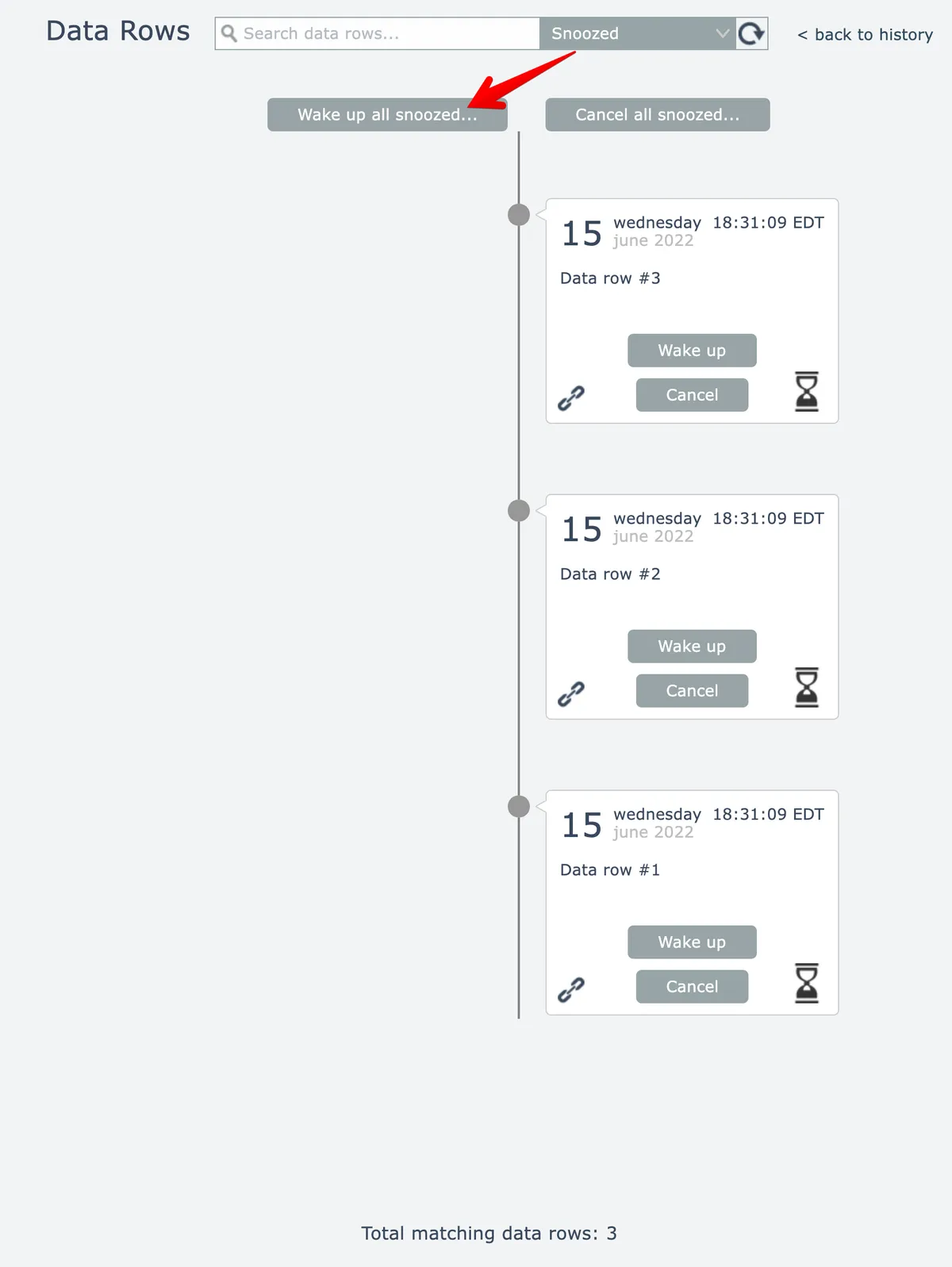
All data rows that are snoozed can be woken up early or cancelled at once by selecting the "snoozed" filter:
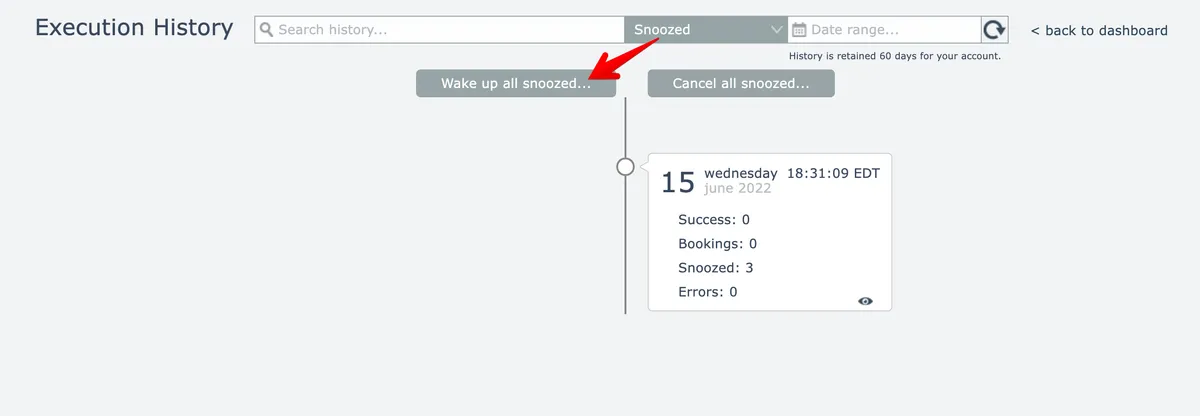
Similarly, from the top-level history all snoozed transactions can be woken up early or cancelled by selecting the "snoozed" filter then clicking this button:
When an automation is woken up early, it continues its processing after the snooze action.
When a snooze is cancelled, the automation does not continue its processing.