
GuidePlatform UI (Fallback)v1
Edit description
Modify subroutine descriptions in the catalog by right-clicking the subroutine and selecting edit description, which then appear as tooltips when hoveling over items.
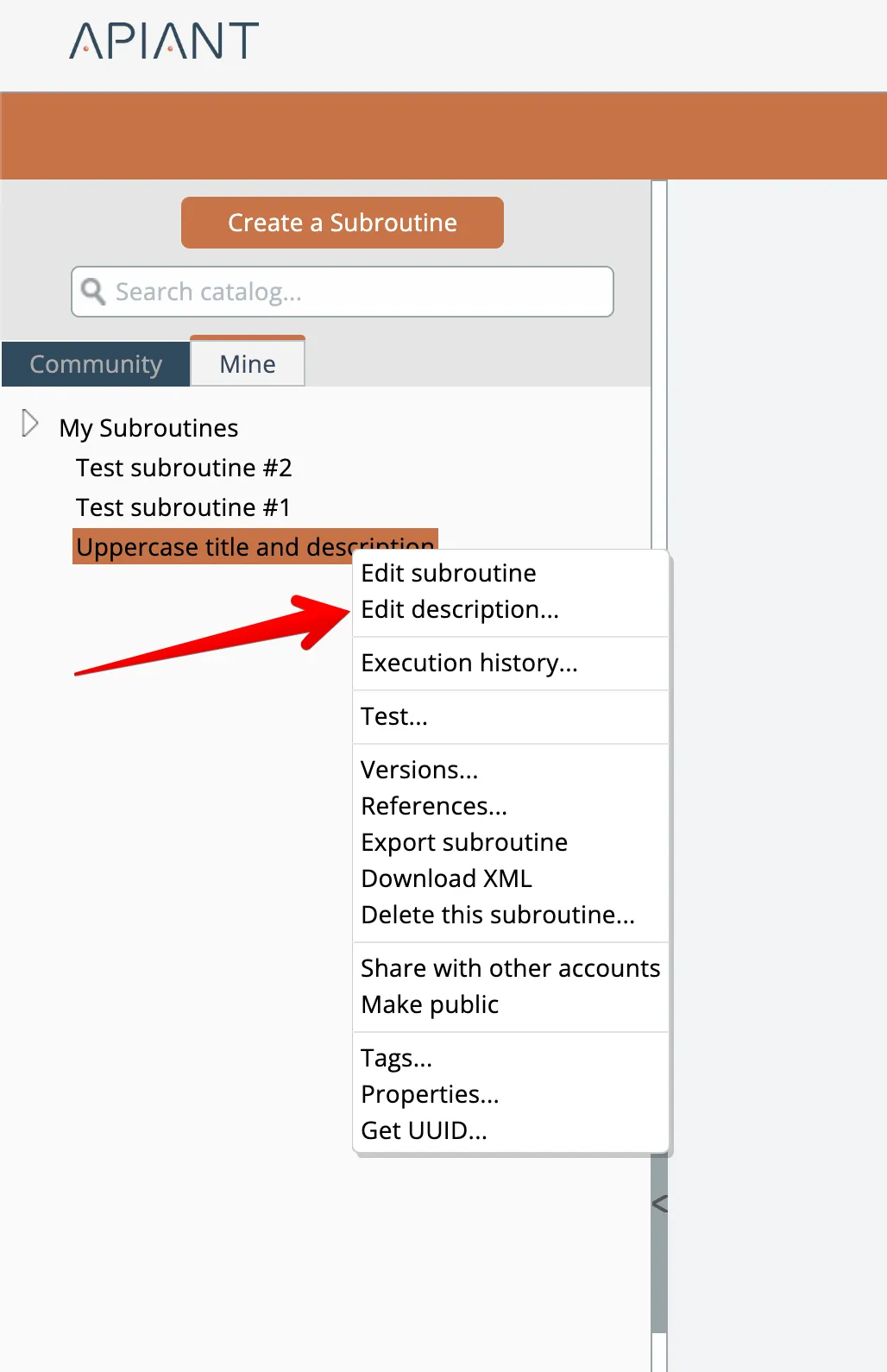
To edit a subroutine's description that appears in the catalog, right-click on the subroutine in the catalog and choose the "edit description" option:
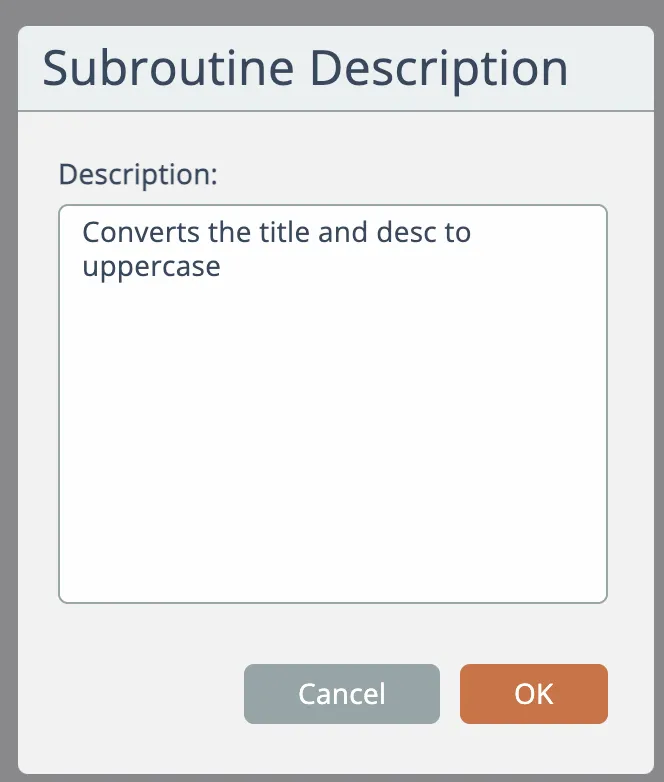
Edit the description and click the OK button to save:
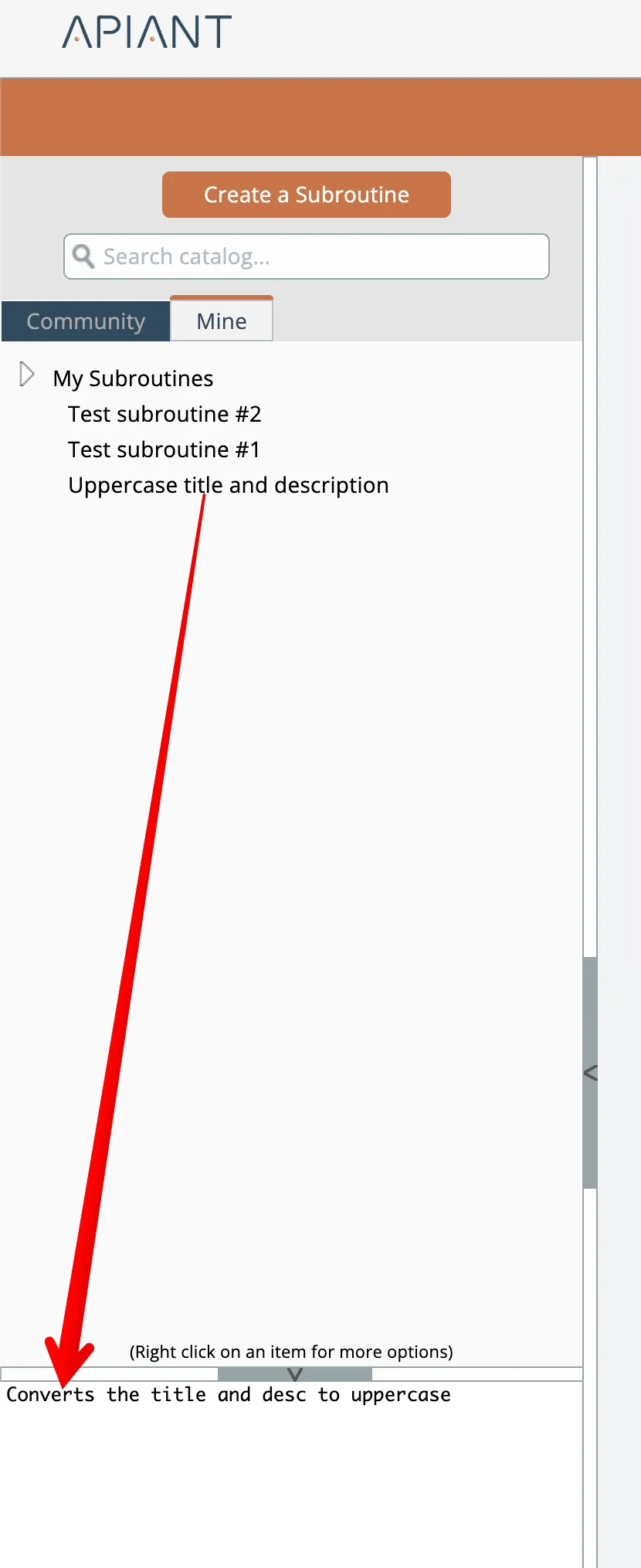
Descriptions appear at the bottom of the catalog when subroutines are moused over:
Related docs
Last updated May 4, 2026