
GuidePlatform UI (Fallback)v1
Deleting a subroutine
Remove subroutines from your automation project using the right-click context menu in the catalog, with built-in protection against deleting referenced subroutines.
To delete a subroutine, right-click on it in the catalog and choose the Delete option:
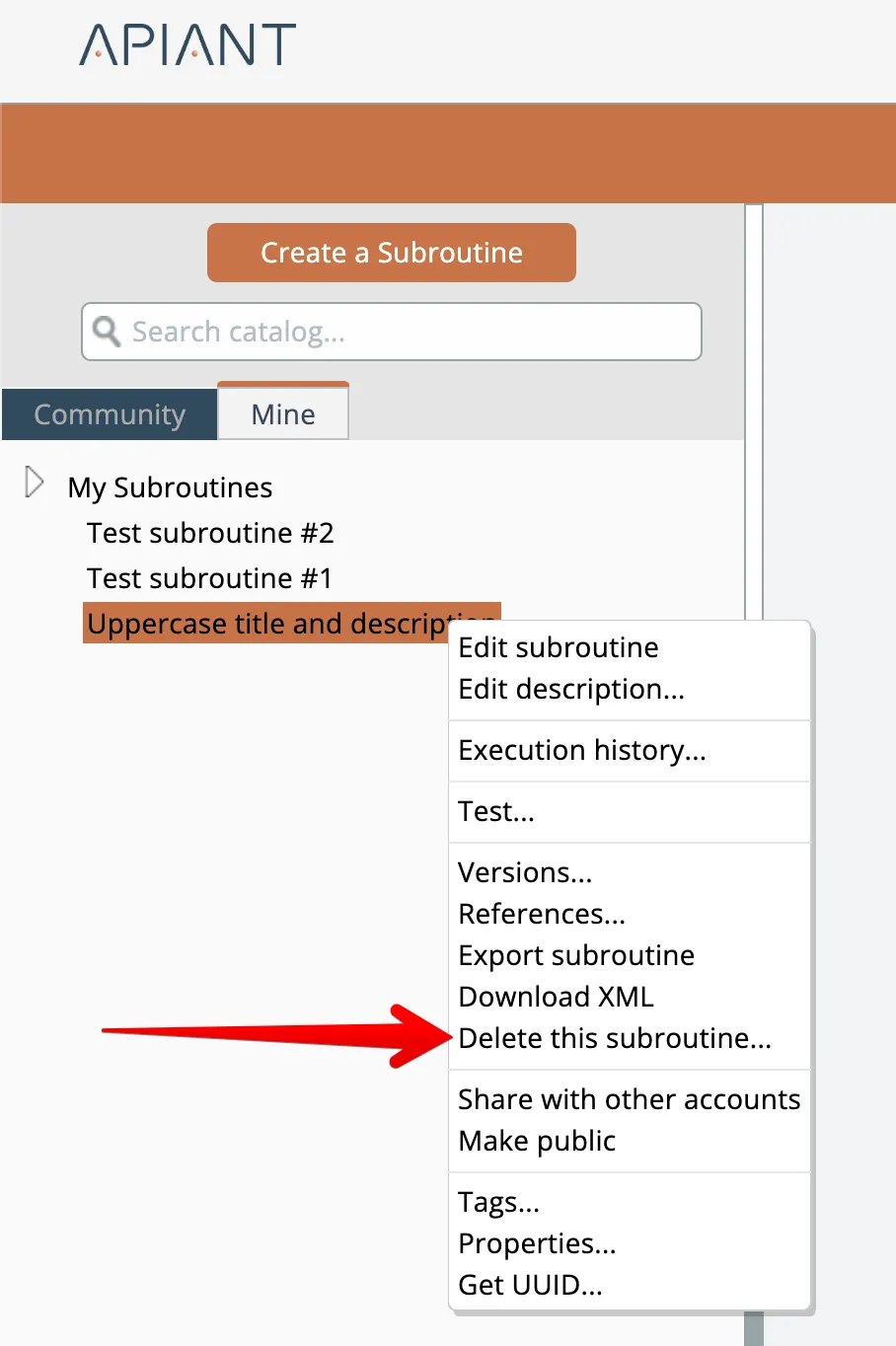
The system will not allow a subroutine that is referenced to be deleted.
To determine a subroutine's references, see Subroutine references
Related docs
Last updated May 4, 2026