
GuidePlatform UI (Fallback)v1
Tagging a subroutine
Assign one or more tags to subroutines via right-click menu, then search and filter subroutines by their tags for easier organization and discovery.
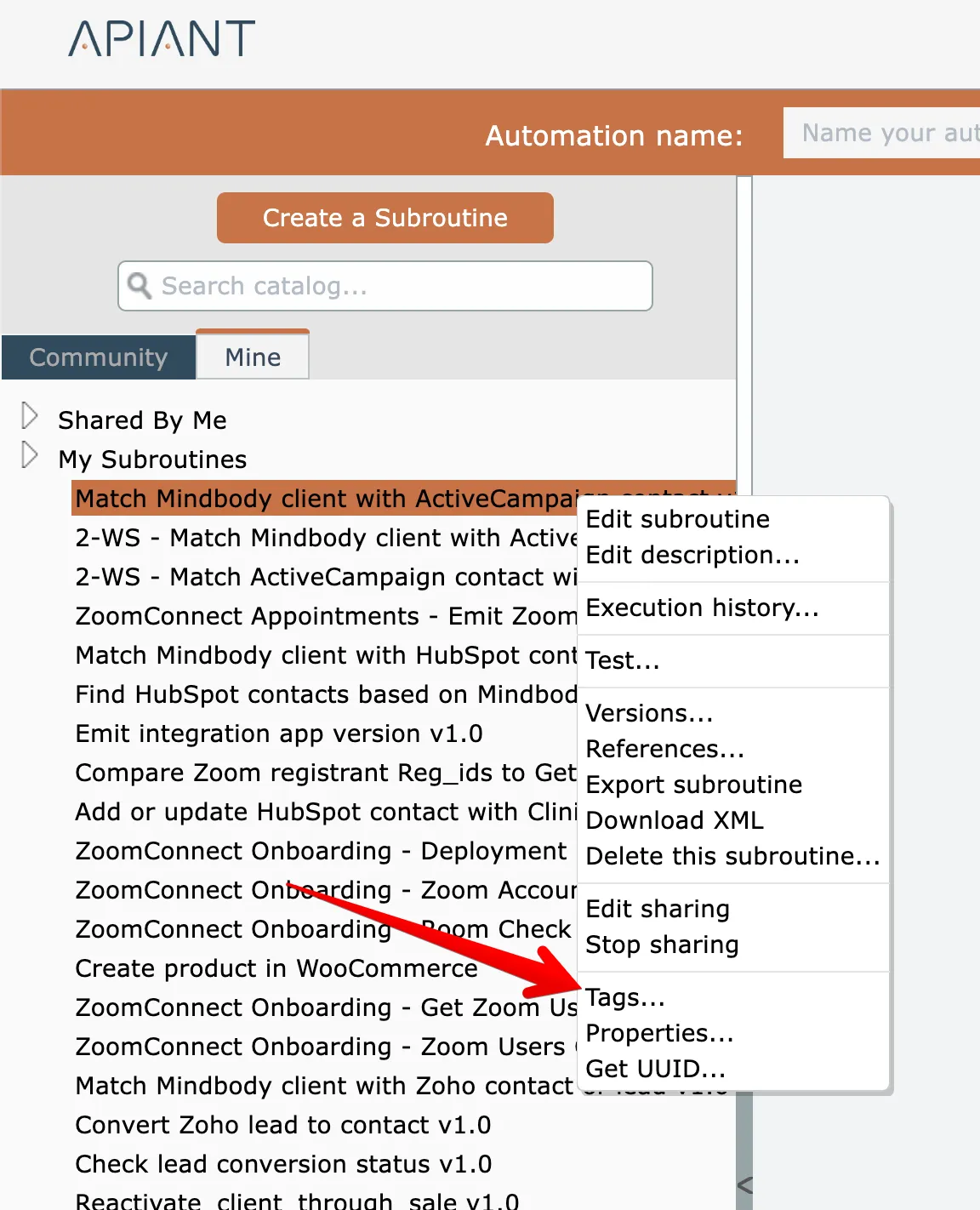
A subroutine can be tagged with one or more tags by right-clicking on the subroutine and choosing the Tags option:
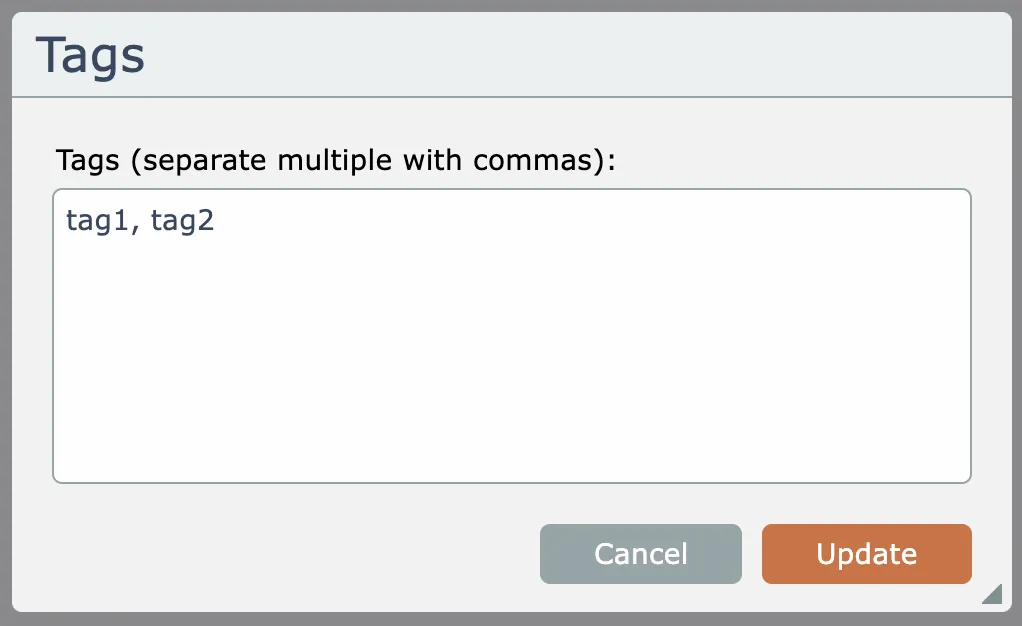
Enter one or more tags, separate by commas:
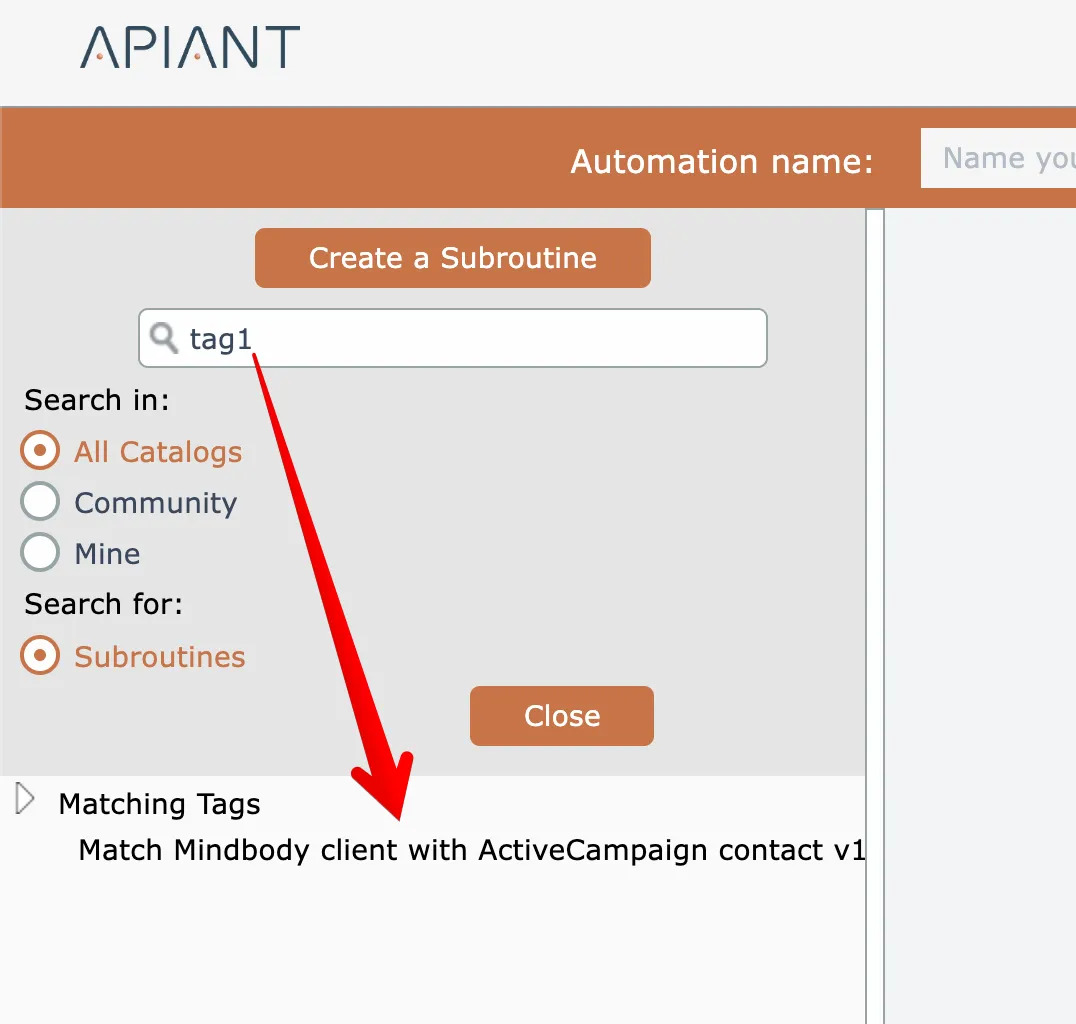
Subroutines can then be found by their tags:
Related docs
Last updated May 4, 2026