
ChangelogPlatform UI (Fallback)v1
Versions
Subroutine versions track all saved iterations of a subroutine, allowing you to open previous versions or compare them with the latest version to review changes.
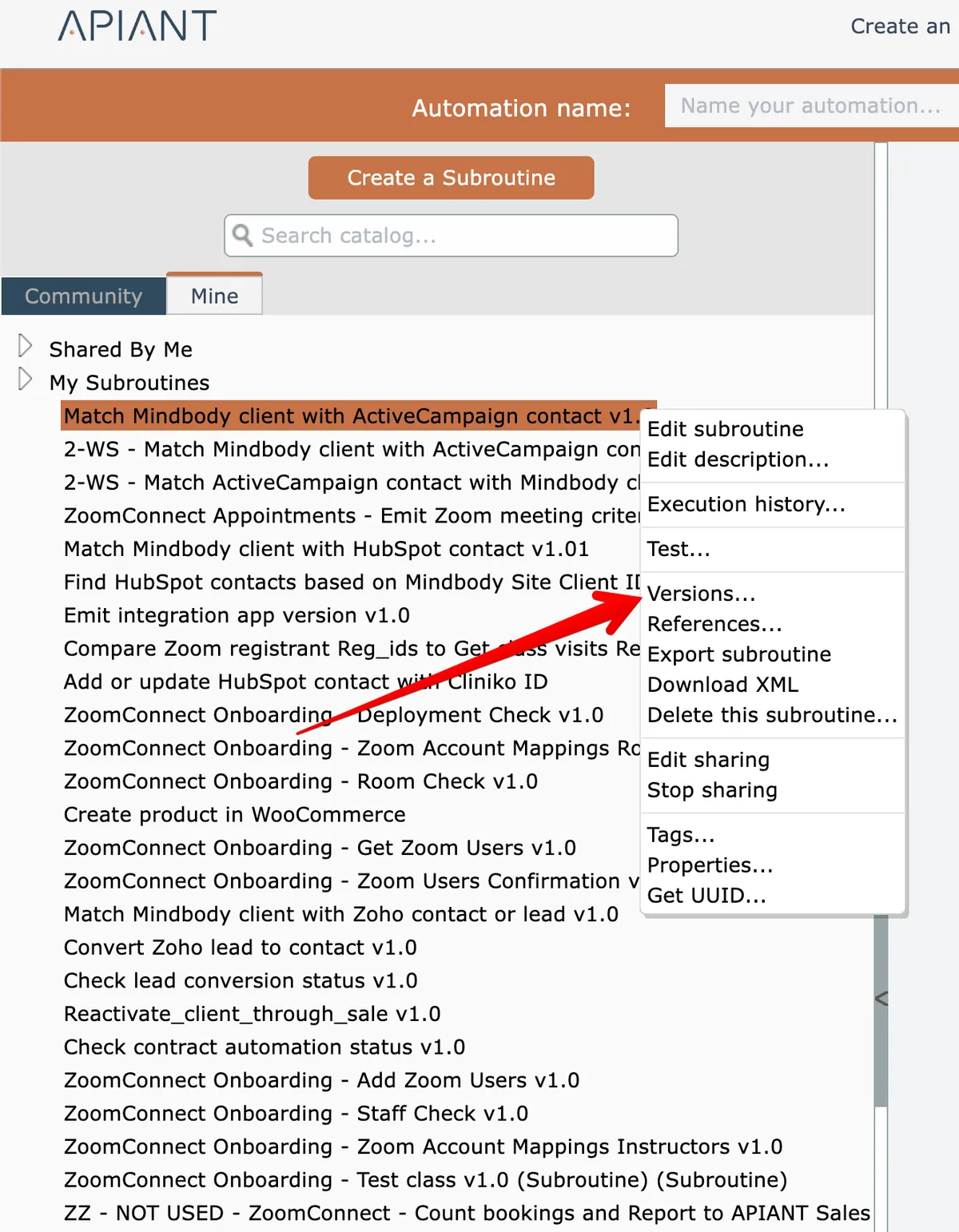
To view a subroutine's versions, right-click on it in the catalog and choose the "versions" option:
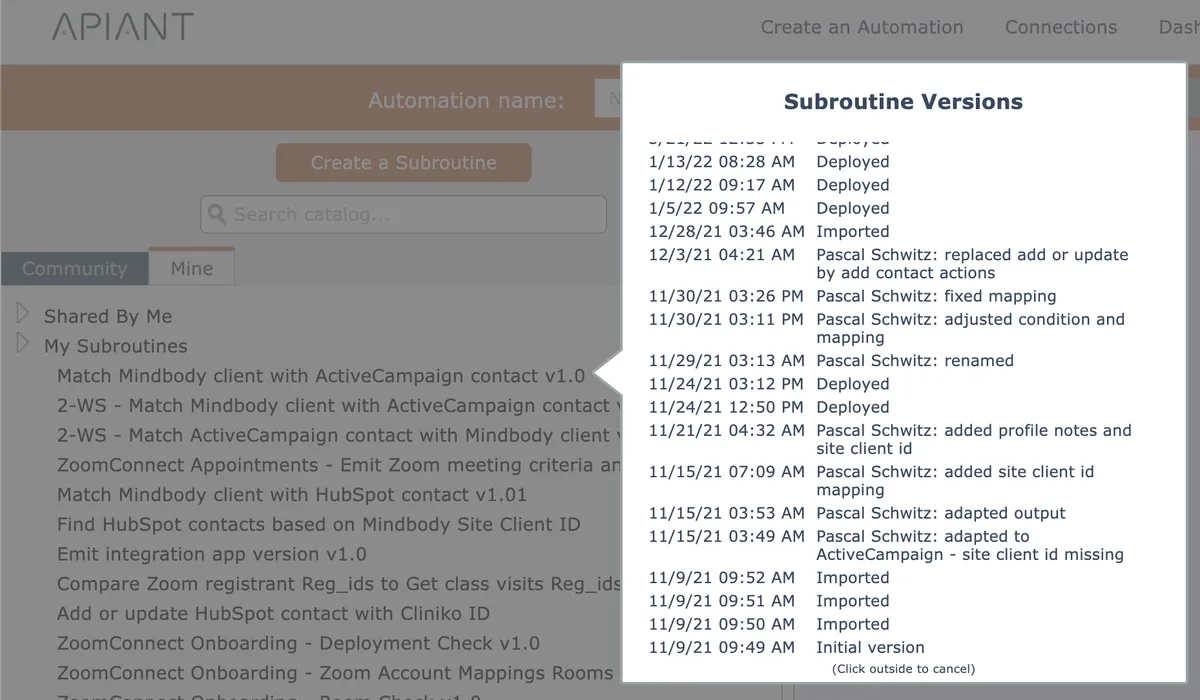
All saved versions of the subroutine are displayed:
Upon clicking a version from the list, the system will ask if you want to open that version, or to compare that version with the latest version:
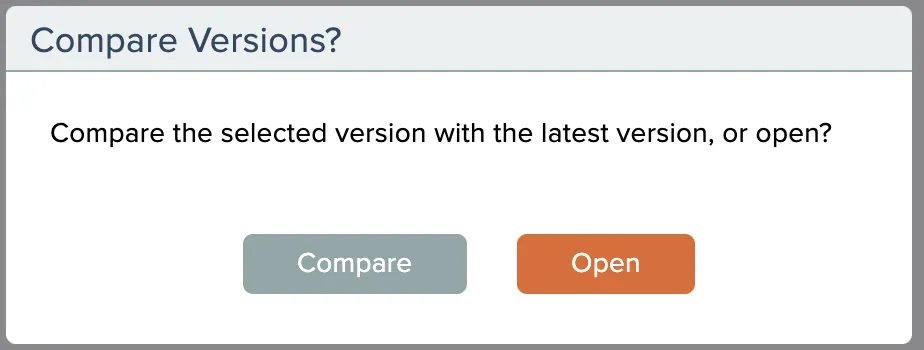
See the section Comparing Versions if you want to compare subroutine versions.
Related docs
Last updated May 4, 2026