
Alert email options
Configure email alert notifications for automation timeouts and processing errors, including options to disable alerts and manage suppressed alert types.
By default, automations will generate email alerts for any timeout or processing error. The system sends email alert reports based on your account settings here: Automation Alert Reports
To turn off the sending of alerts for timeouts and processing errors, select the menu options here:
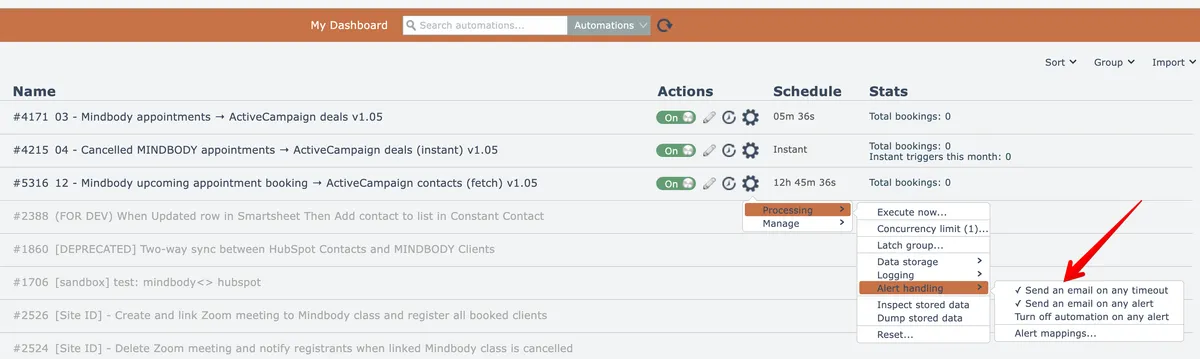
The options become unchecked when disabled:
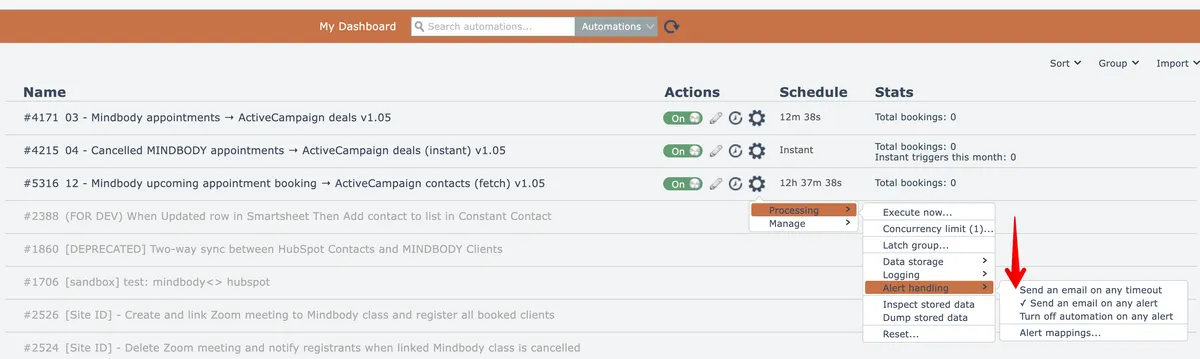
To re-enable, select the option again so it becomes checked.
Managing Suppressed Alerts
System-generated automation alert emails include a link to suppress the alert from being sent again.
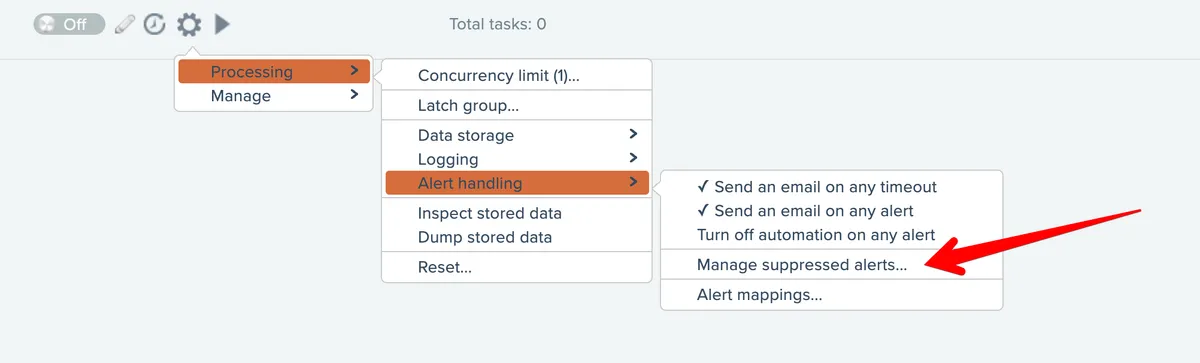
If an automation has at least one suppressed alert type, a menu option appears for managing the suppressed alerts:
Alerts are suppressed when the automation generates errors containing the suppressed alert text:
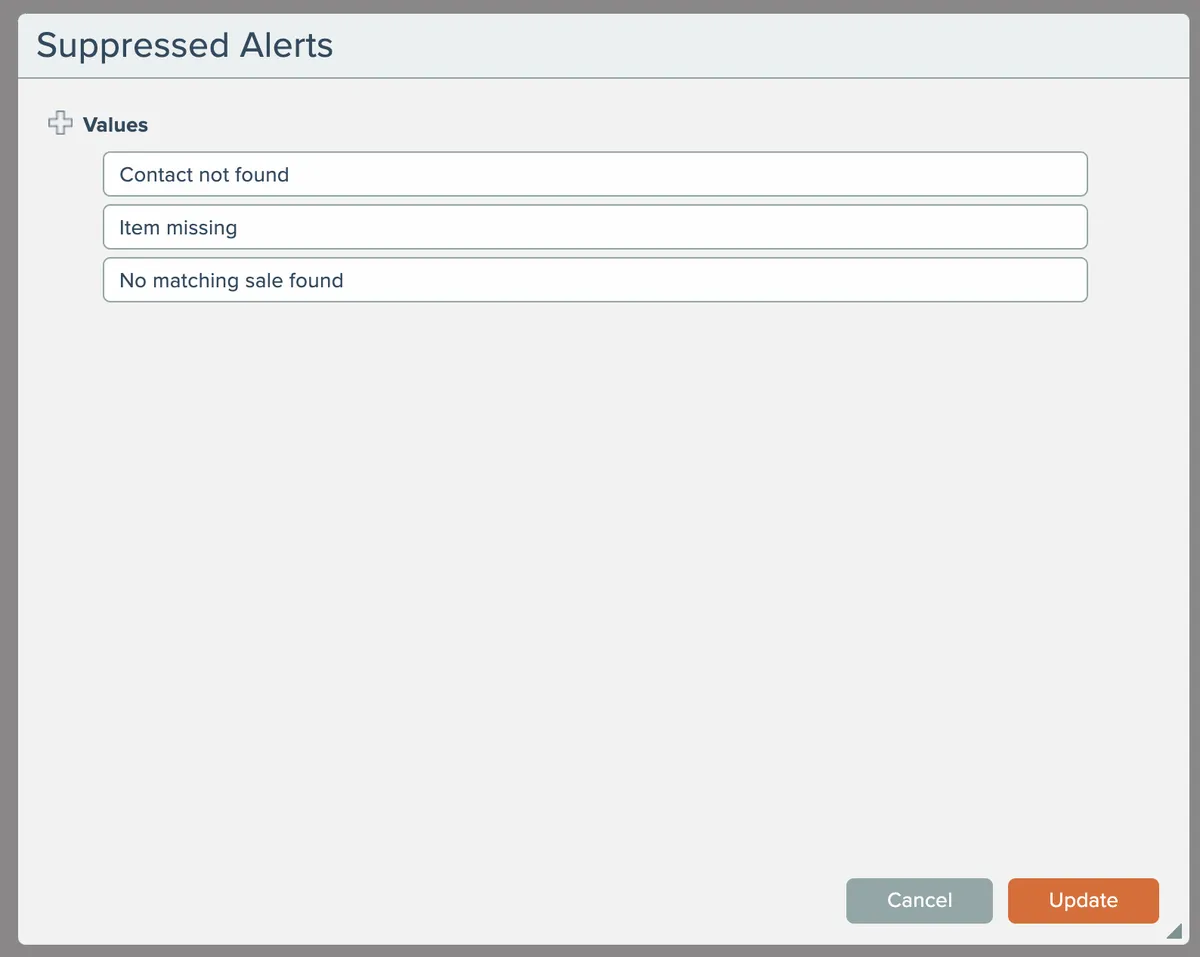
To stop alert suppression, remove entries from the list and click Update to save the changes.