
Publish template to production
Publish automation templates from development to production systems using gear or group menu options, selecting destination systems and tenants.
Development systems can publish automation templates to their linked production systems "templates" account. See Automation Templates
To publish an automation as a template from a development system to a production system, accounts having the "Publish to Production" permission can use the following gear menu option:
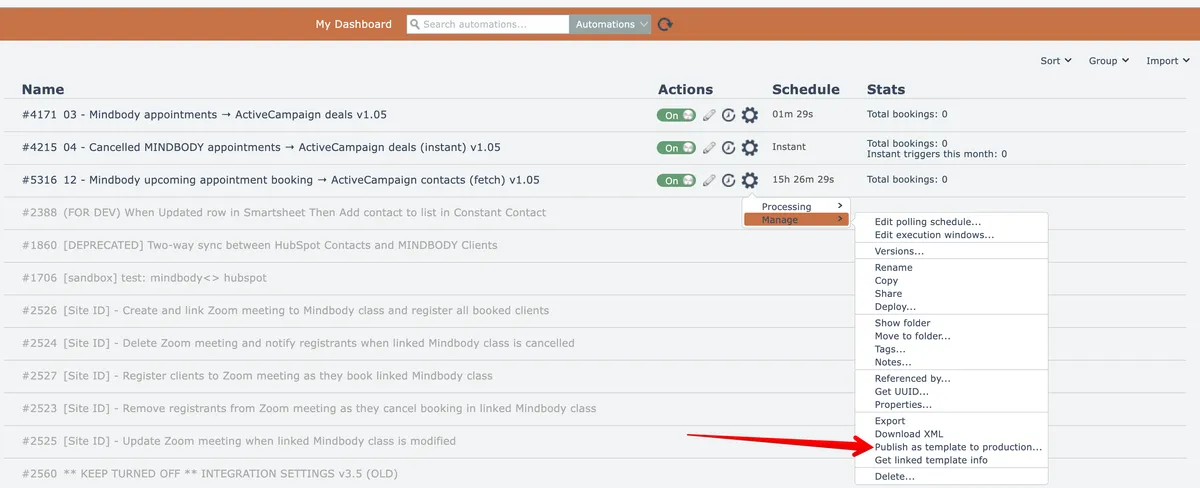
More than one automation can be published at once by first selecting a folder then choosing this option under the Group menu:

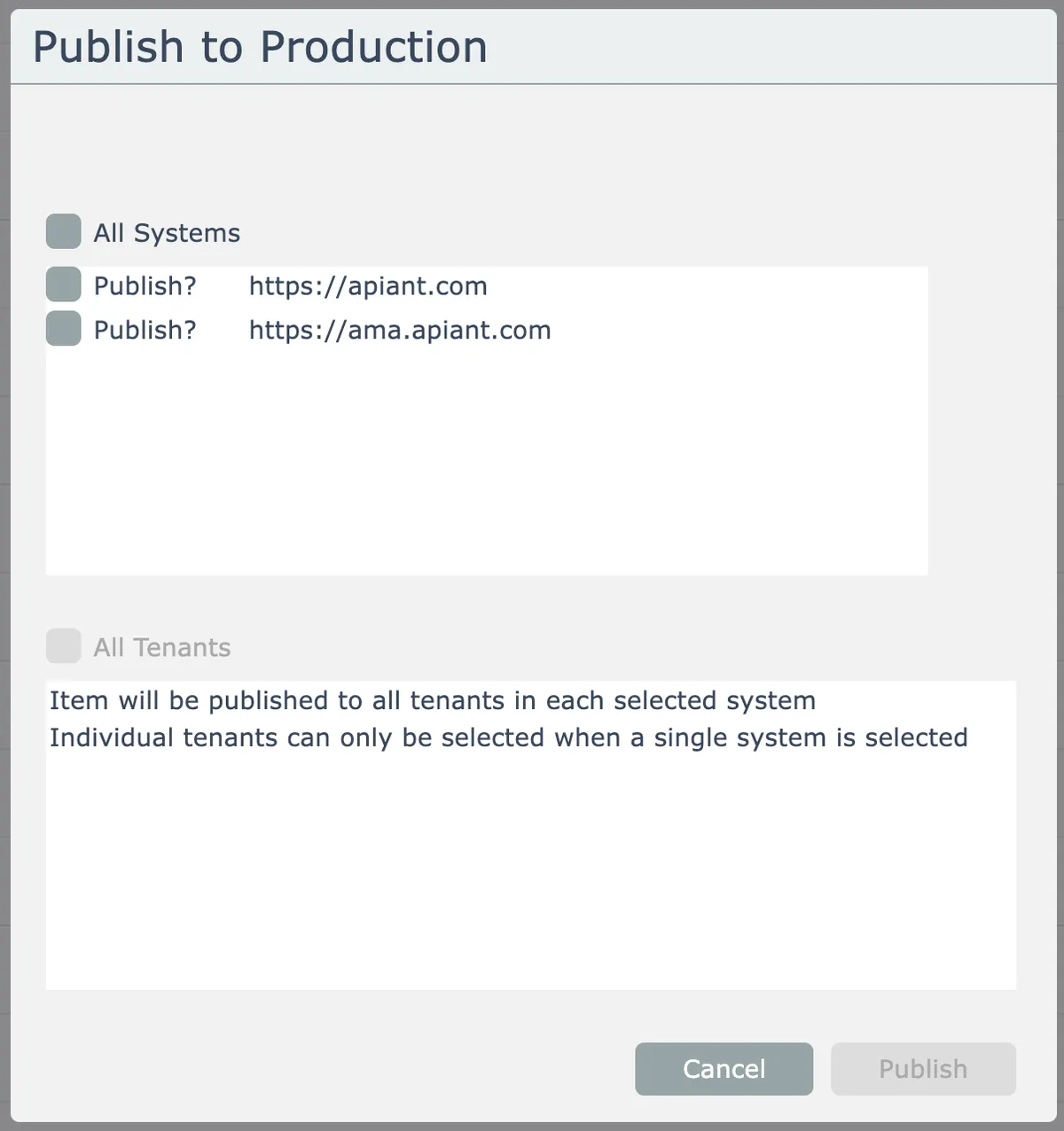
Select the destination production system(s):
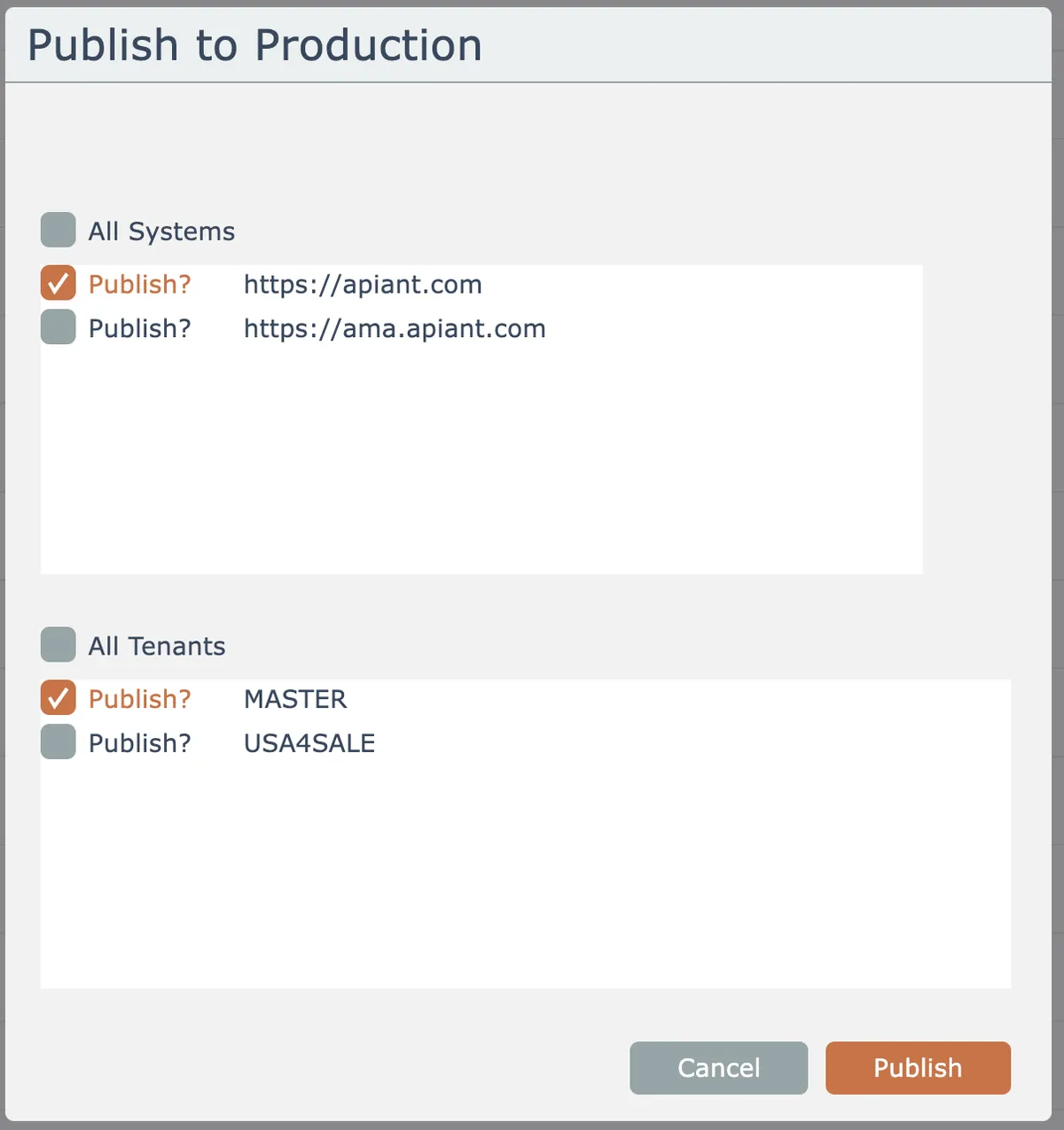
If a single production system is selected and it has more than one tenant, also choose the destination tenant(s):
The automation(s) are published into the "templates" account in the selected production system(s) and tenant(s).
All of the automation's referenced apps, triggers, actions, assemblies, and modules are included.
Any content in the production system that is older than the published content will be updated!
The automation template in the development system becomes linked to the published template(s) in the destination production system(s) and tenant(s). This is done by them all sharing the same UUID identifier.