
GuidePlatform UI (Fallback)v1
Protect an automation
Protecting automations prevents editing on production systems while allowing changes only on development environments, ensuring stability and control.
An automation can be protected so that it can only be edited on a development system. When a protected automation is published to production systems, it cannot be edited and its gear menu will not appear from any account on the production system.
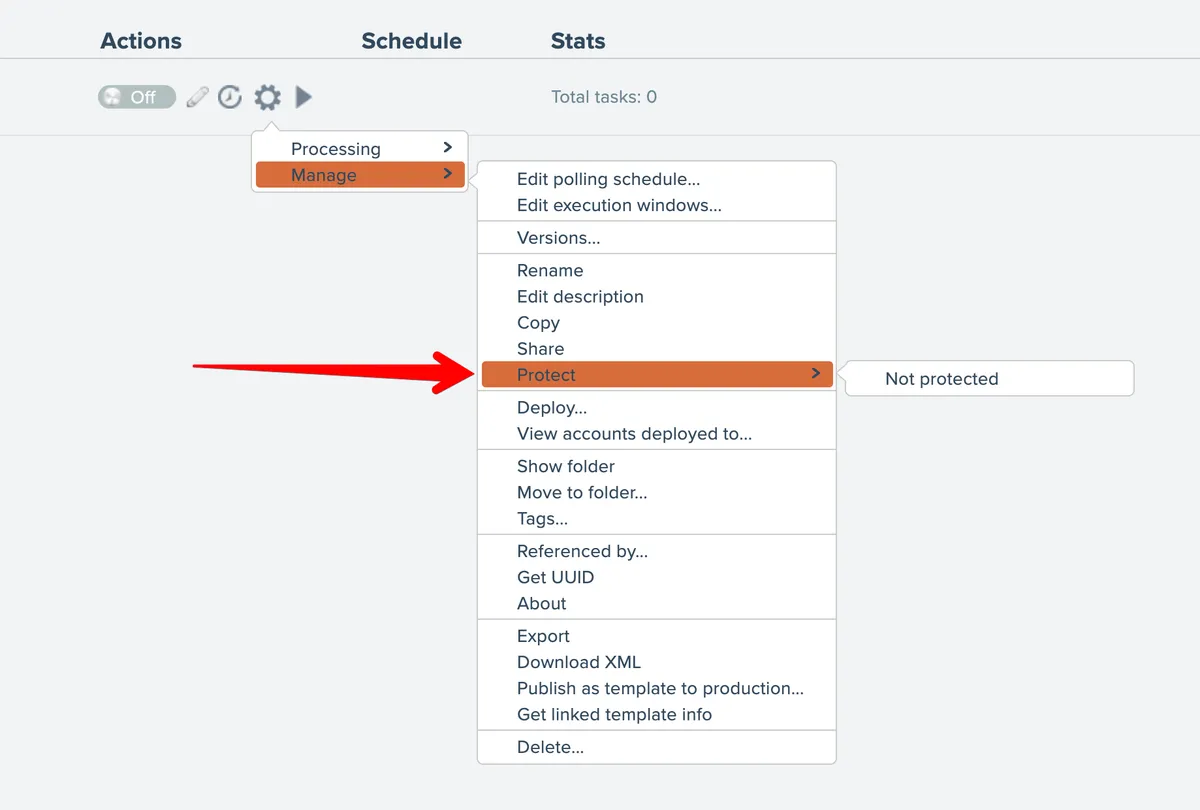
From a development system, use the Protect menu option to toggle the setting:
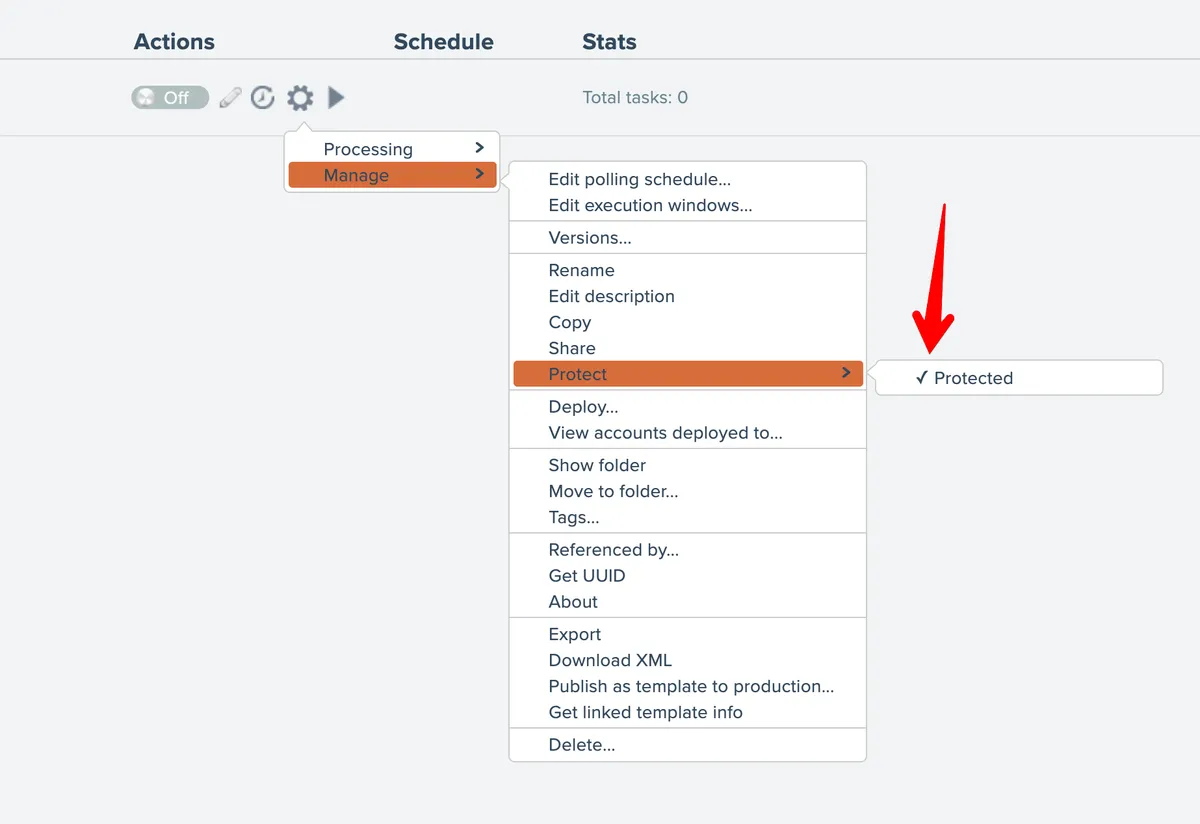
The menu shows a checkmark when the automation is protected:
The automation must then be published to the production system(s) for the change to take effect.
Related docs
Last updated May 4, 2026