
Webhook
Webhook triggers receive incoming data payloads in JSON or XML format from external systems, automatically queuing automation execution when events occur without polling.
A webhook is a mechanism that allows other systems to trigger the execution of automations instantly when specific events occur by sending data to a specified URL associated with an automation's webhook trigger.
Webhooks operate in a one-way manner: the sender of the webhook receives confirmation that it was successfully delivered, but it doesn't receive any data output or response from the automation it triggers.
If you need to return automation output data back to the sending system, see Web Service.
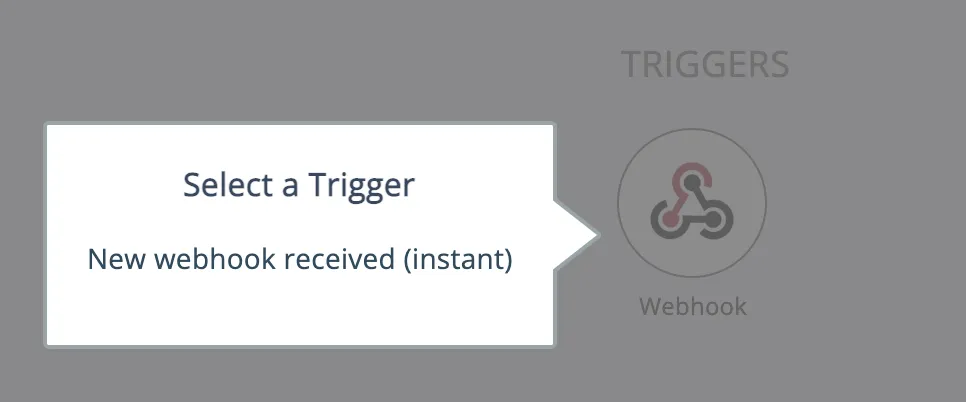
The Webhook system utility app provides a single trigger for receiving a webhook data payload in either XML or JSON format:
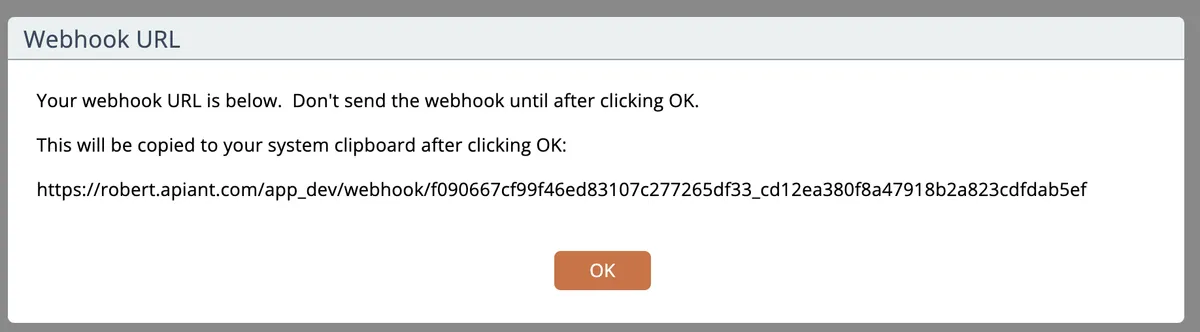
When the trigger is configured it will provide the webhook URL and let you copy it to your system clipboard:
It will then wait for you to send a test XML or JSON payload so it can extract the mappable data fields from it:
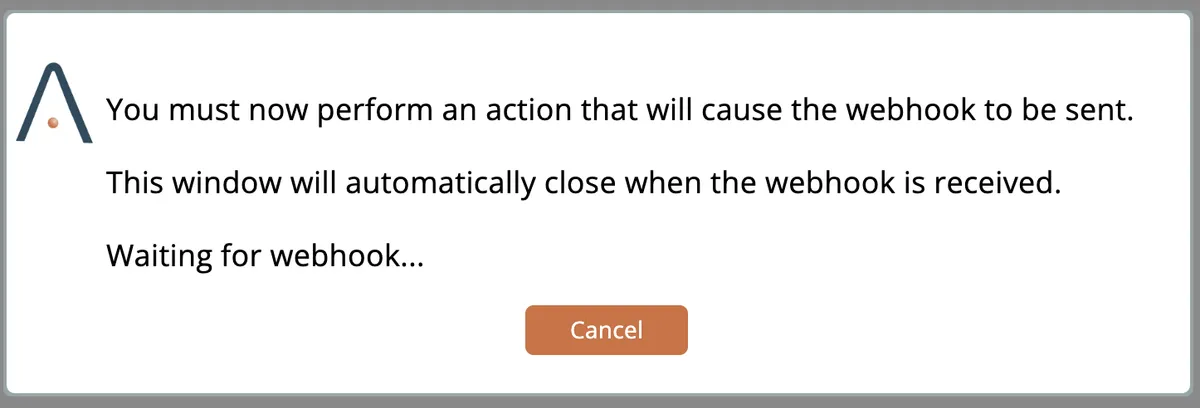
Generally you will configure another system with the provided webhook URL and initiate a test transaction.
When the payload is received you can then save the trigger:
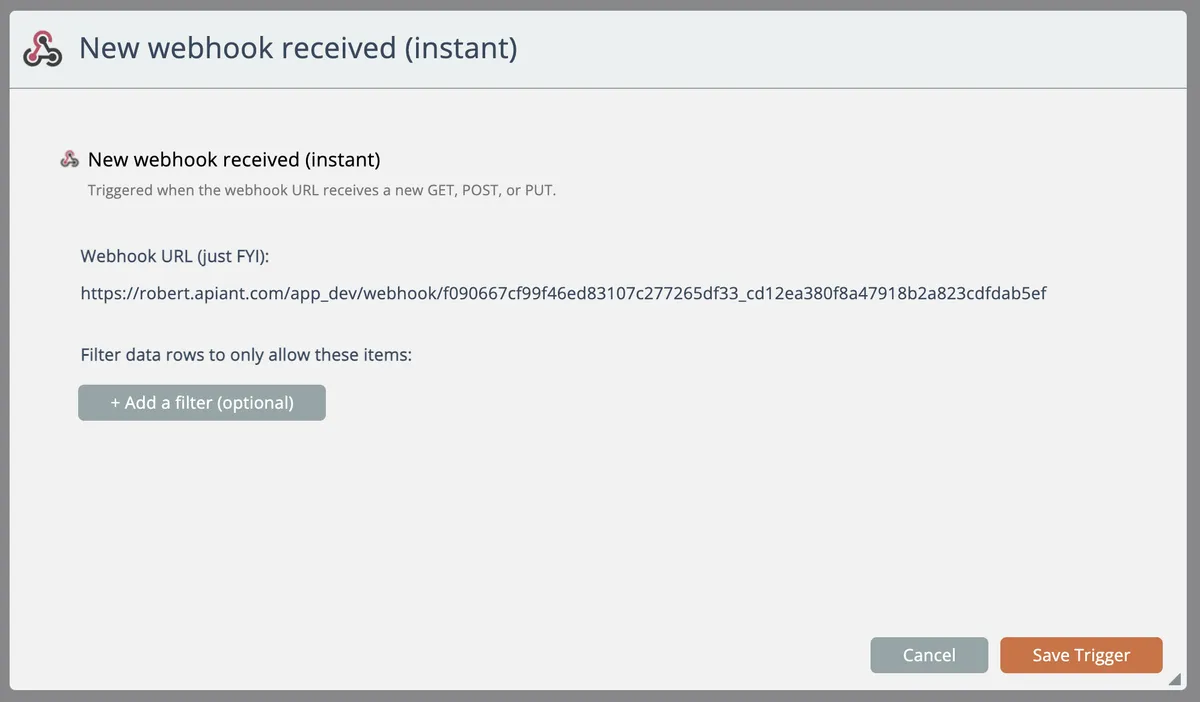
The data fields that were parsed from the sample payload can then be mapped to actions.
Unlike a polling trigger, a webhook automation will be immediately queued for execution whenever it receives data.