
GuidePlatform UI (Fallback)v1
Moving a single item
Reposition triggers horizontally and action items vertically within automation workflows using directional arrows, with confirmation prompts for ambiguous placements.
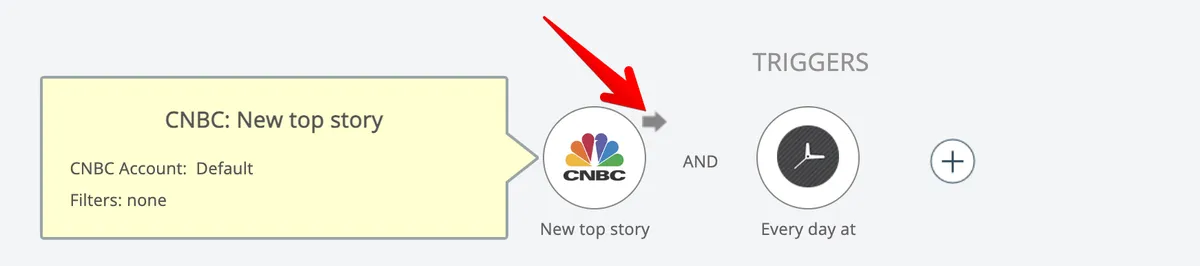
Triggers can be moved left and right by clicking the arrow that appears over them when moused over:
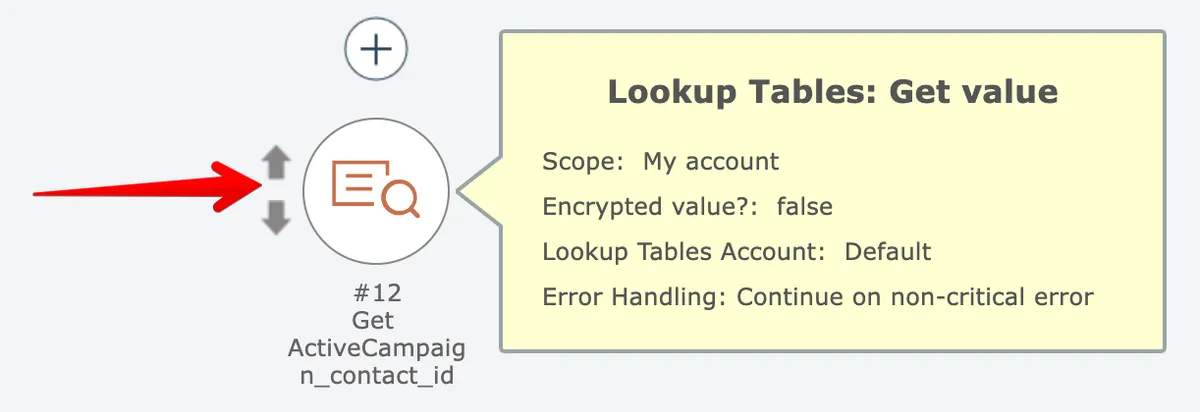
Similarly, action items can be moved up and down:
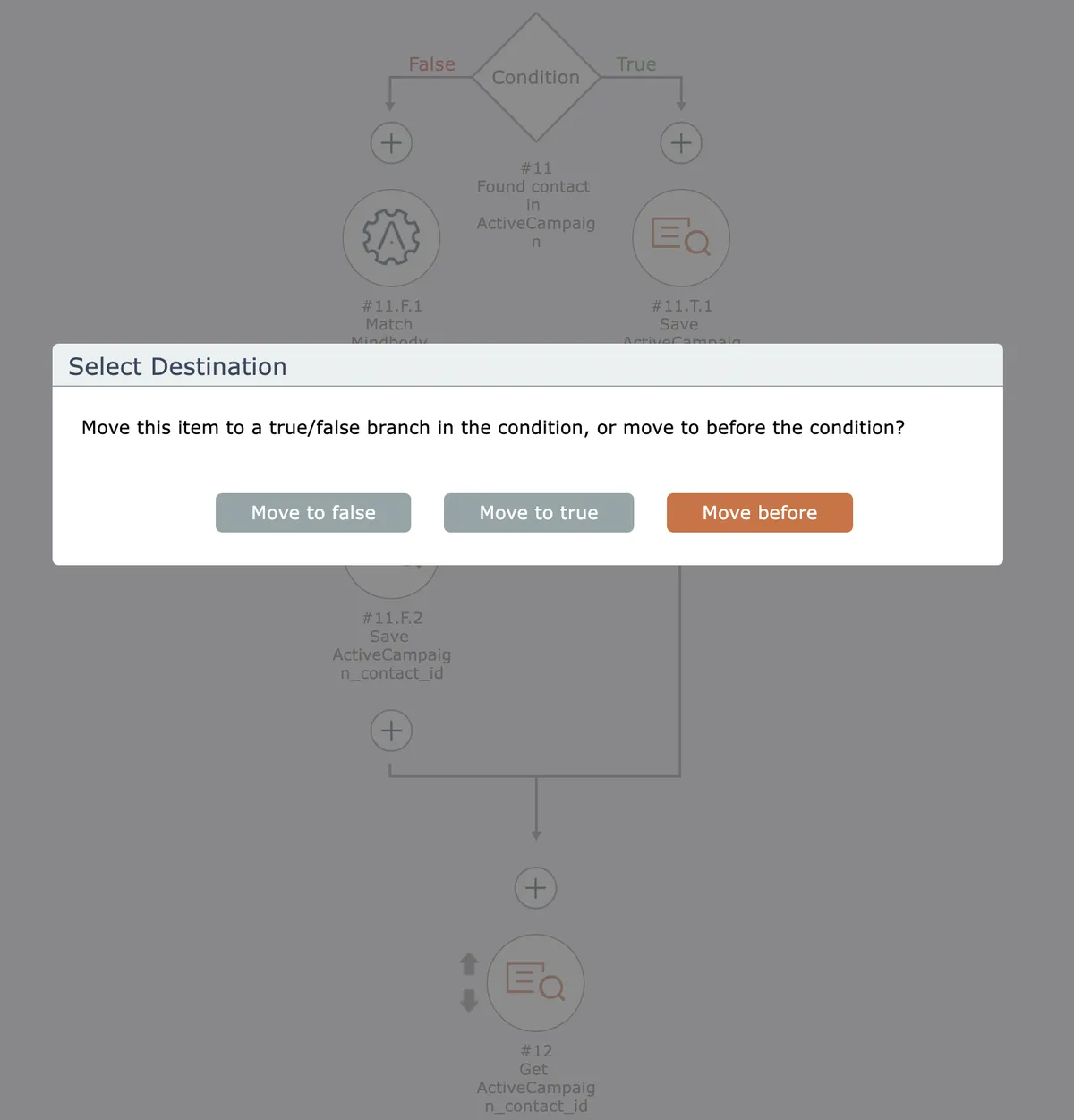
If an action item movement could result in it being inserted into either a condition or a loop, the editor will ask to confirm where you want the item moved:
If an item's input fields are mapped with inputs from an preceding action and the item is moved to a location prior than that action, the editor will automatically remove the field mapping b/c it is no longer valid.
To move multiple items at once, see Moving multiple items
Related docs
Last updated May 4, 2026