
Error handling
Configure how automations respond when actions fail, using options to halt processing, ignore non-critical errors, or continue regardless of errors.
Each action can be configured to handle errors conditions via the error handling dropdown:
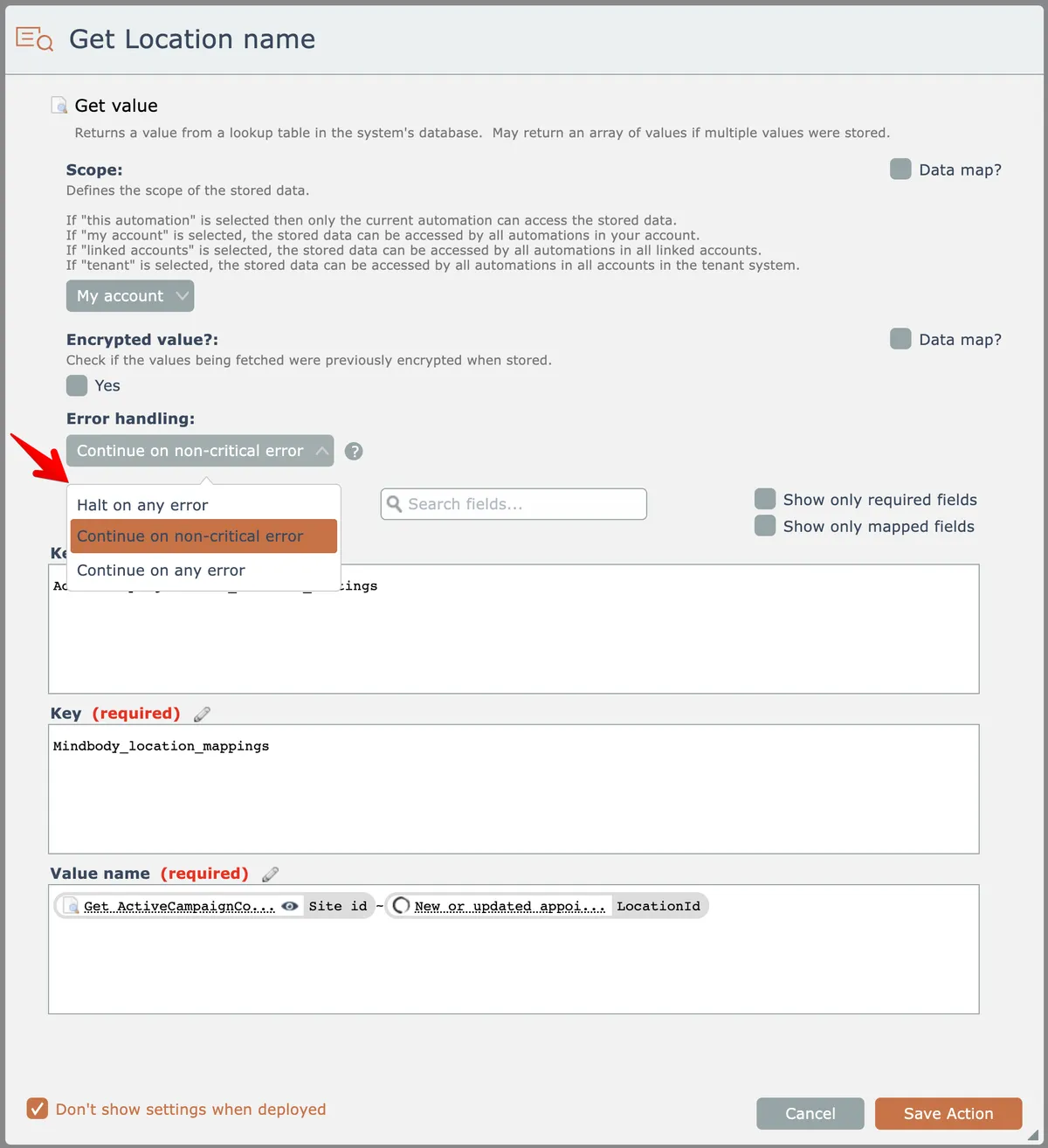
The "halt on any error" option will halt the automation's processing of the data row if any error occurs as the action executes.
The "continue on non-critical error" option will ignore any non-critical errors that occur while the action executes. Non-critical errors are defined to be those that return a HTTP status code >= 400, except for 404. The action will emit an error message data field that can be used by conditionals to take appropriate actions based on the error.
The "continue on any error" option will ignore any errors that occur while the action executes. The action will emit an error message data field that can be used by conditionals to take appropriate actions based on the error.