
GuidePlatform UI (Fallback)v1
Data-mapped settings
Configure action settings to receive values dynamically at runtime through data mapping instead of using static configurations.
Actions settings can optionally be data-mapped, rather than statically configured.
Data-mapping allows the setting to receive its value dynamically at runtime from the mapped value.
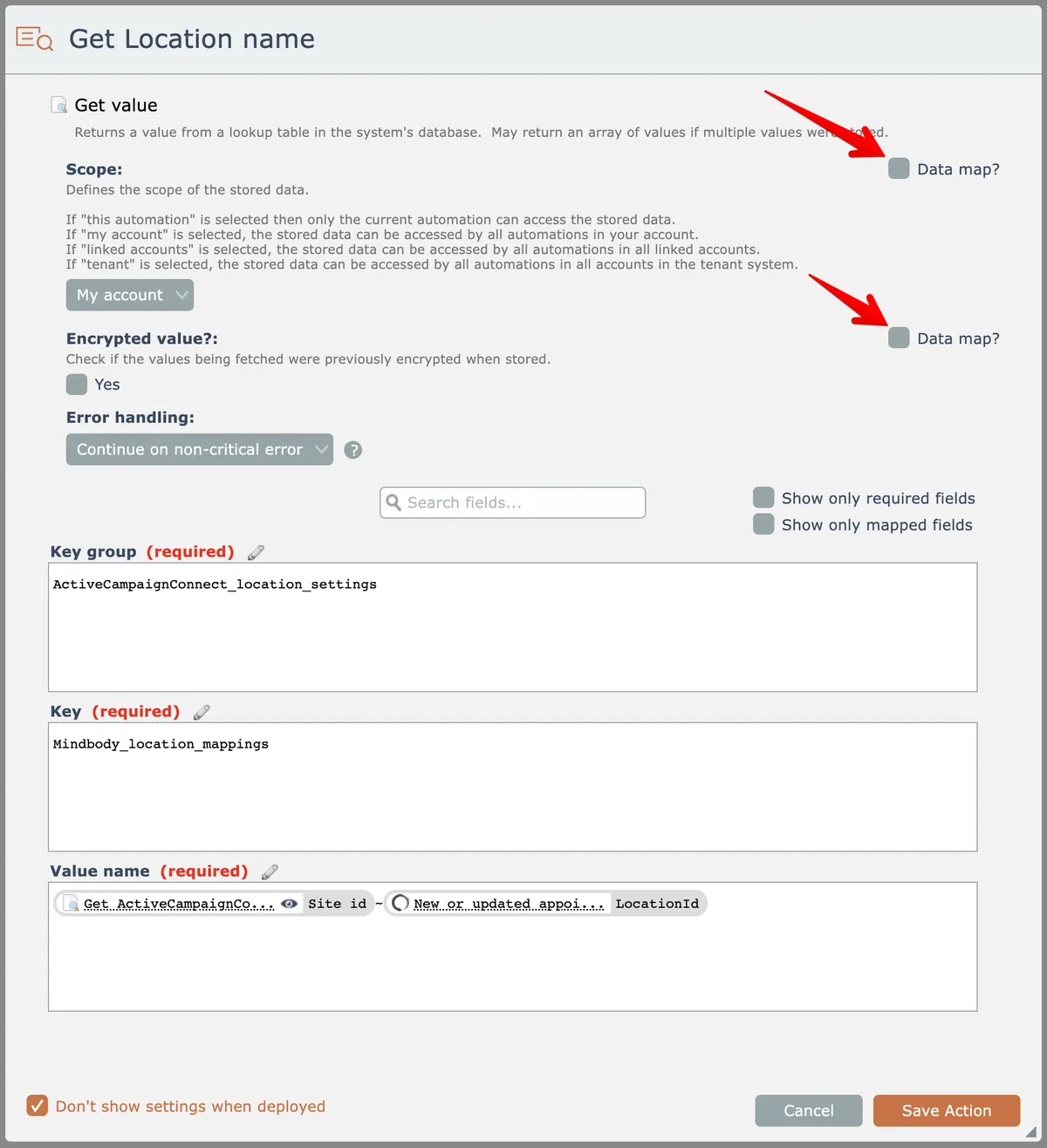
Check the data map checkbox here to enable data-mapping a setting:
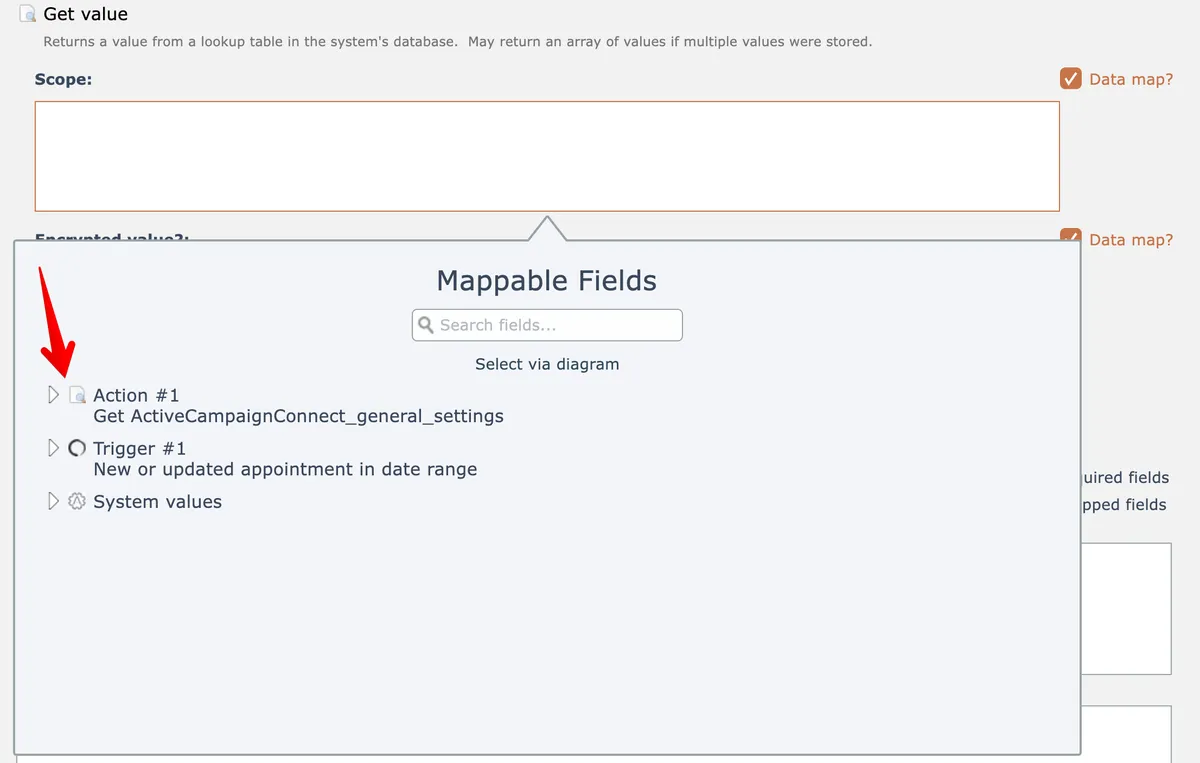
Now you can either type in a value or map a data field:
The data-mapped value must exactly match the input the setting expects!
Some UI controls used by settings expect certain values. A checkbox, for example, expects 'true' or 'false'.
Related docs
Last updated May 4, 2026