
GuidePlatform UI (Fallback)v1
Viewing connection info
Retrieve unencrypted connection details through the information icon, requiring password verification to view sensitive data for troubleshooting purposes.
The unencrypted connection information can be viewed via the information icon here:

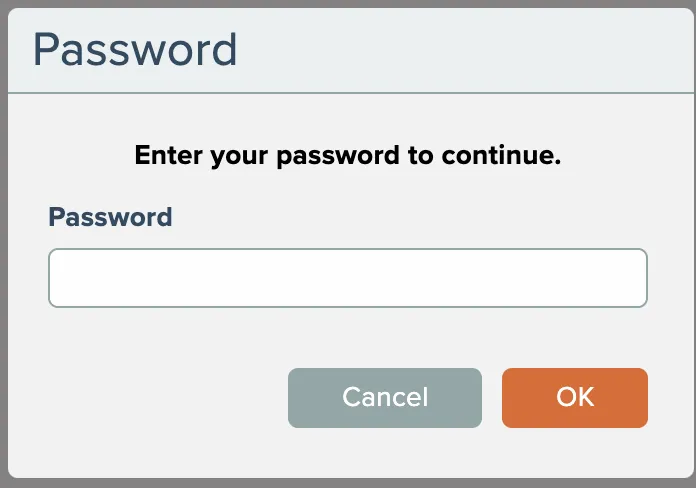
You will be prompted to enter your account's password in order to view the information.
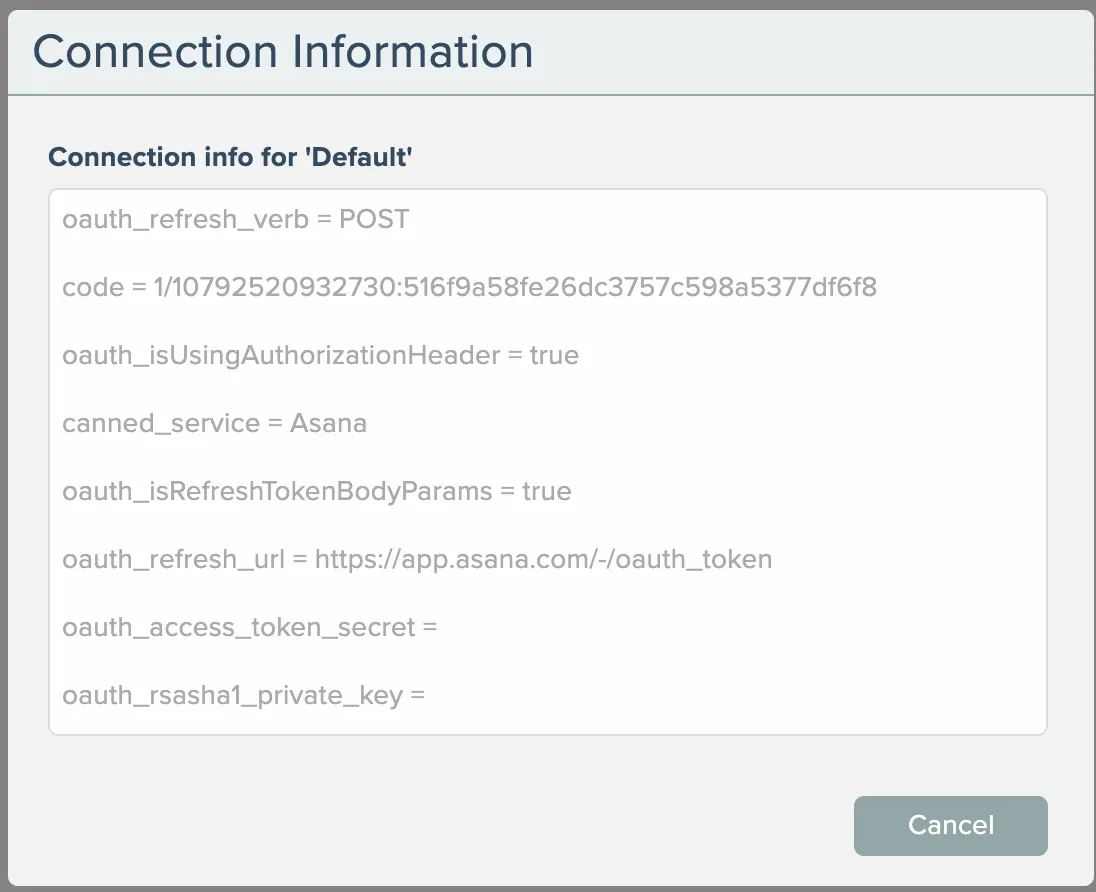
This information can be helpful for troubleshooting connection issues.
Related docs
Last updated May 4, 2026