
GuidePlatform UI (Fallback)v1
Viewing shared connections
Access and view app connections shared from parent accounts or system setup accounts through dedicated tabs in your connections interface.
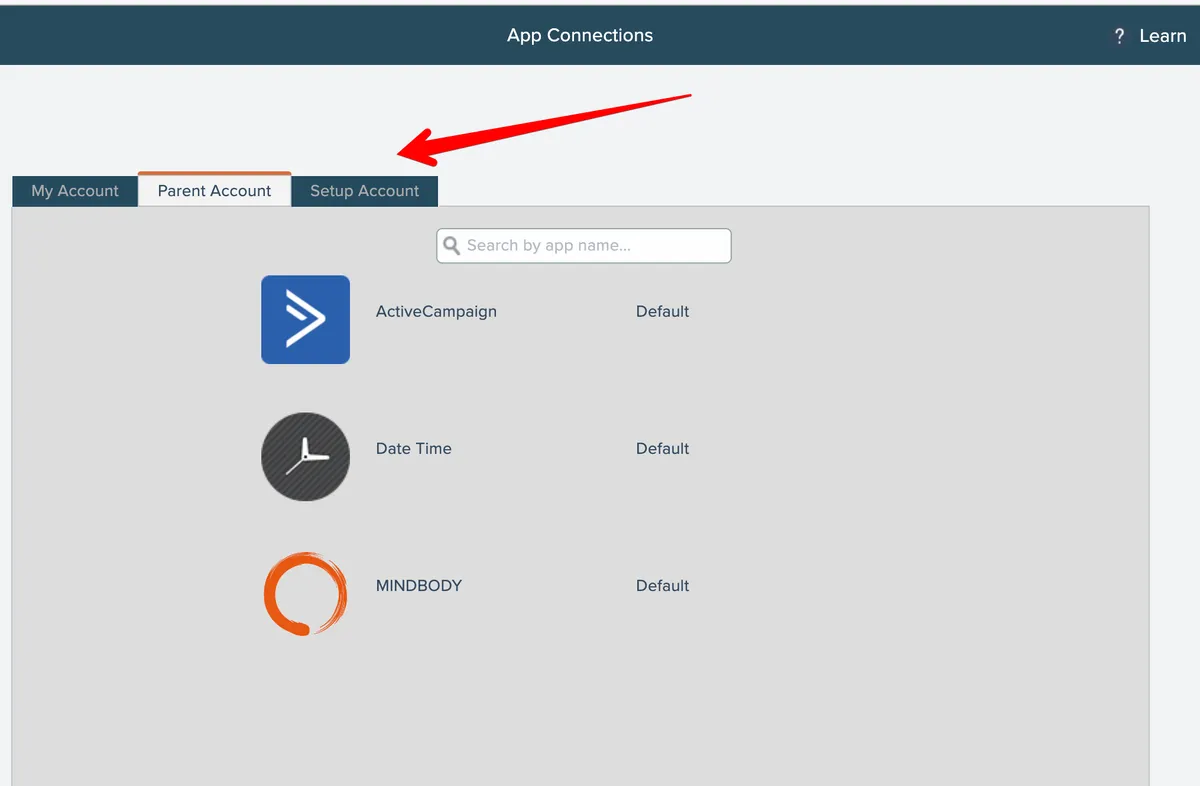
Your account may have access to connections shared from a linked parent account or from the system's setup account. See Shared App Connections.
If any shared connections are available, additional tabs appears where those connections can be viewed:
Related docs
Last updated May 4, 2026