
API ReferencePlatform UI (Fallback)v1
View item references
Locate where catalog items are referenced by right-clicking an item and using Find options to display all items that reference it.
To view an item's references, right-click on it in the catalog and choose one of the available Find options:
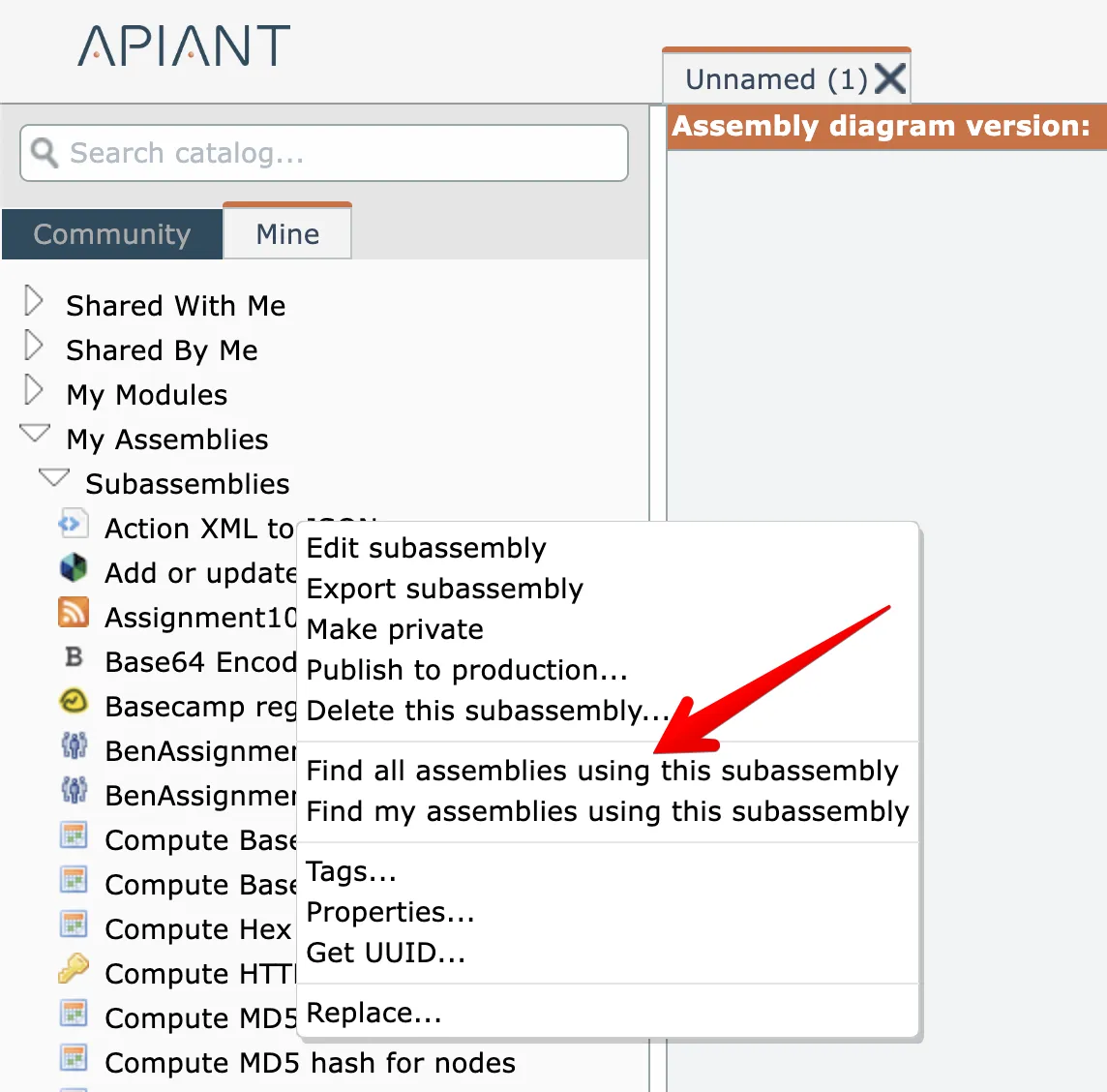
The "find" options will vary depending on the type of item being right-clicked.
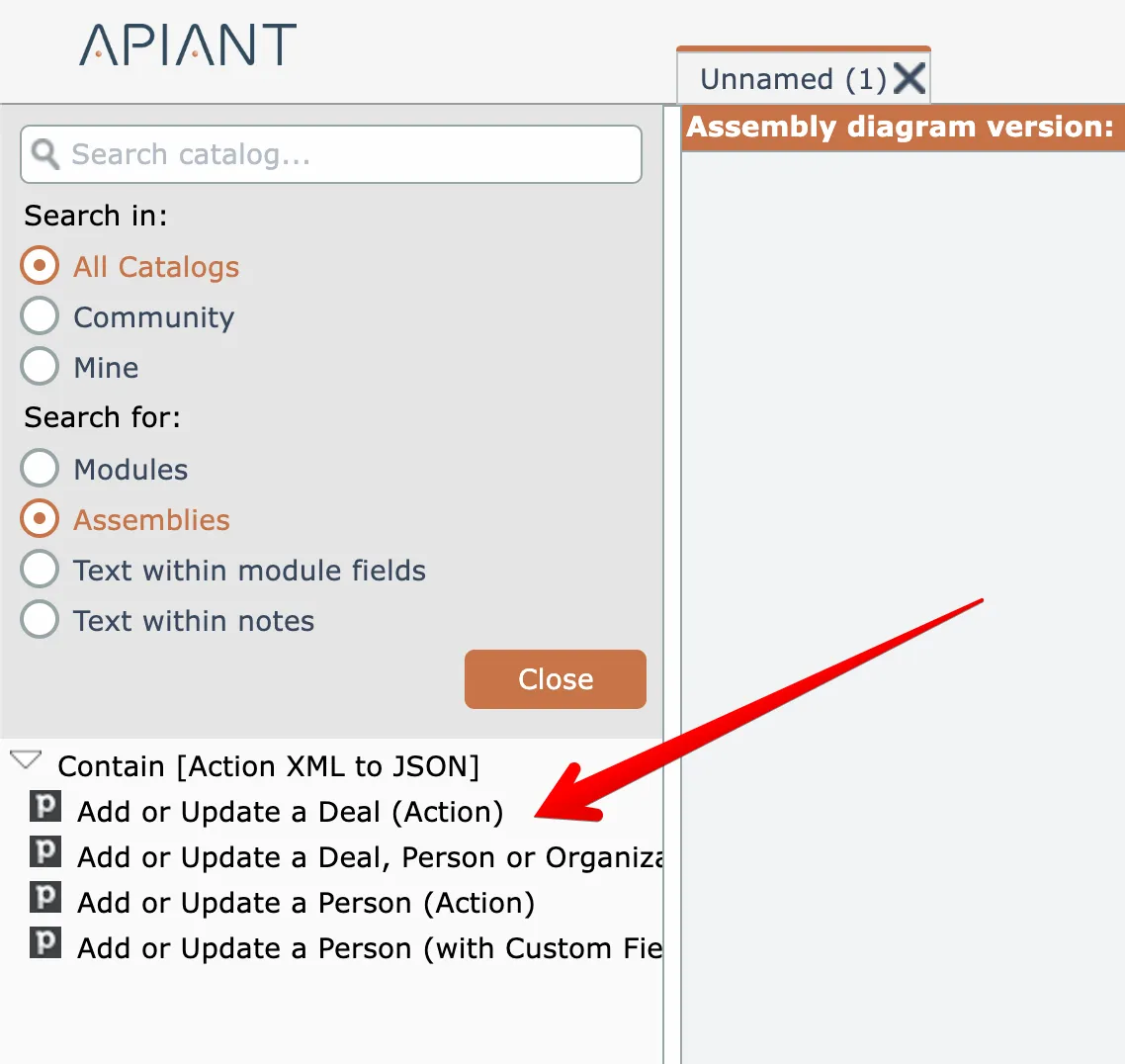
The catalog shows all items referencing the item:
Related docs
Last updated May 4, 2026