
Quick Picks
Store frequently used catalog items in the Quick Picks tray for rapid access during diagram creation. Drag items from the catalog to add them, reorder via drag-drop, and remove with the X icon.
Frequently used catalog items can be stored in the Quick Picks tray at the bottom of the screen for quick access:
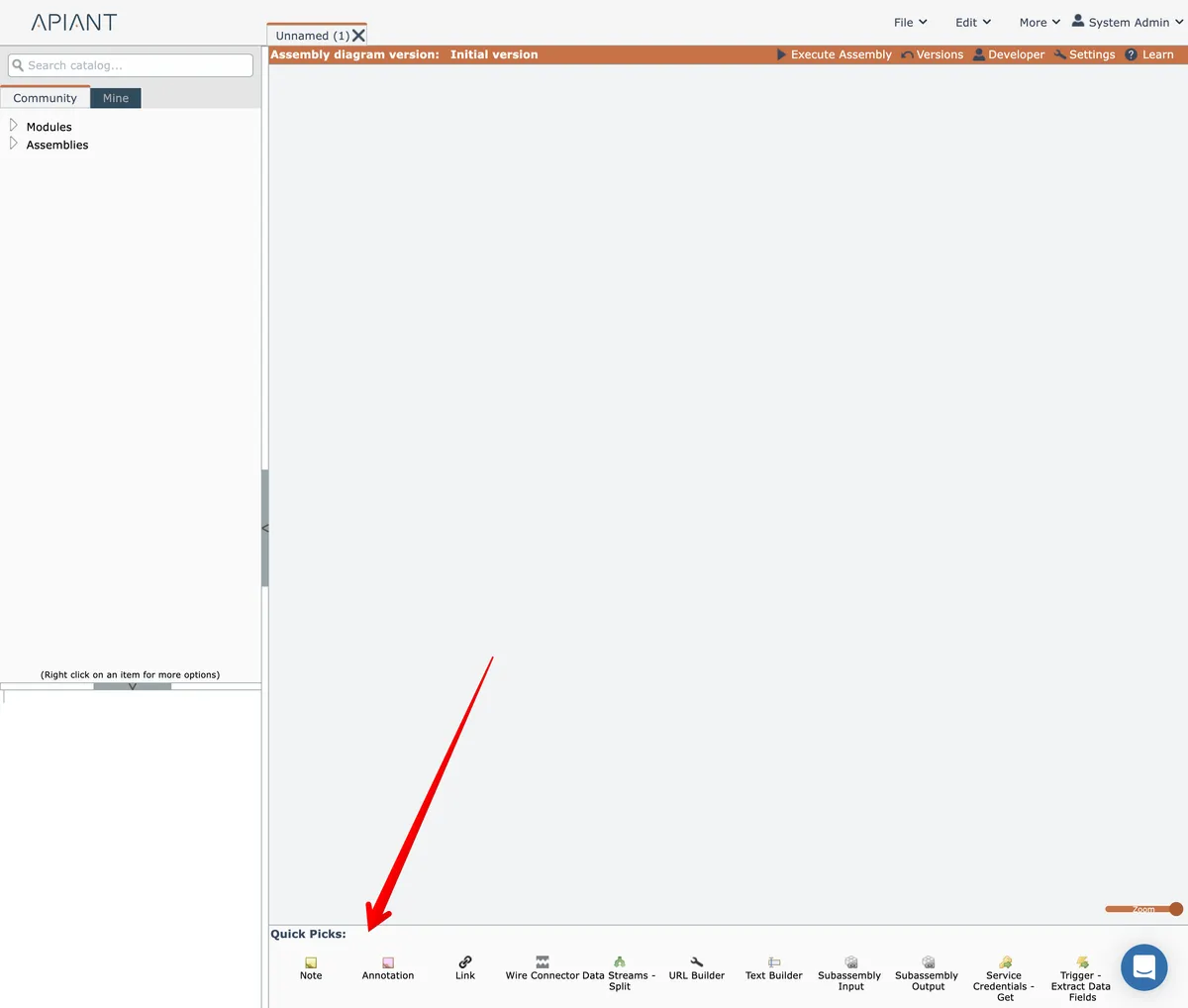
To add an item to the Quick Picks tray, drag it from the catalog and drop it in the tray:
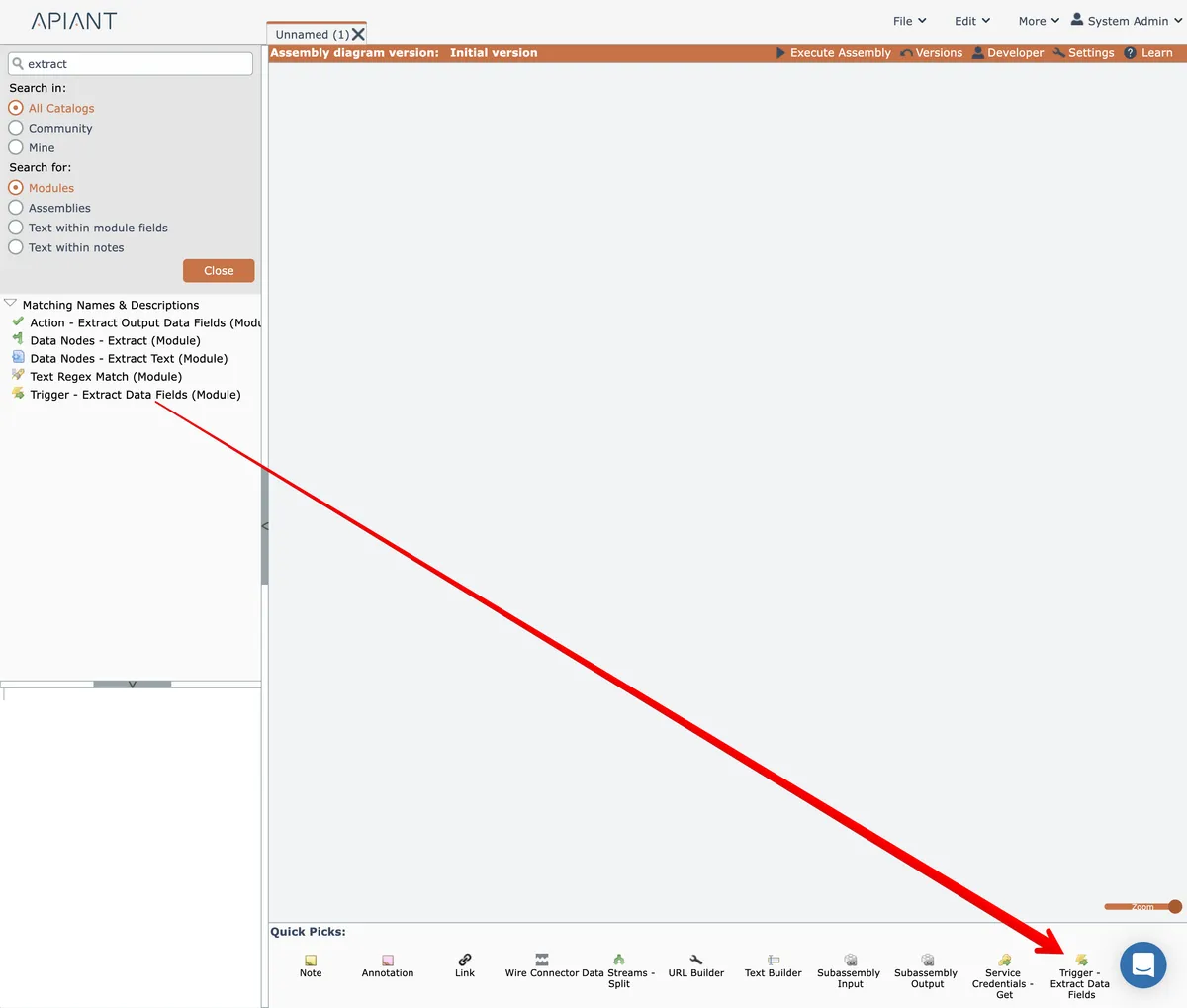
Items are always added to the far right side of the tray.
The tray is horizontally scrollable, so if you don't see the newly added item, be sure to scroll the tray.
Items in the Quick Picks list can be repositioned via drag-drop.
Once an item is placed into the Quick Picks tray, it can be dragged from the tray and added to the diagram.
To remove an item from the Quick Picks tray, click it and then click the "X" icon that appear at its top right:
