
GuidePlatform UI (Fallback)v1
Taking ownership of an assembly
Administrators can take ownership of assemblies they do not currently own through the catalog context menu, making themselves the assembly author.
Accounts having the "Admin Console" permission can take ownership of any assembly they currently do not own.
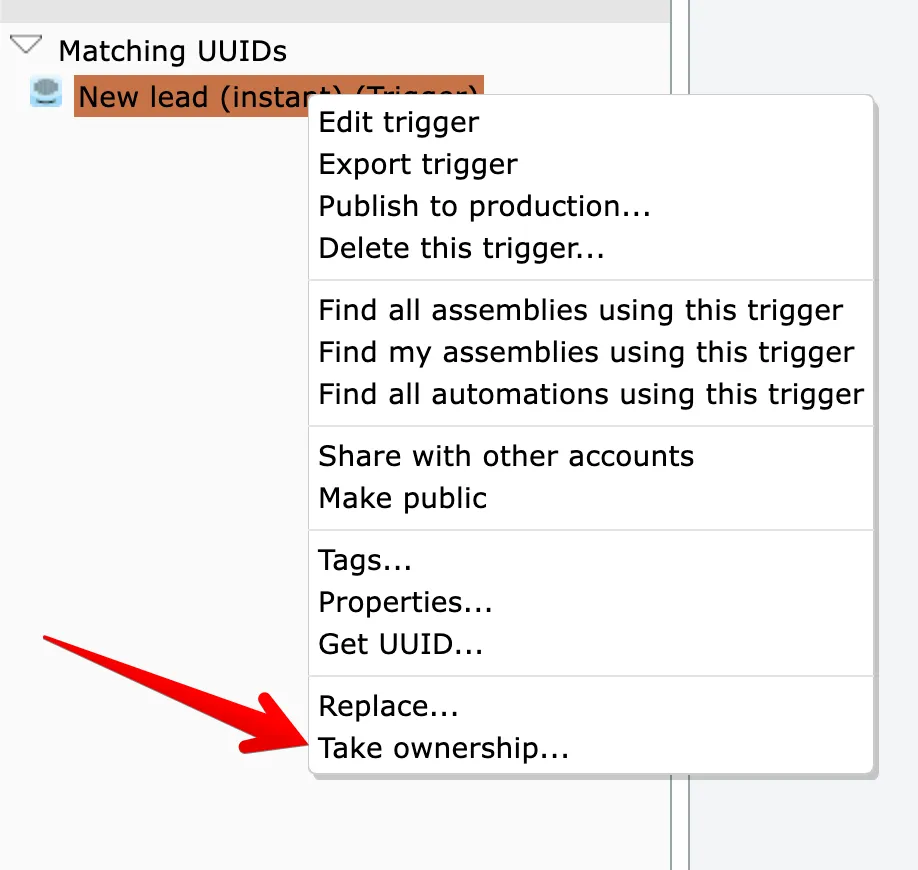
To take ownership of an assembly, right-click on an assembly in the catalog and choose the Take Ownership option:
Then confirm:
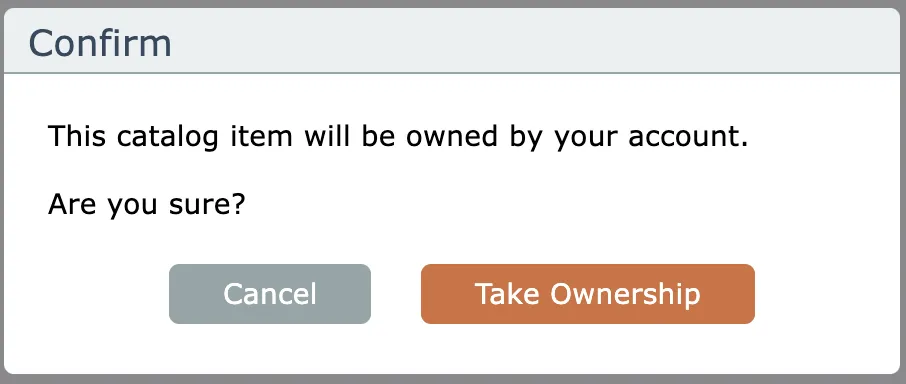
After taking ownership, the current account will become the author of the assembly.
Last updated May 4, 2026