
GuidePlatform UI (Fallback)v1
Replace one assembly with another
Substitute an assembly's implementation with another assembly of the same type, using the latest version of the source assembly.
An assembly's implementation can be replaced with the implementation of another assembly. Both assemblies must be of the same type, e.g. an action assembly cannot be replaced with a trigger assembly.
Only the latest version of the source assembly can be used, not an earlier version.
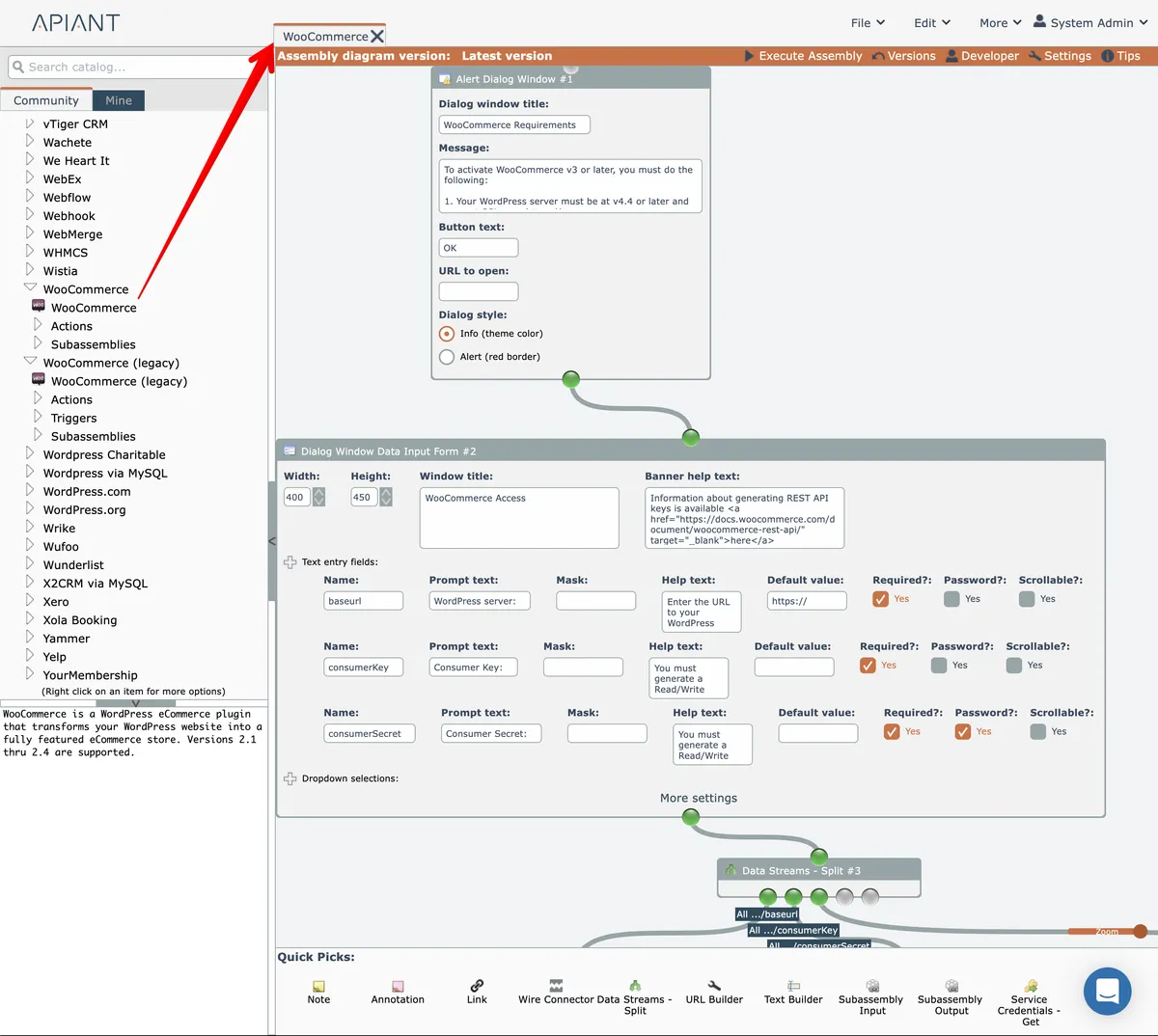
First, start by opening the latest version of the source assembly:
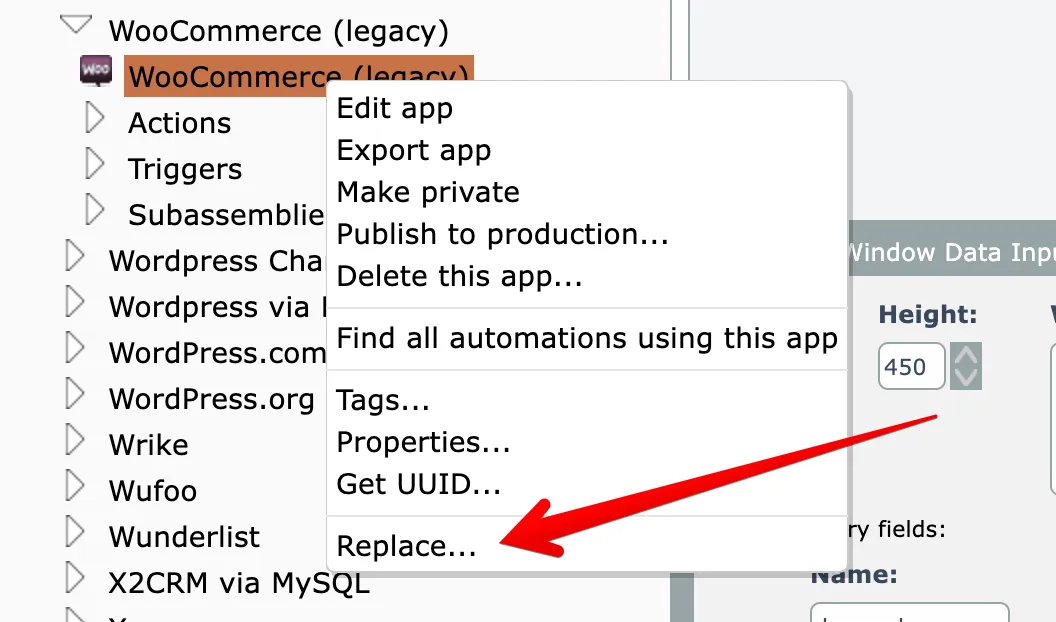
Then right-click on the destination assembly in the catalog and choose the Replace option:
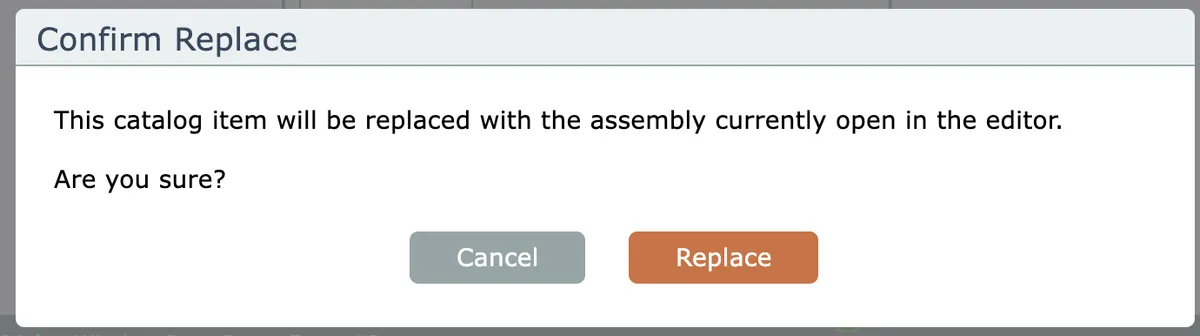
Then confirm the replacement:
The destination assembly will then be modified to be a copy of the source assembly's implementation.
Last updated May 4, 2026