
Linked Accounts
Managing multiple Mindbody locations by switching between a master parent account and linked child accounts to view each location's automations and data.
If you have multiple Mindbody locations using ZoomConnect, each location will be configured to have its own APIANT account. One account will be the master parent account, while child accounts will be linked to the parent account.
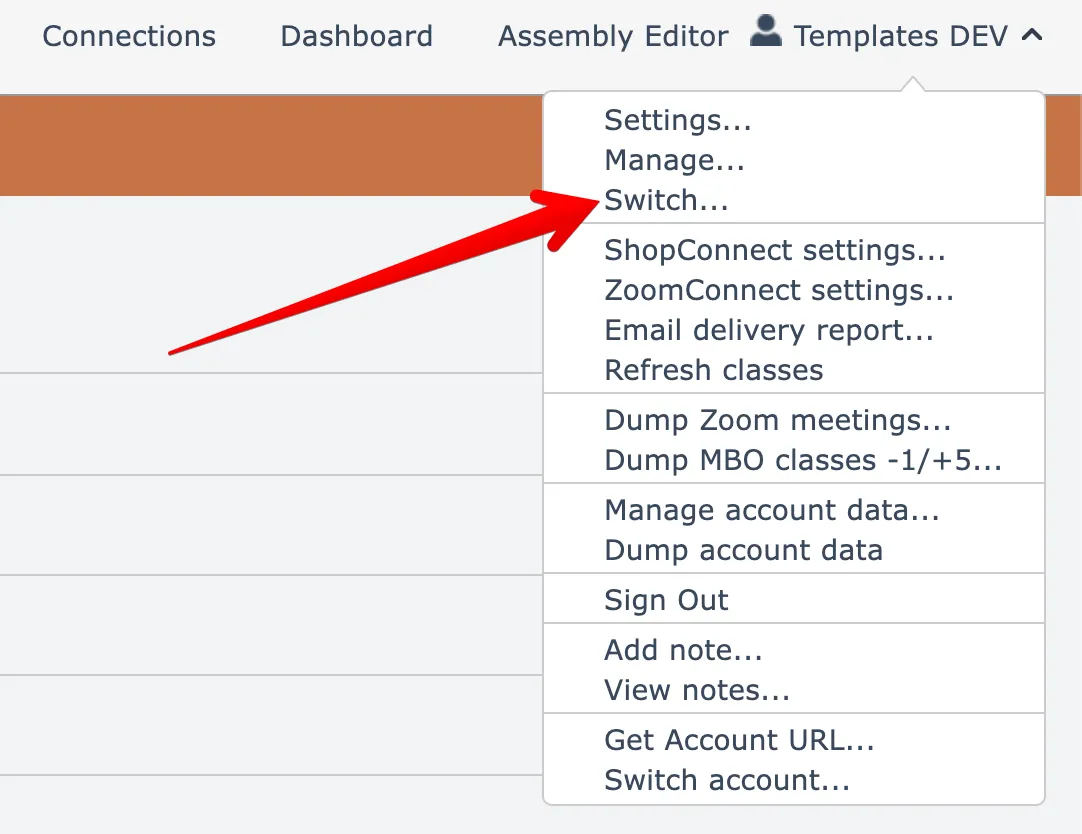
When signed in to the master parent account, the system will let you easily switch to view the automations and data for a linked child account via the Switch menu here under your account menu at the top right:
Then you can select which linked child account to access:
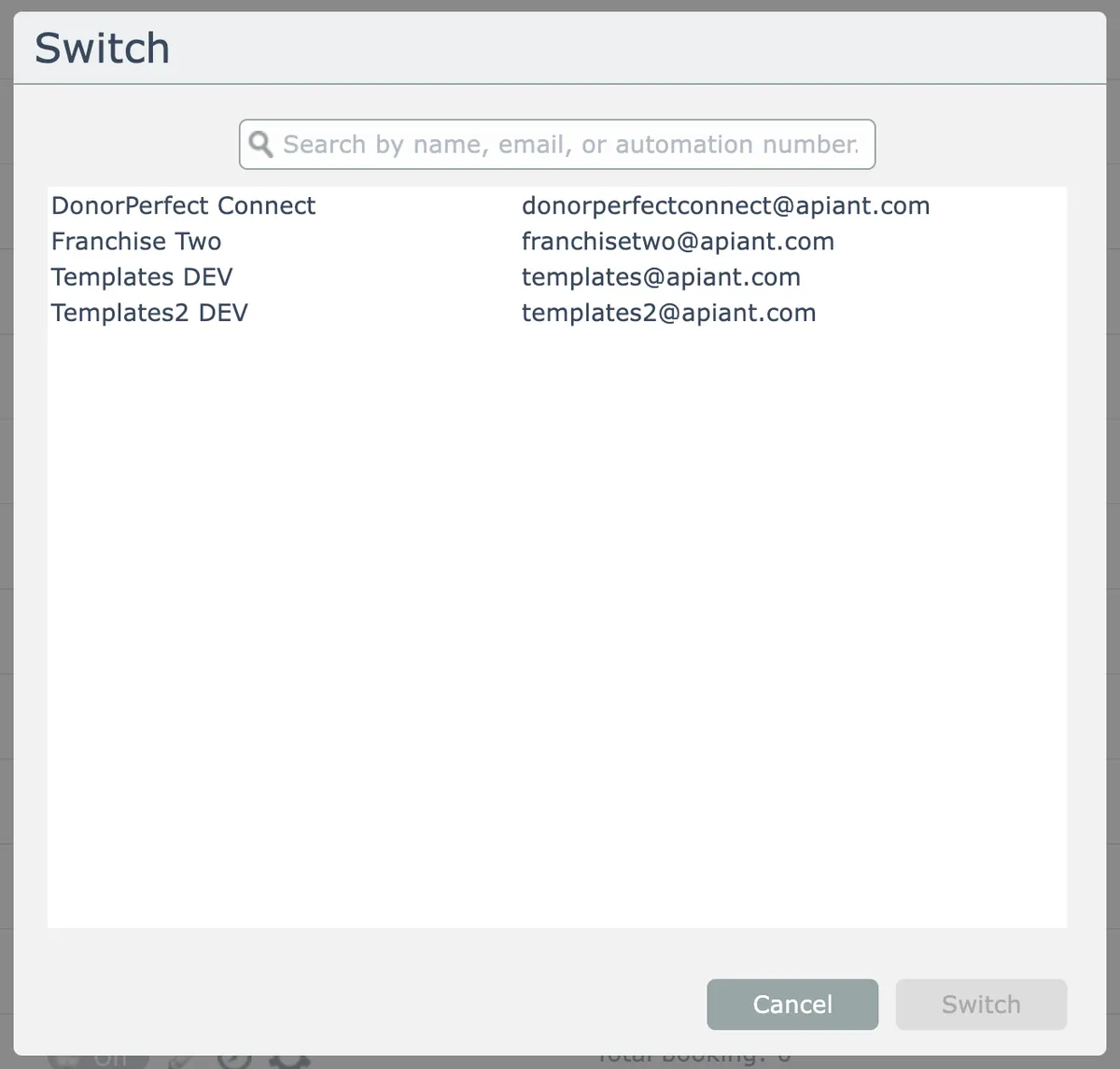
You can either double-click on a child, or select one to highlight and click the Switch button.
The linked child account opens in a new browser tab.