Emailing recording links
Configure APIANT to automatically email Zoom recording links to participants after meetings complete, with required Zoom account settings and integration options.
You have several options in your integrations settings for emailing Zoom recording links.
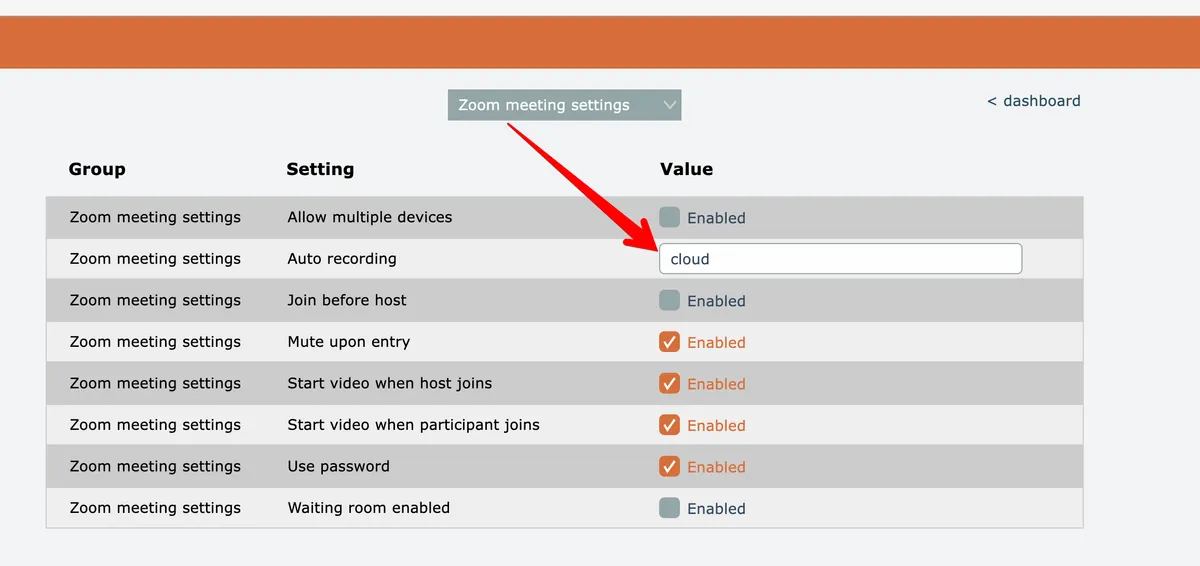
You can choose to have your Zoom meetings auto recorded by default. The CLOUD setting only works with the Email Recording Link feature. LOCAL recording does not.
To clarify, you do not need to use the auto cloud recording setting in order for the email recording link feature to work. The feature is based on the completion of recording link status by Zoom. You can choose to manually record your Zoom meetings and when the recording is made available by Zoom, APIANT can process the sending of the recording link.
We recommend the following settings be adjusted on your Zoom account settings:
- Disable the ability to download the Zoom recordings.

- Turn off "Require passcode to access shared cloud recordings"

- Turn on the "Auto delete cloud recordings after days" - this is optional

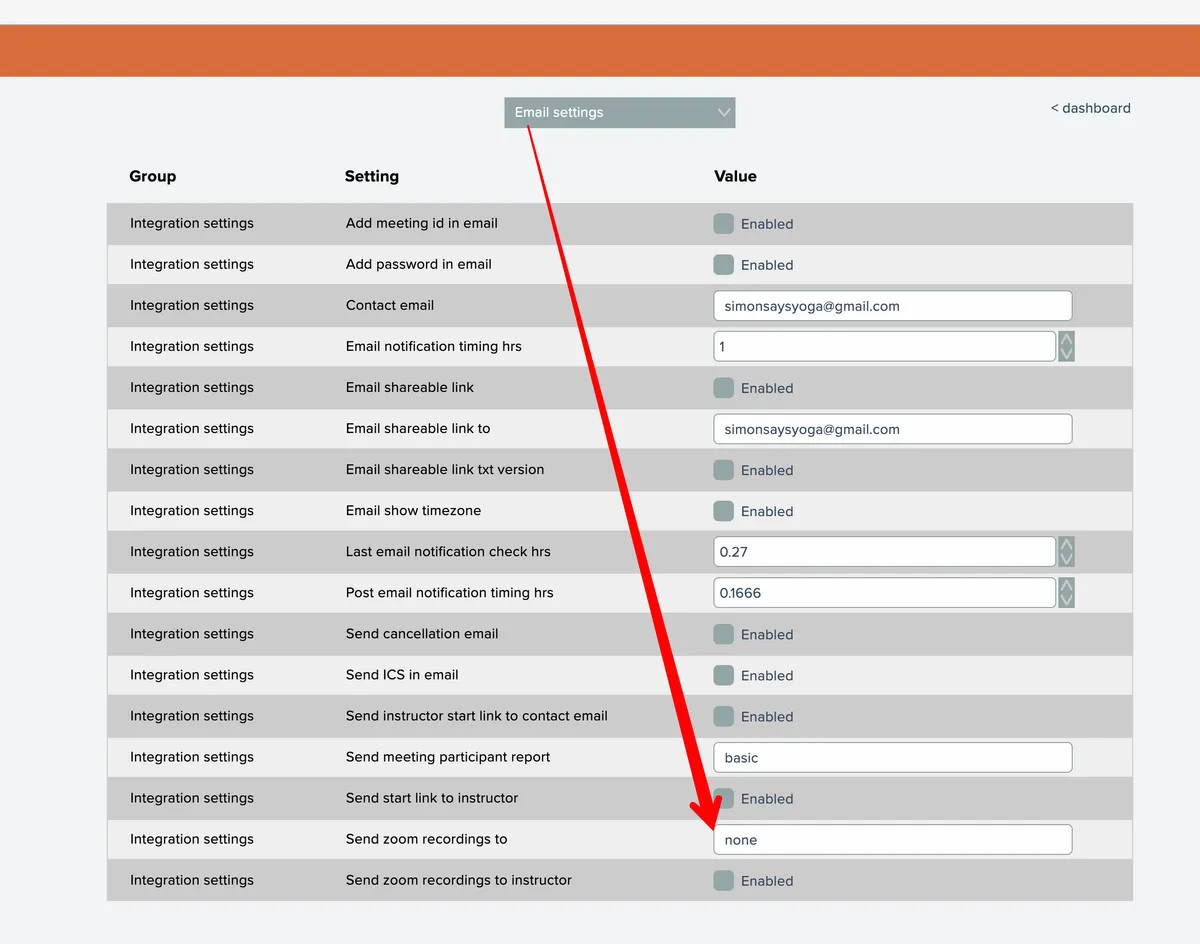
- In your ZoomConnect settings, you need to set the option "Send Zoom recordings to" either "booked", "attendees", or "no-shows" (without the quotes):
- Set the "Auto recording" setting to "cloud" or "local", or leave as "none" if you are manually recording Zoom meetings: