
AI field mapping assistant
AI-powered assistant that helps configure field mappings through conversation, making bulk edits, transforming data with code, and explaining complex mapping logic across action chains.
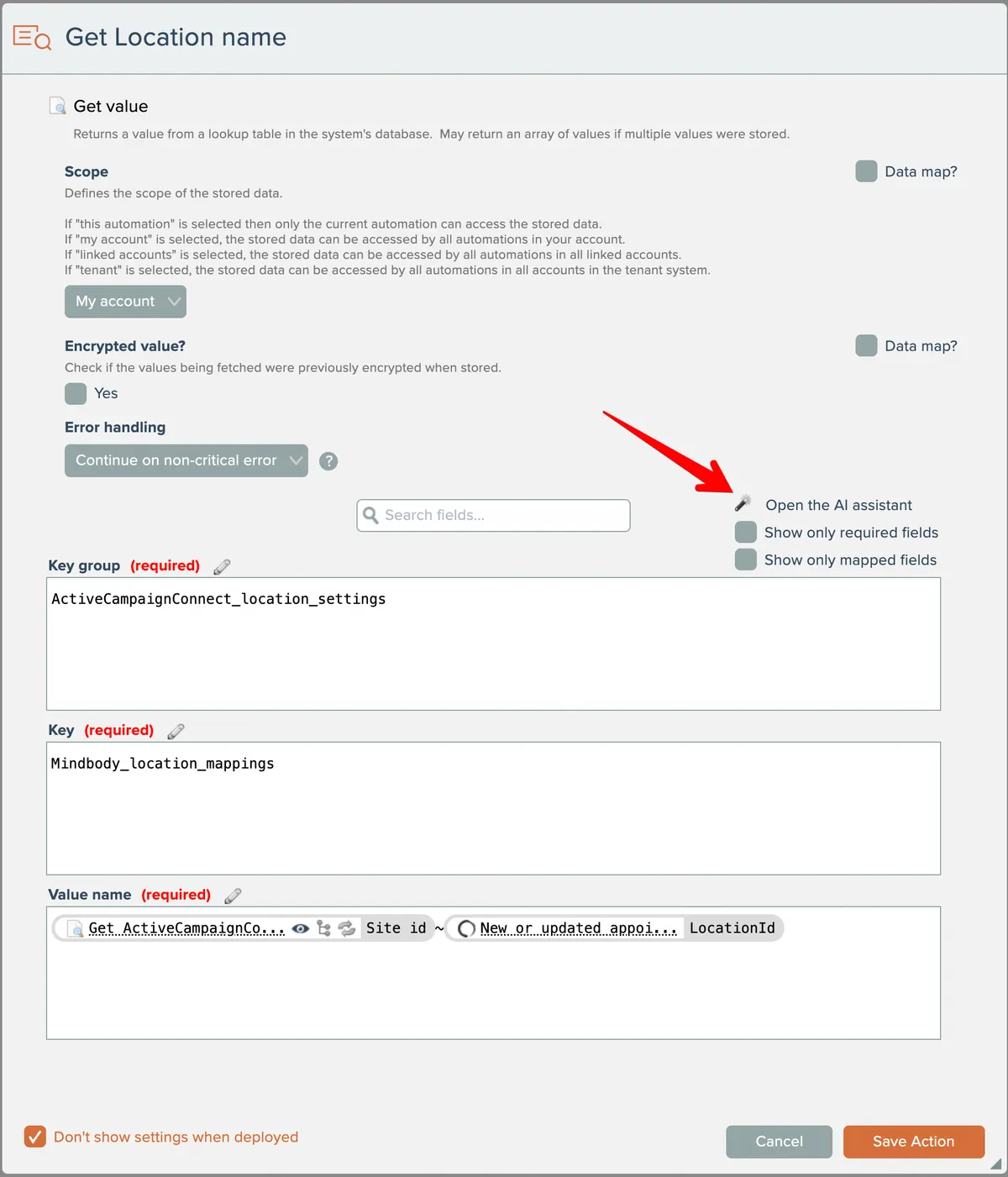
If your system is configured to do so, an AI field mapping assistant will be available to assist you with field mappings:
The AI assistant's chat display will appear:
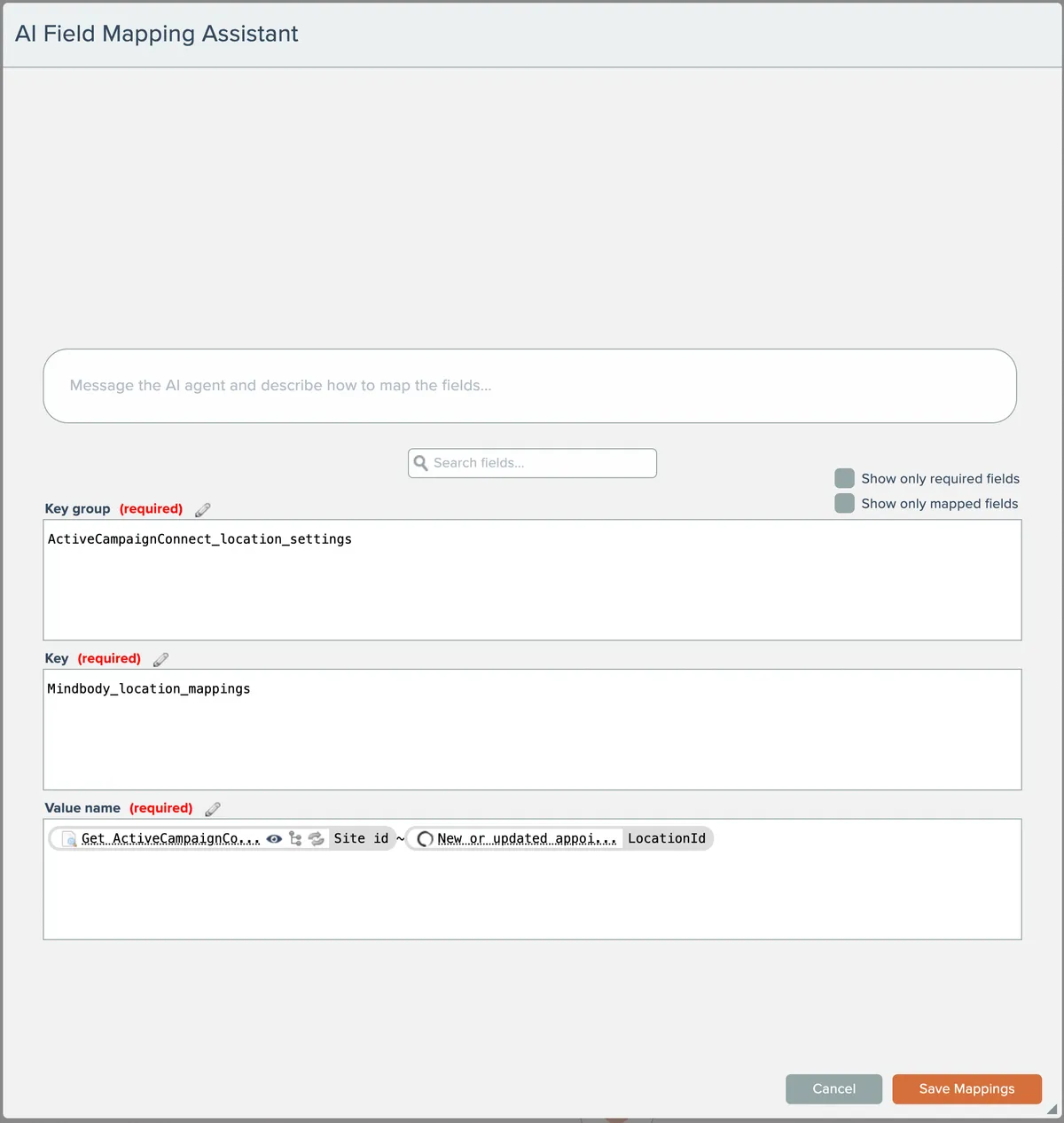
The AI assistant works like a typical chat conversation, where you can ask questions or request the assistant to map fields for you.
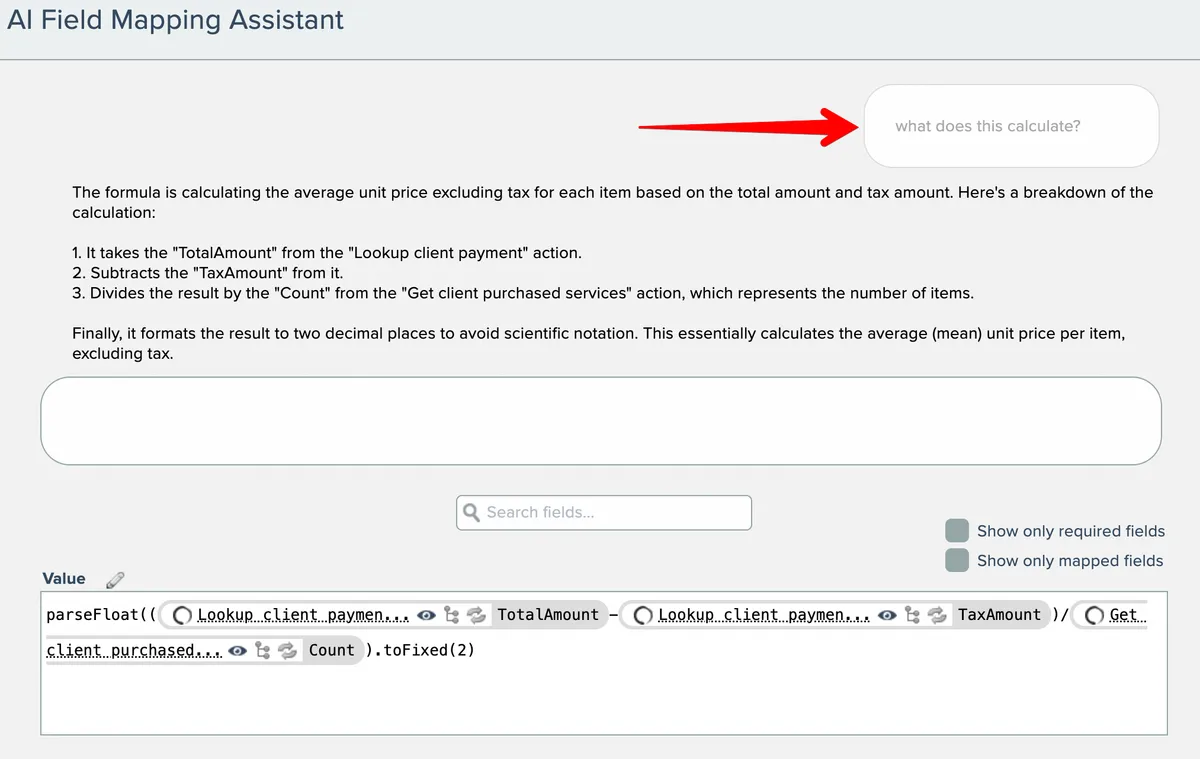
The AI assistant operates on a copy of the field mappings. Clicking the Cancel button will discard all edits made to the field mappings by the AI assistant.
The AI assistant knows all output fields emitted by actions and trigger that precede the action being configured. It can make bulk edits to the field mappings if needed.
Some possible uses of the AI field mapping assistant:
- Make bulk edits at once, such as "map all fields you can" and mapping address information consisting of multiple fields.
- Sift through a long chain of preceding actions to help determine what information might make sense to map into a particular field.
- Write JavaScript code to transform data.
- Help to explain complex field mappings written by someone else, such as computations and JavaScript code.