
GuidePlatform UI (Fallback)v1
View subscription usage
Monitor your subscription plan limits and monthly usage counts on the dashboard, with automatic email alerts when approaching or exceeding your allotted quota.
Your subscription plan and its limits are displayed at the top left of your dashboard:
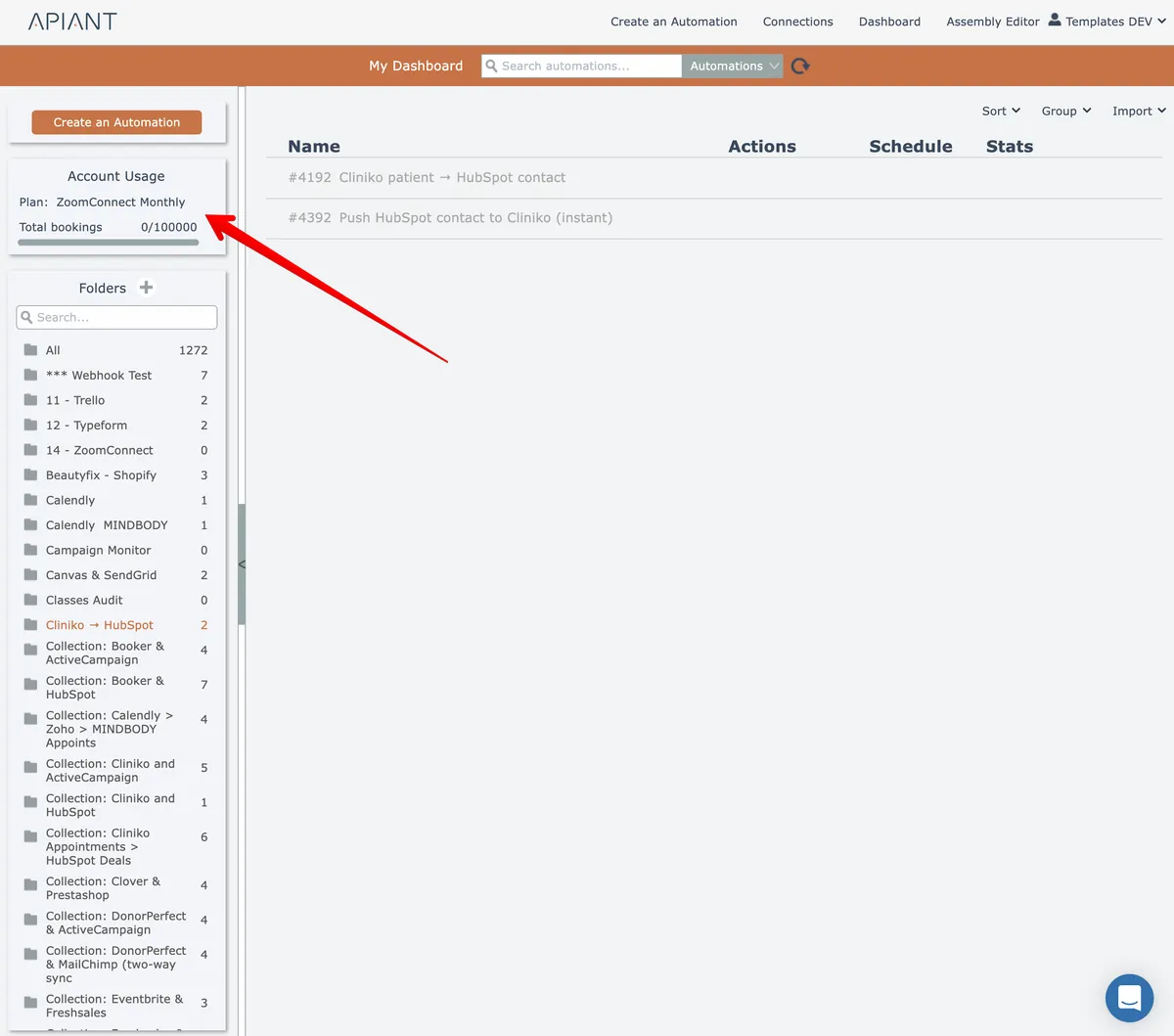
Different subscription plans have different ways to track usage. But all plans reset their usage counts at the start of each month.
The system will email alerts if your system usage exceeds 75%, 90%, and 100% of your allotted monthly total.
Once your monthly usage is at 100% of the allotted total for your subscription plan, your automations will stop processing!
Last updated May 4, 2026