
GuidePlatform UI (Fallback)v1
Forgot password
Password recovery process for resetting forgotten account passwords via email link sent to your registered email address.
If you forget your password, attempt to signin with your account's email address using a random value for the password. The system will then show you this prompt:
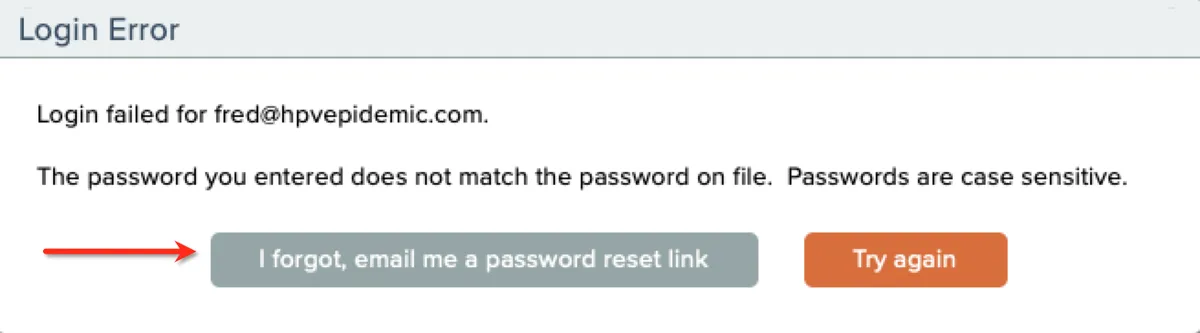
Click the button shown to have the system email you a password reset link to your account's email address.
After you receive your new password, be sure to change your password to one you will remember: Change password
Related docs
Last updated May 4, 2026