
GuidePlatform UI (Fallback)v1
Test Account Selection
Control which connected service account runs during testing by selecting from a dropdown when multiple accounts are configured for an app.
When a trigger, action, or subassembly associated with an app is edited, if the app has more than one connected service account the editor displays a dropdown selection list here:
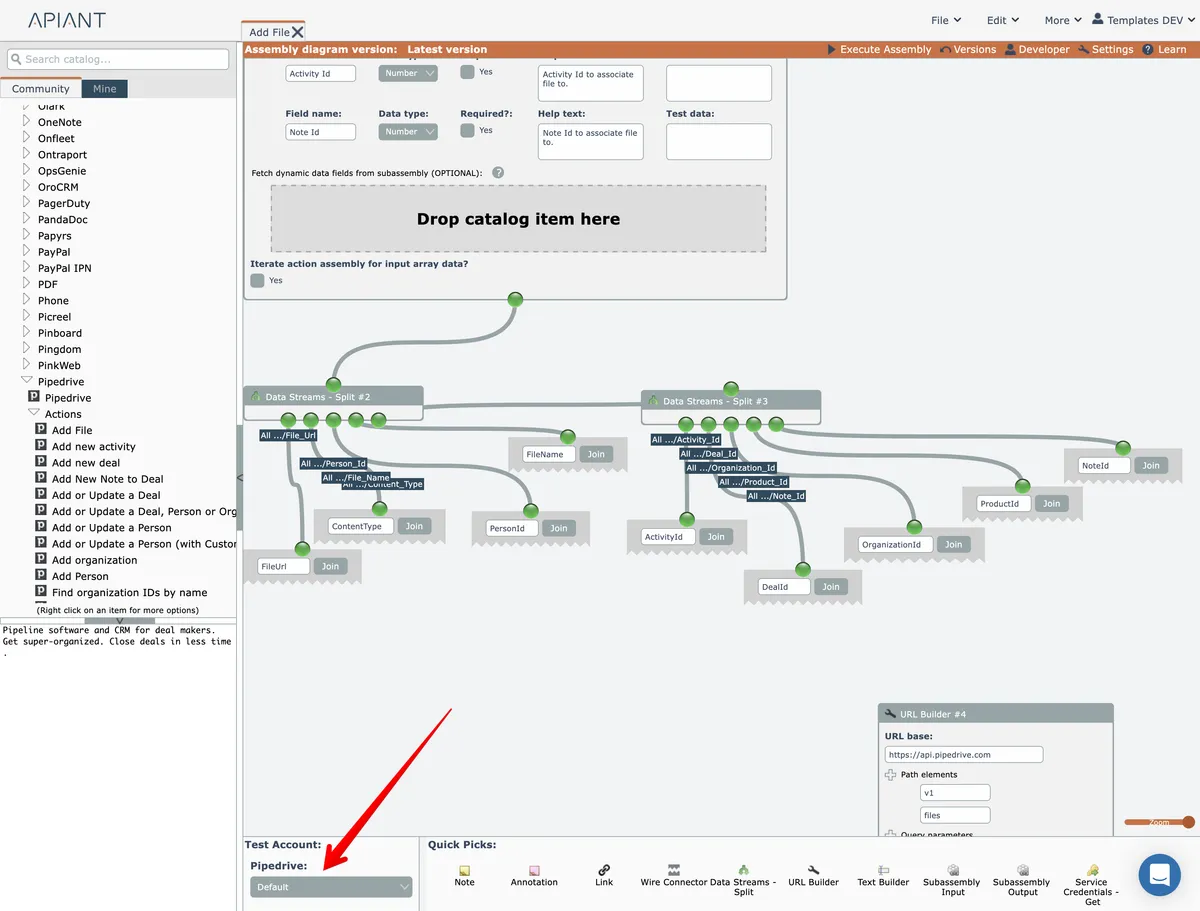
This makes it possible to easily test the assembly with other connected accounts by selecting a different account from the list and executing the assembly in the editor.
Last updated May 4, 2026