
GuidePlatform UI (Fallback)v1
The "templates" account
Special system account used to maintain the template catalog and optionally deploy templates to user accounts, accessible via direct login or account switching.
The system has a special "templates" account that is used to maintain the catalog of templates (see Templates catalog) and to optionally deploy templates to user accounts (see Deploying templates).
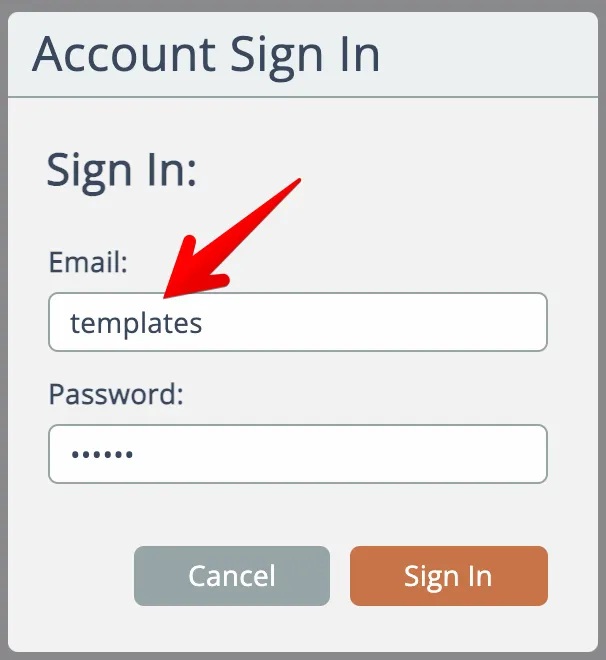
Anyone having the password can sign in to the templates account directly:
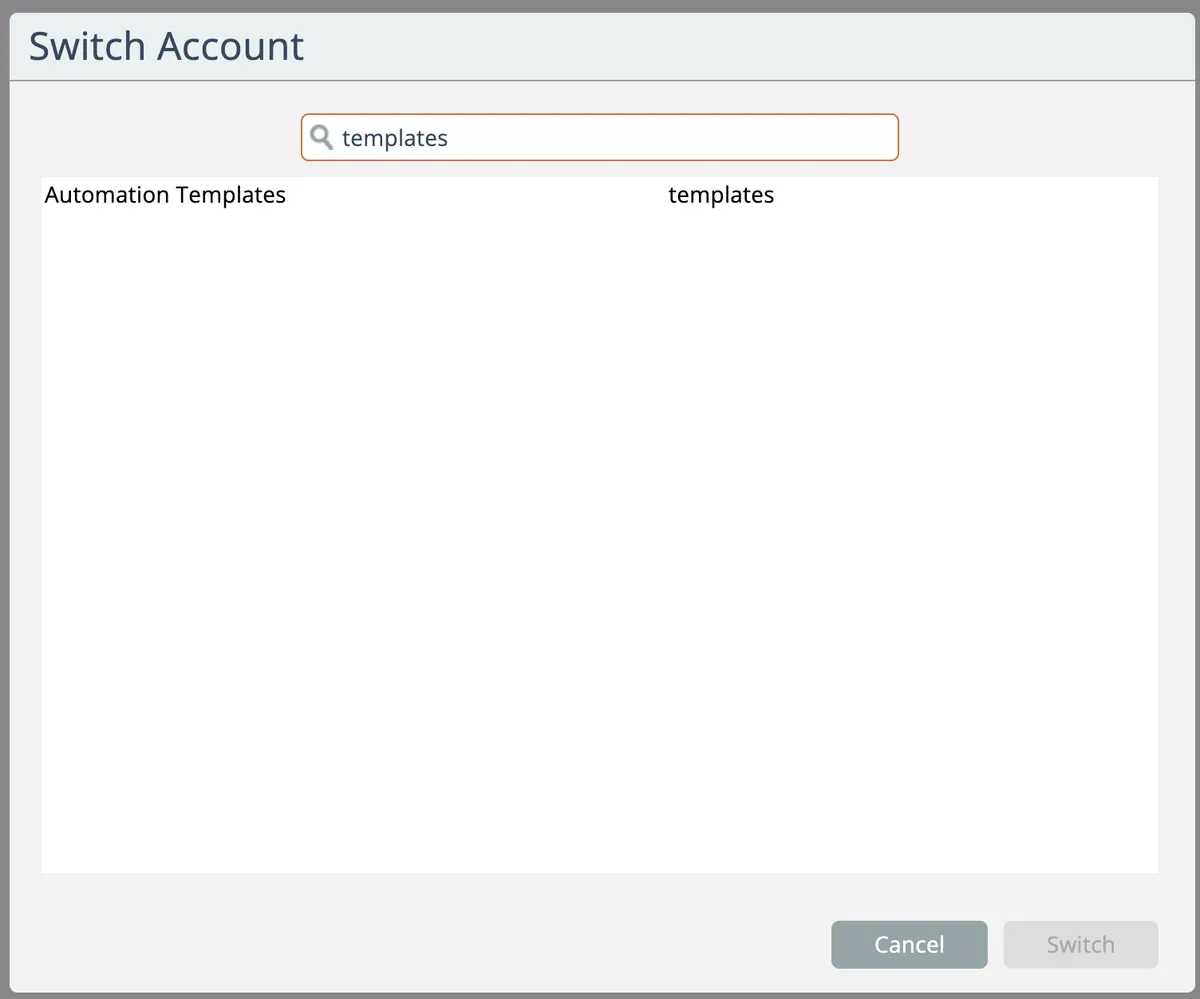
Alternatively, accounts have the "Switch Account" permission can switch into the account:
The templates dashboard appears:
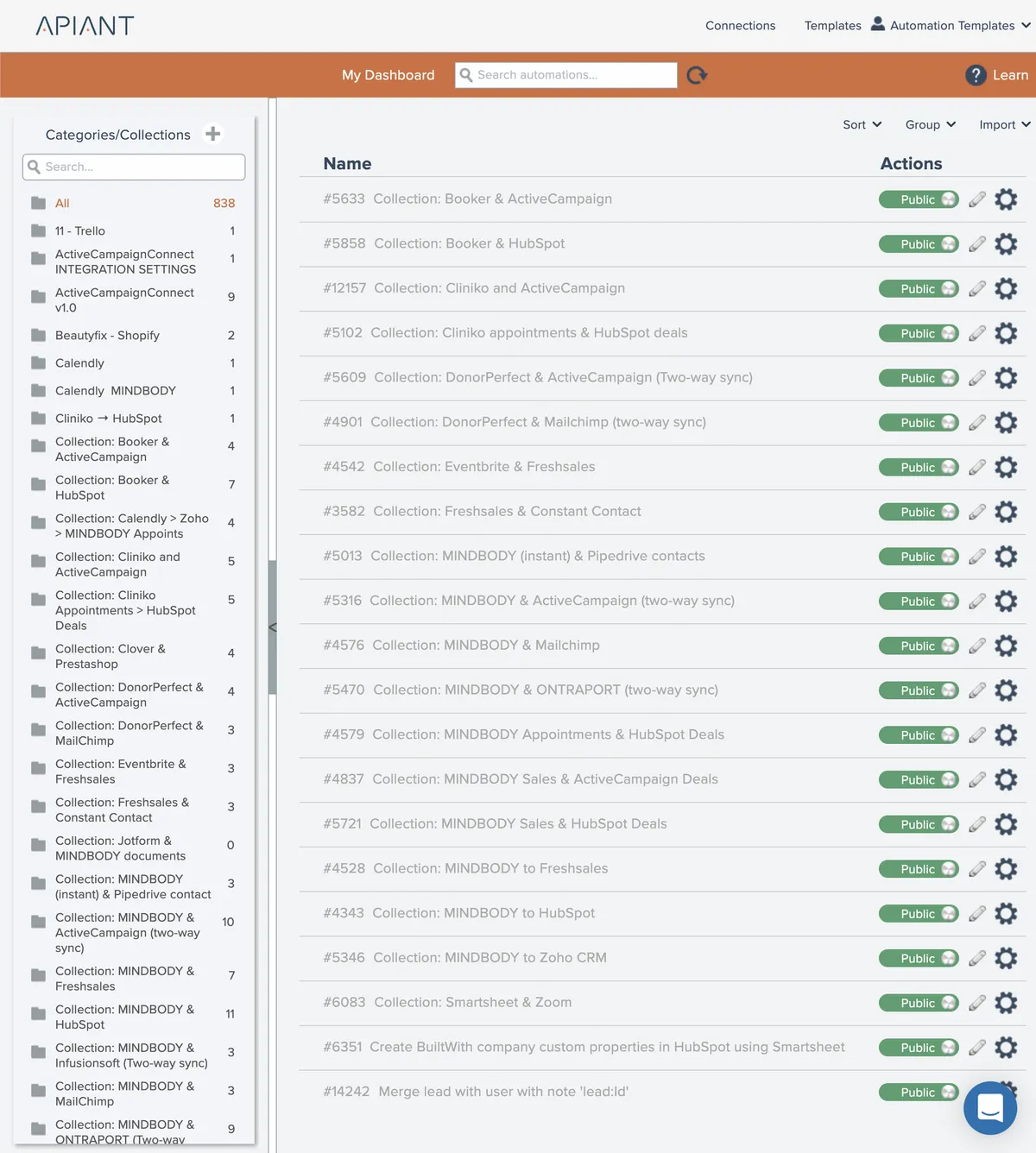
The functionality of the templates dashboard is different from other system accounts. See Templates dashboard
Related docs
Last updated May 4, 2026